
Vidinie icon

Vidinie

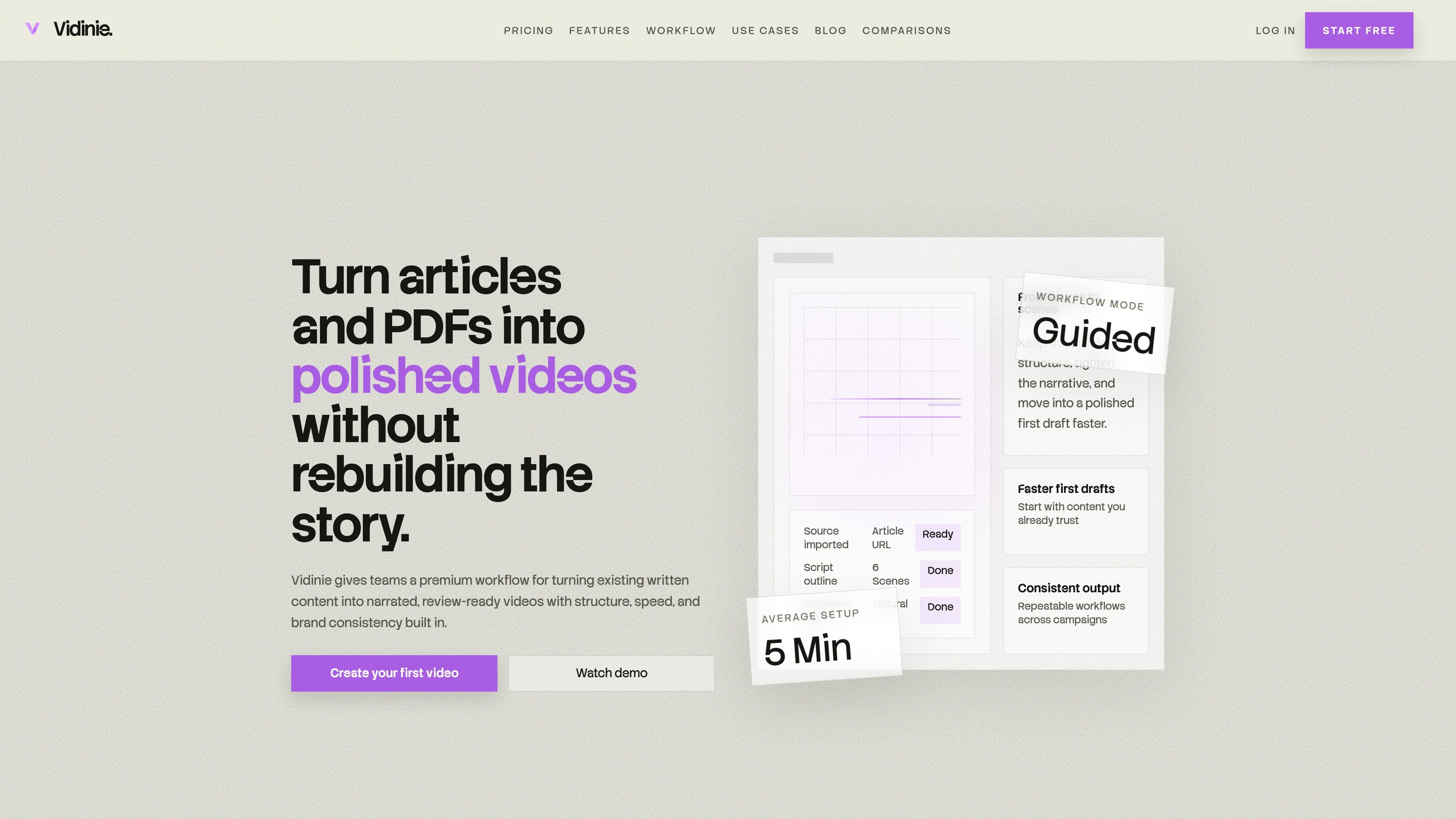
Vidinie is a content-to-video workflow for teams that turn PDFs, articles, and web pages into narrated videos. It helps marketing, education, product, and enablement teams produce review-ready drafts from existing written material.

Vidinie

Overview

Vidinie is a content-to-video workflow for teams that want to turn existing written material into narrated videos. It starts from source material such as PDFs, articles, and web pages, then helps shape that material into scenes, pacing, narration, and a review-ready first draft.

The product is positioned around speed, structure, and brand consistency rather than a blank-timeline editor. The homepage emphasizes guided input, AI-assisted scripting, and shareable exports so marketing, education, product, and internal enablement teams can repurpose content into video without rebuilding the story from scratch.

Built for source-to-video workflows

Import written source material

Start from a PDF, article, website, knowledge base page, or live web page so the source of truth stays intact.

Generate a first video draft

Move from source structure to scenes, pacing, and narration with AI handling the repetitive setup work.

Guided editing and branding controls

Refine templates, pacing, emphasis, and branding before export so the output matches the intended use case.

Review-ready exports

Share structured drafts and review-ready cuts with a workflow designed for feedback and cleaner handoff.

Repeatable video production

Repeat the same workflow across campaigns and content types instead of starting from a blank timeline each time.

Structure-preserving storytelling

Keep the source article or document structure while tightening the narrative into a clearer video outline.

Common ways teams use Vidinie

  • Content marketing repurposing

    Repurpose newsletter highlights, feature launches, event recaps, and campaign assets into structured videos that reuse content your team has already published.

  • Education and onboarding

    Turn onboarding material, skill tutorials, and micro-learning topics into videos that are easier to revisit and distribute across a team.

  • Product storytelling

    Give launch updates, roadmap highlights, and feature announcements a clearer narrative arc for both internal stakeholders and customers.

  • Internal enablement and support

    Convert support articles, troubleshooting notes, and operational guidance into reusable videos that reduce repeated manual explanations.

  • Document and report conversion

    Start from reports, whitepapers, proposals, or decks and turn them into narrated videos without recreating the structure by hand.

Pros and Cons

Pros

  • Starts from written source material instead of requiring users to script everything manually.
  • Supports PDF and website URL inputs, including articles and live pages.
  • Includes AI-assisted scripting and guided scene creation to reduce setup work.
  • Offers refinement for templates, pacing, emphasis, and branding before export.
  • Targets several common team workflows, including marketing, education, product storytelling, and internal enablement.

Cons

  • The pricing page is unavailable, so plan details and current pricing structure cannot be confirmed from the site.
  • The site does not list integrations or connected tools, so workflow connections outside Vidinie are unclear.

FAQ

What input formats does Vidinie support?

Vidinie supports PDF documents and website URLs, so you can start from written material your team already has without rebuilding it manually first.

How long does it take to create a video?

The homepage says most first drafts are ready in a few minutes, though timing depends on source length, narration preferences, and final export settings.

Can teams customize the final video?

Yes. The product description says teams can refine templates, pacing, emphasis, and branding before final export.

Who is Vidinie best for?

Vidinie is positioned for marketing, education, and product teams that want to turn existing written content into repeatable video output.

Quick Facts

Category
Content-to-video workflow
Source URL
vidinie.com
Supported inputs
PDF documents and website URLs
Primary users
Marketing, education, product, and internal enablement teams
Workflow style
Guided source import to review-ready export
Pricing page
Unavailable at /pricing (404)

