

Multiple capture paths
Bring documents in by scanning with the camera, importing from Photos or Files, or sharing from Mail. Multi-page support handles both single pages and longer documents.
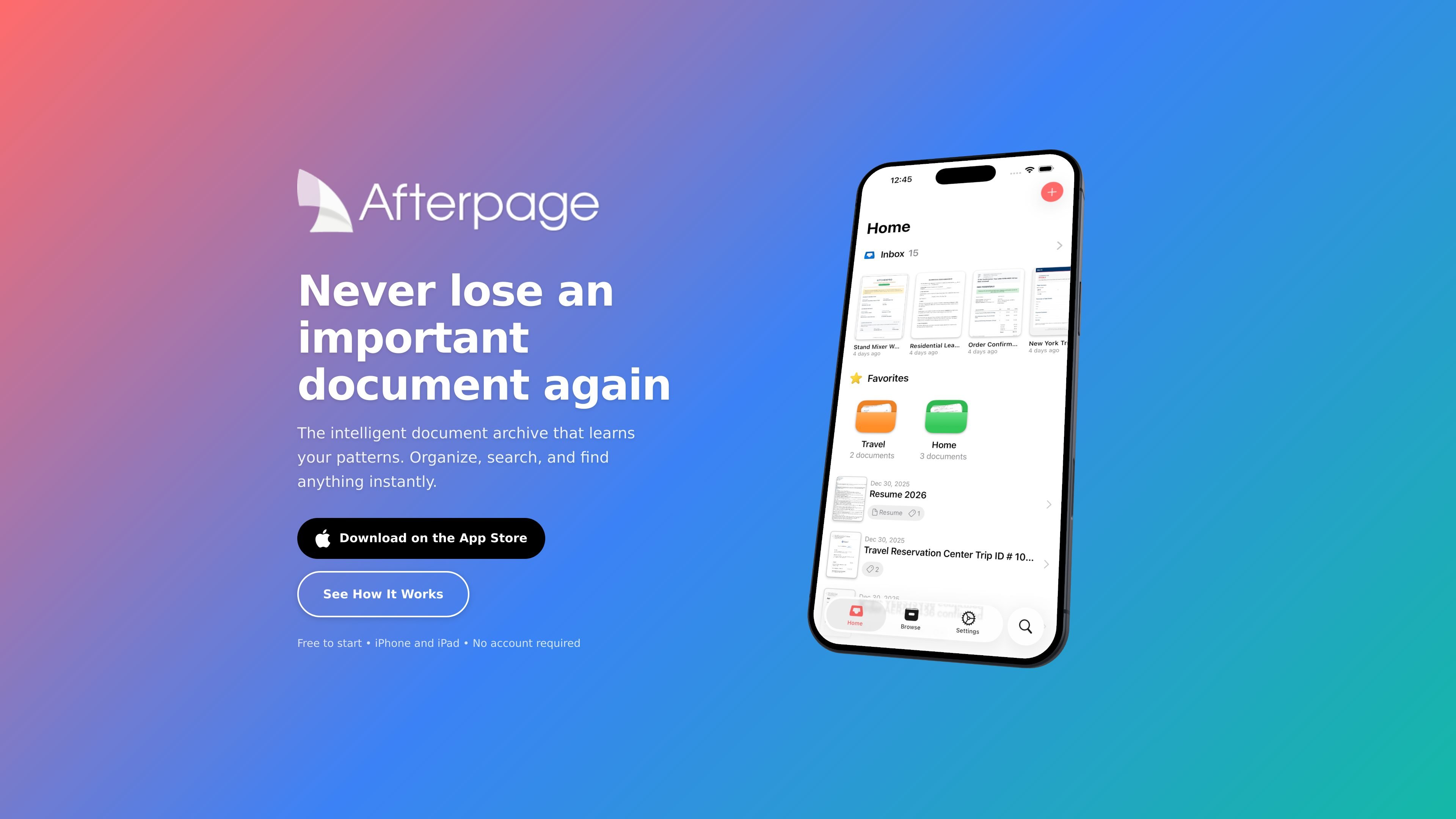
Afterpage is a document organizer for iPhone and iPad that focuses on making archived files easier to sort and retrieve. It combines capture, OCR search, and filing tools with an inbox-style workflow for documents you want to process later.
The app is built around Smart Organization, which learns how you categorize documents and suggests tags, document types, and contacts as you work. The site says it uses on-device processing, stores documents in iCloud Drive or locally, and requires no account to start.
Bring documents in by scanning with the camera, importing from Photos or Files, or sharing from Mail. Multi-page support handles both single pages and longer documents.
Use a quick Inbox workflow to scan now and sort later. Add tags, assign document types, and link contacts when you have time to file them properly.
Search the text inside documents with on-device OCR powered by Apple Vision. You can also filter by tags, document types, and contacts.
Export searchable PDFs with embedded text so files stay searchable when you share them by AirDrop, email, or Files.
Store documents in iCloud Drive and sync them across iPhone and iPad. The site also says you can choose local storage during setup.
Let Smart Organization suggest tags, document types, and contacts based on your filing patterns, with improvements over time.
Scan receipts, warranties, and bills into an inbox, then sort them into tags and document types when you have time.
Keep contracts and other reference files searchable so you can find a clause or name by text instead of browsing folders.
Import tax forms and supporting paperwork from Photos, Files, or Mail, then export searchable PDFs when you need to share them.
Capture documents on one device and review them on another through iCloud sync across iPhone and iPad.
Yes. The free tier includes 20 archived documents, scanning, on-device text recognition, and full search. You can upgrade to Plus when you need unlimited documents and Smart Organization.
Afterpage stores documents in your iCloud Drive or locally on your device, depending on the setup choice you make. Processing happens on-device using Apple’s Vision framework.
Yes. The app is described as syncing across iPhone and iPad through iCloud.
Afterpage uses on-device AI to learn how you file documents. As you organize more items, it suggests tags, document types, and contacts based on your patterns.
The site says you can email [email protected] for additional questions.

nolainocr is an AI OCR tool that extracts structured data from PDF invoices, receipts, forms, contracts, and bank statements. It helps teams move document data into Excel, Google Sheets, JSON, or CSV without manual entry.

PDFTools is a browser-based suite of free and premium PDF utilities for editing, conversion, and document handling. It helps users work on PDFs locally in the browser without uploading files to a server.

Goldfish is an AI memory app for macOS that helps you reply, write, summarize, and continue using the context already on your Mac. It stores memory locally and writes in your tone.

Lasso is an ecommerce product data platform for enriching catalog records, processing supplier files, generating product content, and monitoring competitors. It combines a web app with a REST API, SDK, and MCP server for teams and developers.

Codex Plugins bundle reusable skills, app integrations, and MCP servers into workflows you can install in the Codex app or use from Codex CLI. They help extend Codex with connected-service tasks, reusable instructions, and shared team workflows.

Struere is an AI-native platform for turning spreadsheet data into structured operational software with dashboards, alerts, and automations. It is aimed at teams that want to replace manual spreadsheet workflows without building custom tools from scratch.