

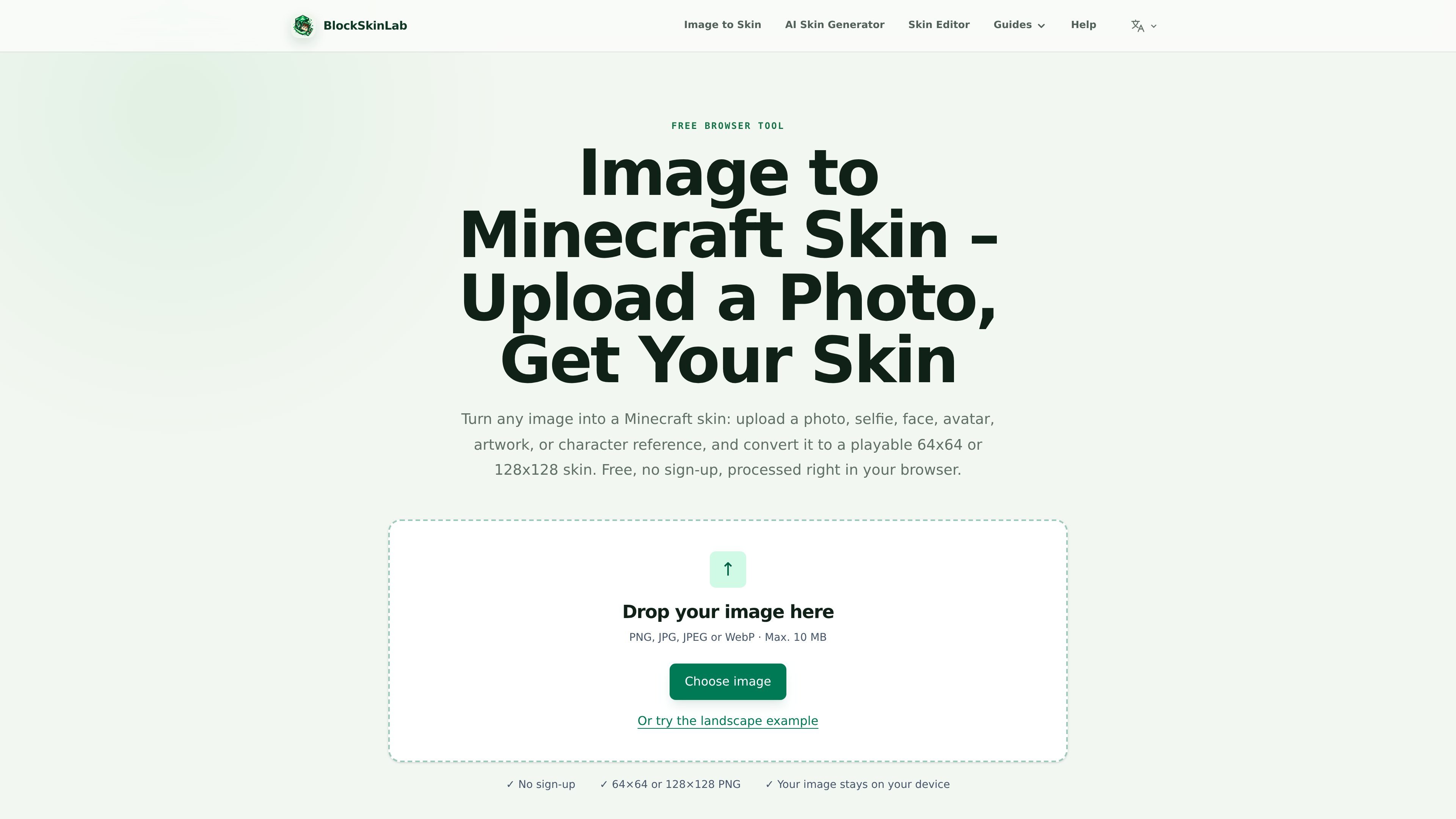
Browser-based image mapping
Accepts PNG, JPEG, and WebP files up to 10 MB, then lets you drag and zoom the source over a front-facing Minecraft body guide.
BlockSkinLab is a browser-based Minecraft skin toolkit centered on converting an existing image into a playable skin. Users upload a photo, selfie, avatar, drawing, artwork, or other picture, position it over a Minecraft body guide, and export a 64×64 or 128×128 PNG.
The converter samples the positioned image across the character layout rather than generating missing details. It includes 2D and 3D previews and limited face editing, while the separate Skin Editor can be used for more extensive pixel-level changes after a 64×64 conversion. The workflow is free to use, requires no sign-up, and keeps image processing in the browser.
Accepts PNG, JPEG, and WebP files up to 10 MB, then lets you drag and zoom the source over a front-facing Minecraft body guide.
Exports either a 64×64 Standard skin or a 128×128 HD skin, with Classic four-pixel or Slim three-pixel arm models.
Shows the mapped texture in 2D and the assembled character in a 3D preview before the PNG is saved.
Provides one-click eyes-and-mouth presets plus a simple 8×8 front-of-head editor with color picking, undo, redo, and clear controls.
Processes image positioning, mapping, edits, and export with browser APIs, without requiring registration or sending the source image to the site.
Links the converter with a separate 3D editor for pixel-level changes to the skin's body, sides, back, base layer, and outer layer.
Start with a clear, front-facing portrait, position the face and clothing within the guide, correct the small head details, and download a personal skin.
Use a front-facing avatar, drawing, original character, or game reference as the visual source, then inspect how its colors map across the model before exporting.
Choose 128×128 when the intended Bedrock platform or viewer supports HD skins; otherwise use 64×64 for the broader compatibility option described by the site.
Convert an image to 64×64, open the result in the separate 3D Skin Editor, and repaint clothing, faces, sides, backs, or outer-layer details pixel by pixel.
Use the browser-based workflow when you want to create and download a skin without installing an editor, creating an account, or sending the source image to a service.
Upload a PNG, JPEG, or WebP image up to 10 MB, position it over the Minecraft body guide, choose 64×64 or 128×128 and Classic or Slim arms, then preview and download the resulting PNG.
Yes. A clear, front-facing selfie or photo with the face and clothing visible is a useful starting point. The face preset or 8×8 face editor can add or clarify eyes and a mouth if needed.
No. Image positioning, skin mapping, editing, and PNG export run locally in the browser, and the source image stays on the device. The site does not require an account or login.
The converter exports 64×64 Standard skins for broad compatibility and 128×128 HD skins when the target Bedrock platform or viewer supports high-resolution skins. Import steps vary between Java, Bedrock platforms, launchers, and account types.
The converter samples colors and details from the positioned image and does not invent hidden side or back details. For more complete changes to the body, back, sides, base layer, or outer layer, continue with the separate 3D Minecraft Skin Editor.
GameGrad turns PDF study material into quiz questions that appear inside arcade games, so users can practice active recall while they play. It offers a free tier with one PDF and a Pro plan with more uploads, more questions, and answer explanations.
DailyPlay.ai is a behavioral growth platform that uses AI site scanning and micro-games to help brands improve engagement and conversion. It supports web, mobile, and other digital touchpoints, with a one-line script setup and a free engagement scan.

ChessWoodie is a chess tactics training app based on the Woodpecker Method. It helps players build pattern recognition through repeated puzzle cycles, track speed and accuracy, and review missed tactics from their own games.

PixelForge turns a single photo into a game-ready 2D character sprite pack, including a 4×4 sheet, transparent frames, direction strips, and looping walk GIFs. It is designed for engine-ready use in Godot, Unity, Phaser, GameMaker, and web games.

Loniva is a mobile puzzle app that offers a calm daily mix of games across memory, attention, language, speed, logic, and focus. It runs on iPhone, iPad, and Android, with a free 7-day trial and a free daily workout after the trial.
RageLayer is a framework-neutral JavaScript package that turns a captured web page into a destructible canvas with 15 procedural tools, rigid-body debris, and browser effects. It is intended for developers building interactive website experiences, creative coding projects, and custom browser tools.