

Smart follow-cursor zoom
Automatically keeps the recording's zoom centered around cursor activity, helping viewers follow the area being demonstrated.
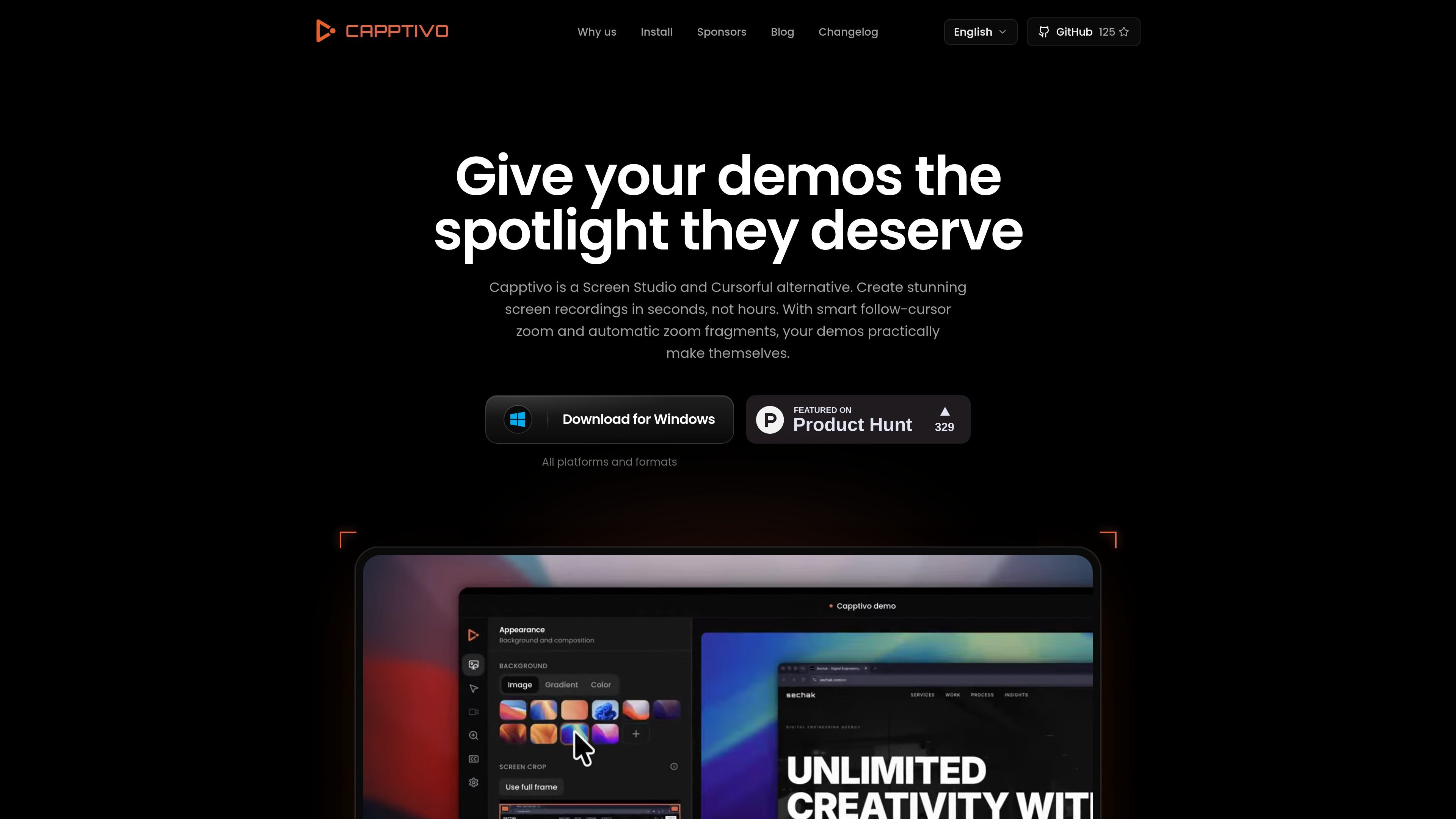
Capptivo is an open-source desktop screen recorder for creating polished product demonstrations. It is positioned as an alternative to Screen Studio and Cursorful, combining screen capture with automated visual treatment rather than requiring every zoom adjustment to be made manually.
The product's documented workflow centers on follow-cursor zoom, automatic zoom fragments, presets, and on-device captions. Native applications are available for macOS, Windows, and Linux, making it suitable for creators who want a desktop-based recording tool with local-first processing.
Automatically keeps the recording's zoom centered around cursor activity, helping viewers follow the area being demonstrated.
Generates zoom fragments automatically so demonstrations can emphasize relevant screen areas without requiring every adjustment to be made manually.
Applies reusable presets to the recording workflow, providing a way to keep the visual treatment consistent across demos.
Creates captions on the device, according to the product description, without requiring the captioning step to be handled by a remote service.
Runs as a native desktop application and is described as local-first, with versions available for macOS, Windows, and Linux.
Record a product walkthrough while automatic zoom fragments draw attention to the screen areas being discussed, reducing the amount of manual visual adjustment needed.
Create software tutorials in which cursor-following zoom helps viewers track controls, menus, and other interface details during the explanation.
Produce repeatable screen-recorded updates using presets to keep the visual treatment consistent from one demonstration to the next.
Capptivo provides native desktop apps for macOS, Windows, and Linux. macOS requires version 13 or later, Windows requires Windows 10 version 1903 or later, and Linux requires PipeWire 1.0 or later.
Installers are available from the Capptivo install page. macOS downloads support both Apple Silicon and Intel, Windows provides EXE and MSI installers, and Linux provides DEB, AppImage, and RPM packages.
Capptivo is described as local-first, with editing performed on the user's device. The available source does not specify cloud storage, collaboration features, or export formats.
The product is presented as free and open source. The available pricing page returns a 404 and does not document paid plans, usage limits, or pricing details.
Capptivo is intended for creating polished screen recordings and demos. The source specifically mentions smart follow-cursor zoom, automatic zoom fragments, presets, and on-device captions, but does not provide a full editing or export specification.

Zella is a screen recorder and on-device AI video editor for Mac and iPhone. It helps creators record screens or cameras, automatically clean up footage, add captions, reframe clips, and export videos without uploading the core project to the cloud.

MeetStream is a meeting bot API for Zoom, Google Meet, Microsoft Teams, and Webex. It helps developers record, stream, and analyze meetings programmatically, with usage-based pricing and a $5 free credit to start.

CAMB.AI Streams dubs live audio in multiple languages in real time for broadcasts on platforms like YouTube, Twitch, and X. It plugs into existing live workflows using common streaming protocols and avoids a post-production step.

Tavus is an AI video platform for building real-time, face-to-face agents, digital twins, and AI companions. It combines APIs, custom replicas, and multilingual conversational workflows for developers and teams.

HiringPartner.ai is an autonomous AI recruiting platform for sourcing, screening, and interviewing candidates 24/7. It supports ATS-connected workflows, bulk resume uploads, and reviewable interview outputs for hiring teams.

CAKIE is a Mac app for recording your screen and voice for an AI agent. It adds a transcript and screenshot highlights, then lets you copy a prompt and paste or attach the context in another AI app.