

20-second flips
Record short clips called flips; each one ends automatically after 20 seconds by default. The limit can be disabled in settings for recordings that continue until stopped or the daily tape is full.
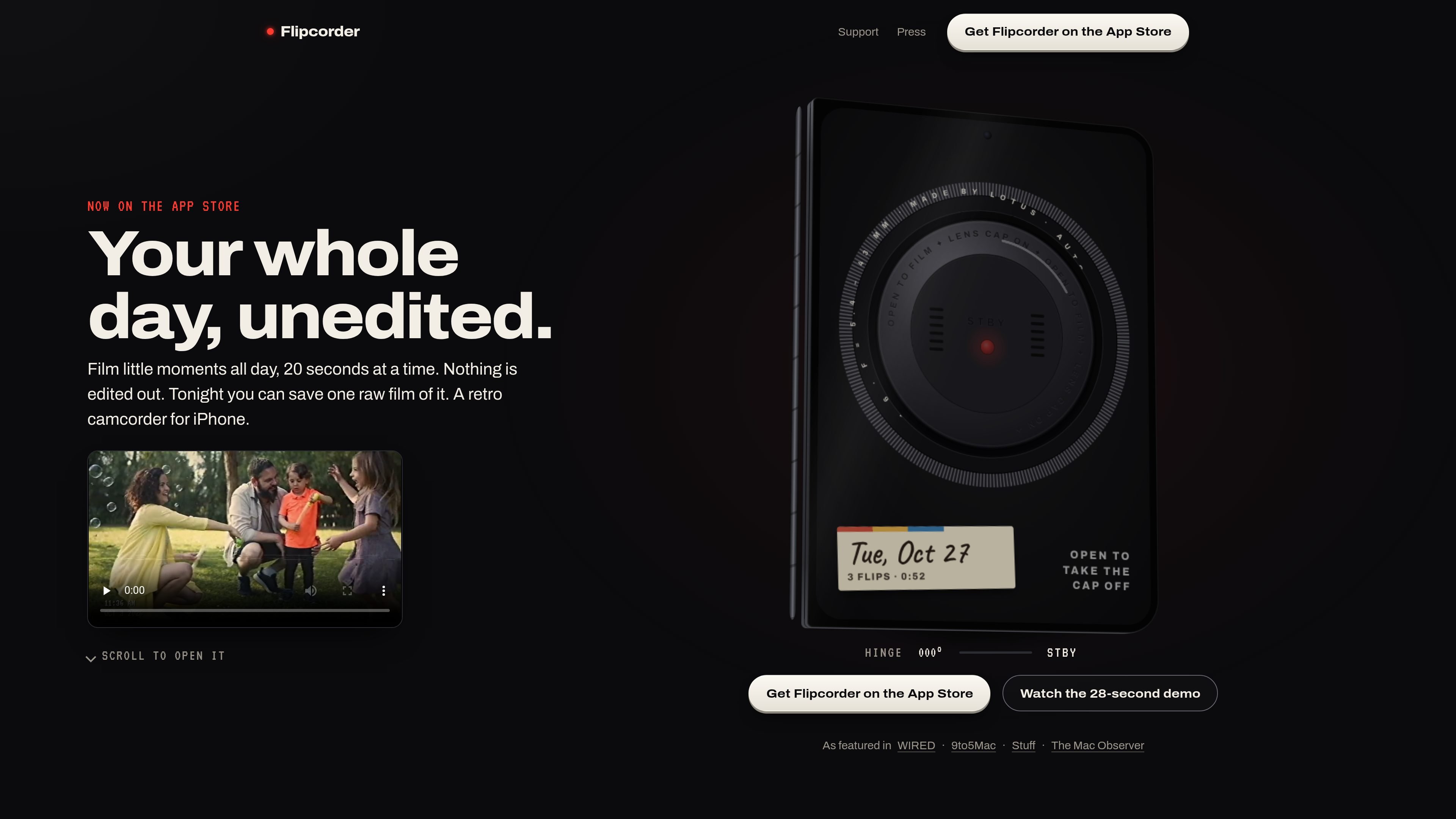
Flipcorder is a retro camcorder app for iPhone that turns brief recordings into a chronological film of the day. Users capture small moments as individual flips, which are collected on a dated daily tape rather than edited into separate clips.
The app is designed for recording without a post-production workflow: flips retain the original pauses and interruptions, then the day’s tape can be saved or shared as one video. Export can use a VHS or MiniDV look, or preserve the clean HD original.
Record short clips called flips; each one ends automatically after 20 seconds by default. The limit can be disabled in settings for recordings that continue until stopped or the daily tape is full.
Every flip is placed on that day's tape in filming order, with pauses, chatter, and mistakes retained instead of being trimmed or cut.
A daily tape holds up to 30 minutes and a fresh tape loads at midnight. If a recording reaches the end of the tape, the captured footage is saved, even if the final flip is shortened.
Save the day's tape to Photos as one video, either with a VHS or MiniDV treatment or as the clean HD original. The look is added during export rather than during filming.
Home Screen and Lock Screen widgets show the current tape or latest flip, and quick actions are available through Control Center, the Lock Screen, the Action button, Siri, Spotlight, Shortcuts, or the Home Screen icon.
Tapes remain inside the app on the iPhone, with no Flipcorder account or cloud server. Copies are sent to Photos only when requested, unless the optional setting to copy new flips is enabled.
Capture brief scenes during a family outing or day at the park, then save the day's sequence as one film instead of sorting through many individual clips.
Record pets, walks, meals, or other ordinary moments over several hours while keeping the pauses and incidental conversation that would normally be removed.
Use the retro export options for a deliberately dated presentation, or choose the clean HD version when the footage needs to retain its original look.
Use the iPhone Duo's outside screen so the person being filmed can see themselves and the REC indicator while a recording is in progress.
Open the app from a widget, Control Center, the Lock Screen, Action button, Siri, Spotlight, Shortcuts, or the Home Screen when a moment needs to be captured quickly.
Flipcorder works on any iPhone running iOS 26 or later. iPhone Duo-specific features—the fold-open power switch and outside-screen preview—require iOS 27.1.
Press the glowing POWER key to turn on the camcorder, then press the large red record key. A flip stops automatically at 20 seconds by default, or you can set Flip length to No limit in settings.
Each day has a separate tape with up to 30 minutes of footage. When the tape is full, recording stops and saves the footage; you can still play, save, and share that day's tape. A new tape loads at midnight.
Play a tape and choose Save to Photos. You can export it with the VHS or MiniDV look, or save the clean HD original. You can also share from Flipcorder or Photos.
No. Flipcorder has no account or Flipcorder cloud. Videos remain on the iPhone until you save or share them. The app can send anonymous usage statistics and optional crash reports, neither of which includes videos; usage statistics can be disabled in settings.

Tavus is an AI video platform for building real-time, face-to-face agents, digital twins, and AI companions. It combines APIs, custom replicas, and multilingual conversational workflows for developers and teams.

HiringPartner.ai is an autonomous AI recruiting platform for sourcing, screening, and interviewing candidates 24/7. It supports ATS-connected workflows, bulk resume uploads, and reviewable interview outputs for hiring teams.

CAKIE is a Mac app for recording your screen and voice for an AI agent. It adds a transcript and screenshot highlights, then lets you copy a prompt and paste or attach the context in another AI app.

Zella is a screen recorder and on-device AI video editor for Mac and iPhone. It helps creators record screens or cameras, automatically clean up footage, add captions, reframe clips, and export videos without uploading the core project to the cloud.

Bezel은 Mac에서 iPhone, iPad, Apple TV, Vision Pro 화면을 미러링·녹화하는 macOS 앱입니다. AirPlay와 USB를 지원하며 데모, 발표, 화면 녹화에 적합합니다.

Capso is a native macOS screenshot and screen recording app for capturing, annotating, recording, and extracting text from screen content. It is free forever, open source, and positioned as an alternative to CleanShot X.