
Automatic instrumentation
Patches LLM calls at startup so traces, latency, and cost flow into the dashboard without changing the rest of your application.

Fluiq is an AI ops stack for LLM applications that adds tracing, security scanning, caching, and automated evaluation through a Python SDK. It is built for teams running production LLM workflows and managing prompts, quality checks, and repeated requests.
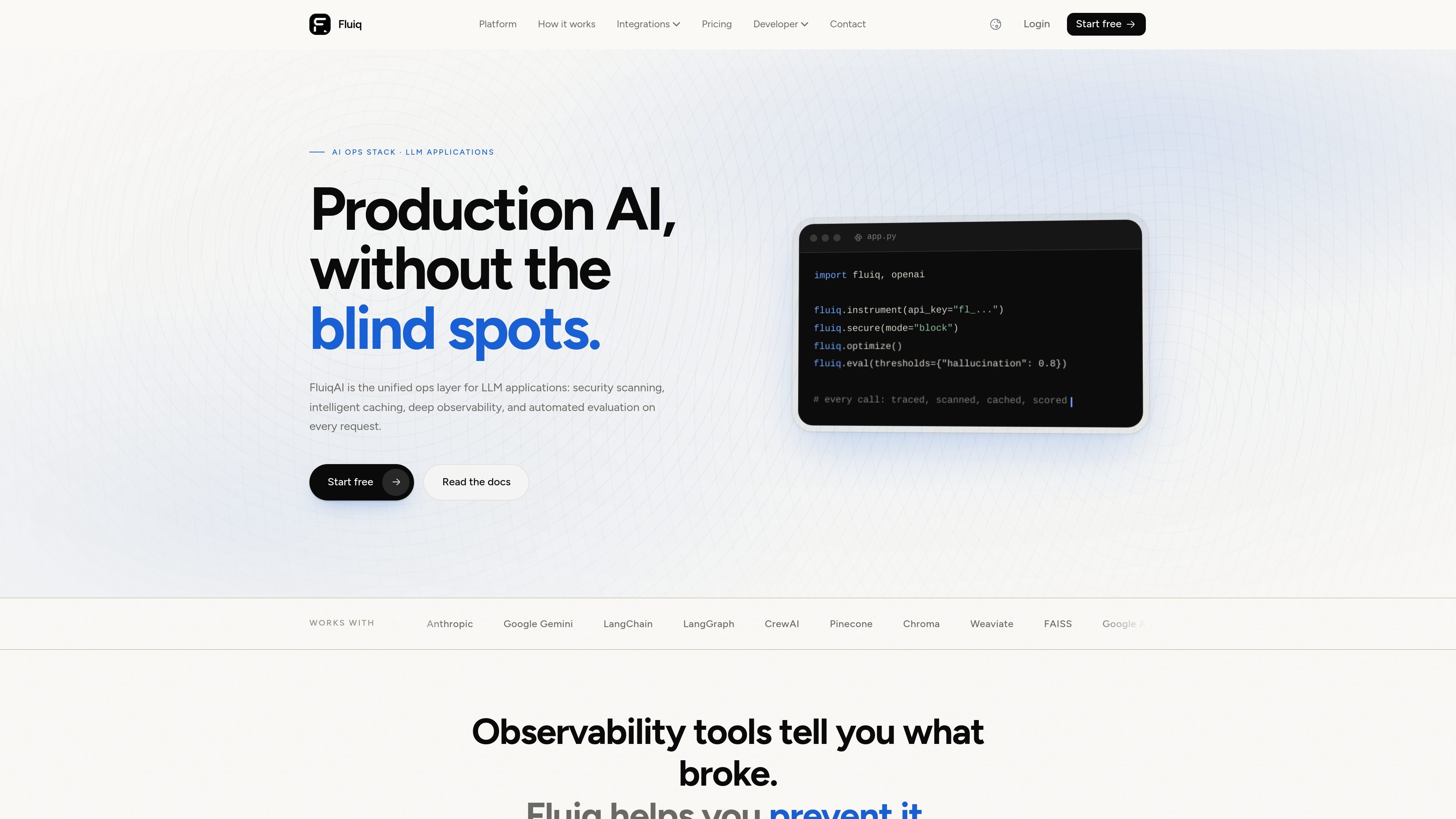
Fluiq is an AI ops stack for LLM applications that combines observability, security scanning, caching, prompt management, and automated evaluation in one SDK and backend. The core workflow is simple: instrument your app once, then let Fluiq trace LLM calls, score outputs, and handle repeated requests on its infrastructure.
The product is aimed at Python teams building production AI systems with frameworks such as OpenAI, Anthropic, Gemini, LangChain, LangGraph, CrewAI, Google ADK, and MCP. Fluiq positions the free tier as observability-only, with paid tiers adding caching and security features as usage grows.
Patches LLM calls at startup so traces, latency, and cost flow into the dashboard without changing the rest of your application.
Scans prompts and responses for jailbreaks, prompt injections, PII, secrets, and indirect injection before or after the model call, depending on mode.
Builds a cache profile from trace history and serves repeated prompts from a dedicated Redis cache to reduce duplicate LLM calls.
Scores responses with LLM-as-judge metrics such as hallucination, faithfulness, relevance, and toxicity, and can warn or block based on thresholds.
Provides prompt template editing, version history, environment deployment, and side-by-side model comparison for prompt workflows.
Supports function-call level tracing across OpenAI, Anthropic, Gemini, LangChain, LangGraph, CrewAI, Google ADK, MCP, and raw HTTP via `@trace`.
Add observability to an existing LLM pipeline so every call is traced with latency, cost, and per-node breakdowns in the dashboard.
Block jailbreaks, prompt injections, PII, and secret leaks before risky content reaches the model, or run the same checks in warn mode for review.
Reduce repeated model spend by letting Fluiq profile your trace history and serve duplicate prompts from cache automatically.
Gate releases or app responses on quality metrics such as hallucination, faithfulness, relevance, and toxicity.
Manage prompt templates across dev, staging, and production with version history and side-by-side model comparison.
Fluiq instruments LLM and agent calls from startup with `fluiq.instrument()`. The docs say you install the package, create an account to get an API key, and then call `instrument()` once; supported calls from OpenAI, Anthropic, Gemini, LangChain, and MCP are traced automatically.
The documentation says Fluiq traces supported LLM calls automatically after instrumentation, and it also exposes a `@trace` decorator for other Python functions that hit an LLM or vector database.
`fluiq.secure()` is the server-side security layer. The pricing and FAQ pages say it is included on Growth and Enterprise, and it can run in warn mode or block mode to flag or stop risky prompts.
`fluiq.optimize()` is the caching layer. The pricing and FAQ pages say it is included on Team and above, and it can run in cache mode or observe mode to either intercept repeated prompts or preview savings.
Yes. The pricing FAQ says Fluiq instruments at the call level, so the same SDK can work across supported frameworks simultaneously. The contact page also lists integration support as a reason to reach out.

Malyatko is a baby tracker for logging feeding, sleep, growth, teething, and milestones in one app. It works on iPhone, Apple Watch, and widgets, with no sign-up, offline use, and family sharing through iCloud.

이미지, 비디오, 음성, 글쓰기 및 채팅 도구를 통합한 올인원 AI 플랫폼으로, 창의성과 협업을 향상시킵니다.

Slidesgo is a presentation template platform for Google Slides, PowerPoint, and selected Canva workflows. It offers free and Premium templates, plus AI-assisted presentation creation and team-friendly access options.

Gemma AI is a phone call reminder app that calls you with scheduled reminders instead of push notifications. It helps people who want a more direct way to stay on schedule, with Google Calendar sync and conversational call interactions.

Wysera is an AI business platform that combines PostWyse for content and OpsWyse for CRM and revenue workflows, powered by the shared Wyse AI. It is built for solo operators, teams, and agencies that want approval-first automation across publishing, lead follow-up, and related operations.

Grok은 xAI가 개발한 무료 AI 어시스턴트로, 실시간 정보 접근 및 이미지 생성과 같은 고급 기능을 제공하는 동시에 진실성과 객관성을 최우선으로 하도록 설계되었습니다.