

Image resizing and conversion
Resize JPG, PNG, and WebP images by pixels or percentage, keep aspect ratio, choose the output format, and compare dimensions and file size before downloading the processed result.
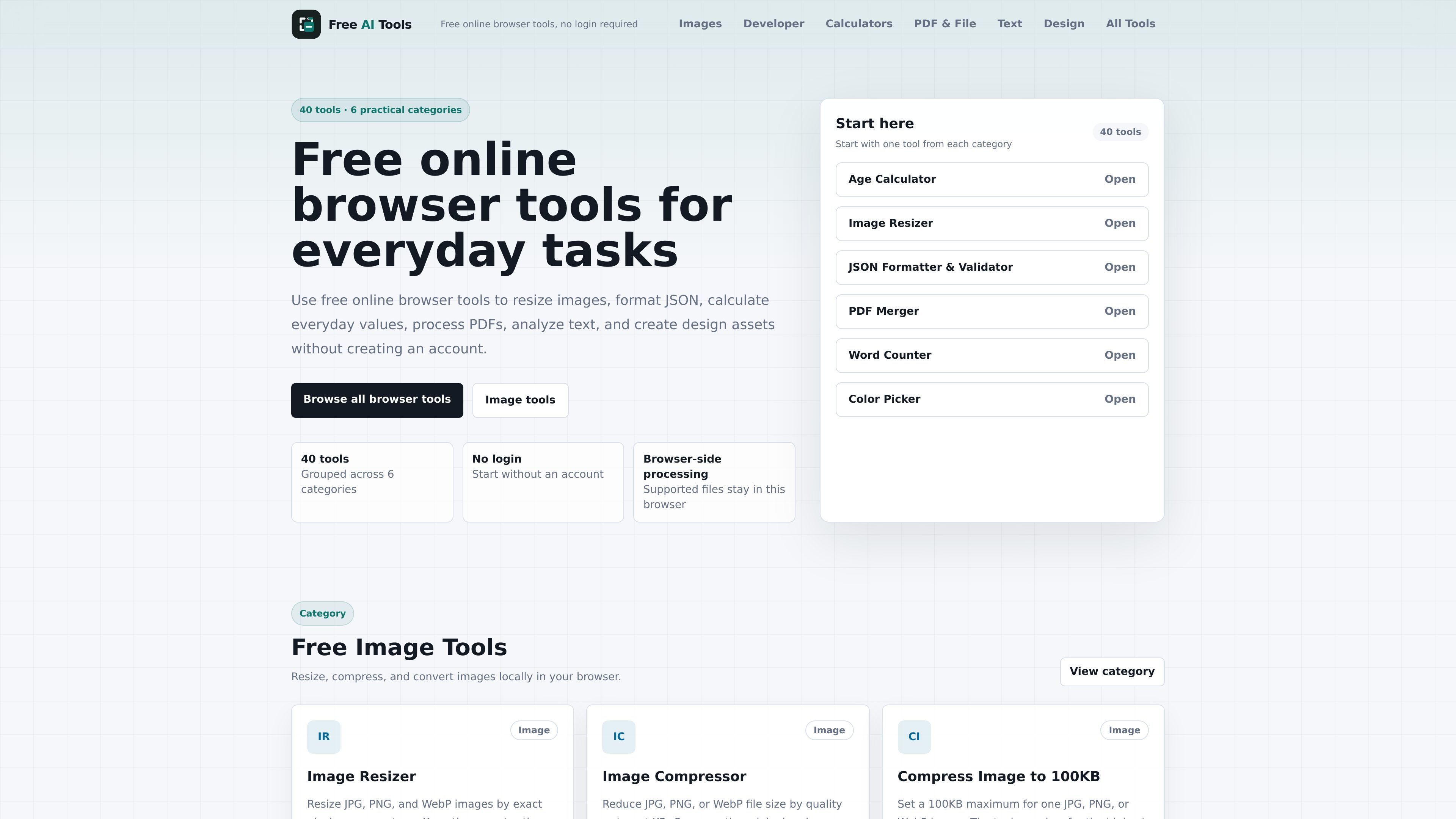
Free AI Tools is a directory of browser-based utilities for routine tasks across images, developer data, calculations, PDFs, text, and related file conversions. The site emphasizes no-login access and local processing in the browser for supported file workflows.
The collected pages show 40 tools grouped into 6 practical categories, including image tools, developer tools, calculators, PDF and file tools, and text tools. Example tools cover image resizing and conversion, JSON formatting, JWT decoding, timestamp conversion, PDF merging and splitting, word counting, and text diffing.
Resize JPG, PNG, and WebP images by pixels or percentage, keep aspect ratio, choose the output format, and compare dimensions and file size before downloading the processed result.
Reduce image file size by quality or target size, or set a 100KB maximum for a single image while the tool adjusts quality and dimensions as needed.
Format, validate, beautify, minify, decode, encode, and inspect developer data such as JSON, JWTs, Base64, URLs, timestamps, UUIDs, hashes, CSV, and slug output.
Merge, split, compress, and convert PDF files and images to or from PDF, with page-range control and download options such as single files or ZIP archives.
Count, compare, convert, and preview text with tools for word counting, character counting, case conversion, Markdown editing, and text diff checking.
Resize, compress, or convert common image formats when you need a quick file that is easier to publish, upload, or share, without leaving the browser.
Format JSON, inspect JWT contents, encode or decode Base64 and URLs, or generate hashes and UUIDs during everyday development tasks.
Merge, split, compress, or convert PDFs when you need to reorganize documents or create image-based outputs from pages.
Count words, compare text versions, convert case, or draft Markdown when you are editing content and need an immediate browser-side check.
The site presents these as free online browser tools with no login required. The source text does not show a paid plan or pricing tiers.
The tools described on the site process supported files locally in the browser, and several pages explicitly say there is no server upload. The category pages also state that no account is required.
The homepage and category pages show tools for images, developer data, calculators, PDFs, and text. The tools directory also mentions a design category in its description, but the collected page text is focused on the other listed categories.
The source shows examples such as image resizing and conversion, JSON formatting and validation, JWT decoding, timestamp conversion, PDF merging and splitting, word counting, and text diff checking.
The browser-based workflow is described as local and no-login, so it is suited to quick one-off tasks rather than account-based collaboration. The collected source does not show team features or integrations.

Open Computer Use is an open-source Computer Use service wrapped as MCP for macOS, Linux, and Windows. It helps AI agents and MCP clients run desktop automation workflows through client setup commands or manual MCP configuration.

ByteAsk is a terminal-first AI coding agent for C and C++ that edits repositories and verifies changes with the real compiler, debugger, sanitizers, and tests before showing a diff. It offers a free tier plus paid plans, with editor connectors and zero-retention handling described in the source.

Codex Plugins bundle reusable skills, app integrations, and MCP servers into workflows you can install in the Codex app or use from Codex CLI. They help extend Codex with connected-service tasks, reusable instructions, and shared team workflows.

hob is an independent workspace for coding agents that keeps agent sessions, terminals, history, and follow-up work organized around the tools and providers you already use. It is aimed at developers who want local control over routing, history, and workspace structure rather than a bundled model stack.

Ably Chat is a chat API platform for building custom realtime chat applications. It supports room-based messaging, typing indicators, presence, reactions, and message updates, with usage-based pricing options for different deployment stages.

Manta AI is an autonomous web app testing tool for teams that want to map application behavior, catch regressions, and generate tests without writing scripts or maintaining selectors. It works from a URL and supports plain-English test flows, run results with screenshots, and scheduled or deployment-triggered checks.