

Native macOS app
Built as a native macOS client using SwiftUI, the app is designed to fit the platform rather than mirror a web interface.
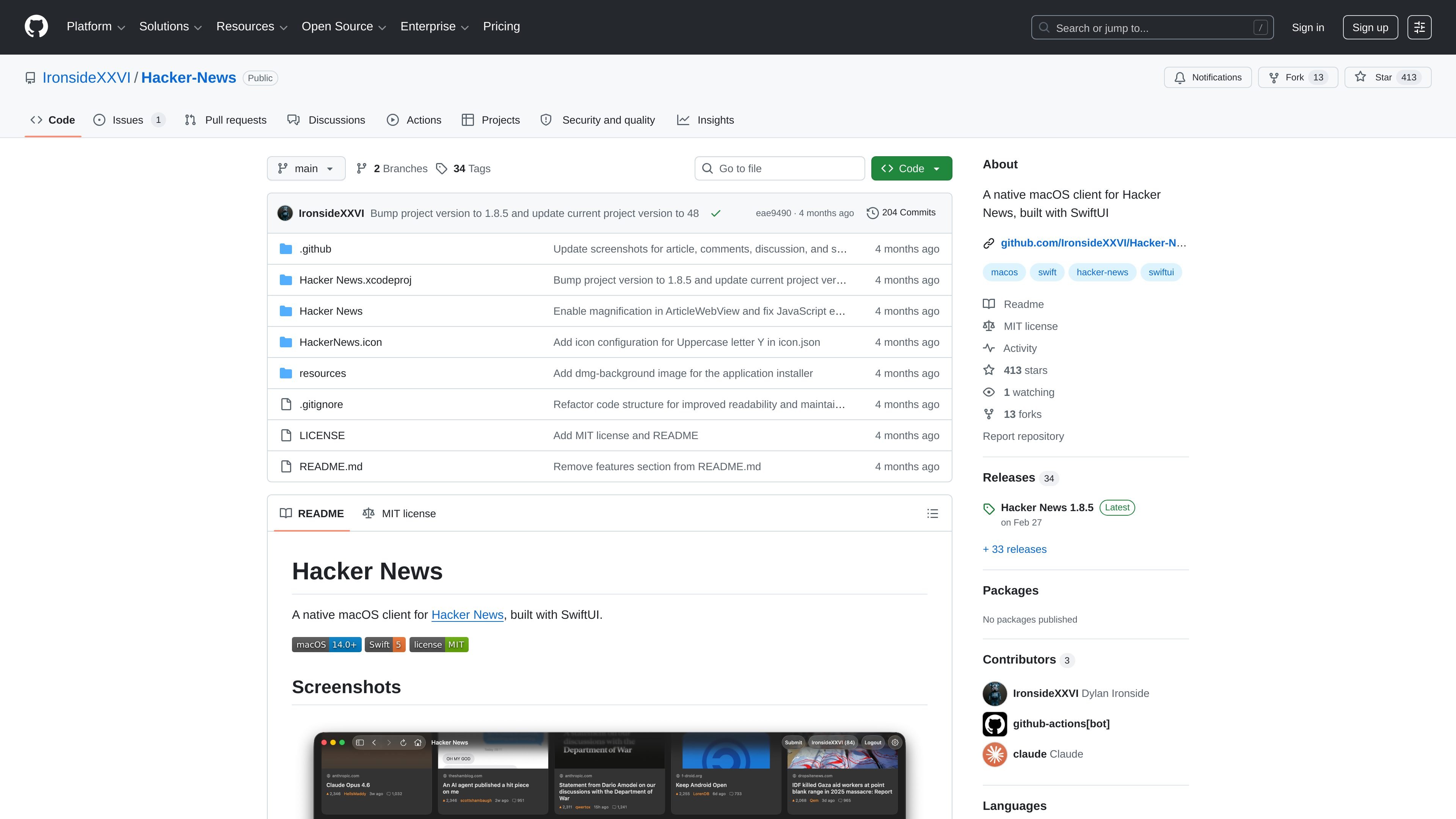
Hacker-News is a native macOS client for Hacker News built with SwiftUI. It packages the Hacker News reading experience as a desktop app rather than a browser page, with the project hosted publicly on GitHub.
The README describes a straightforward install path: download the latest DMG from Releases, open it, and drag the app to Applications. For developers, the source can be cloned and opened in Xcode 26+, and the project notes that Swift packages such as Sparkle resolve automatically.
Built as a native macOS client using SwiftUI, the app is designed to fit the platform rather than mirror a web interface.
Provides a dedicated interface for reading Hacker News content from a desktop app instead of the browser.
Can be installed by downloading the latest DMG from Releases and dragging the app into Applications, with no Xcode required for normal use.
The README notes that the project uses Swift packages, including Sparkle, and they resolve automatically when building in Xcode.
The repository is public on GitHub, so the source code, issues, releases, and project history are available for inspection.
The project includes release downloads and a versioned release history, which supports distribution and updates through GitHub Releases.
Use the app as a dedicated desktop client for browsing Hacker News without opening a browser tab for every visit.
Install from the latest DMG when you want a quick setup on a Mac without compiling the project first.
Clone the repository and open the Xcode project when you want to inspect, modify, or contribute to the app’s SwiftUI codebase.
Use the public releases and repository history to review shipped versions before installing or updating.
Use the project as a reference for a native SwiftUI macOS app that includes Sparkle as a Swift package dependency.
You download the latest DMG from the Releases page, open it, and drag the app to Applications. The README says no Xcode or developer tools are needed for installation.
The app requires macOS 14.0 or later.
Yes. The README says developers can clone the repository, open `Hacker News.xcodeproj` in Xcode 26+, and build and run the app. Swift packages such as Sparkle resolve automatically.
The source page shows the project is public and the repository README lists Sparkle among its Swift package dependencies, but it does not provide a broader integration list.
The repository is licensed under the MIT License.

ByteAsk is a terminal-first AI coding agent for C and C++ that edits repositories and verifies changes with the real compiler, debugger, sanitizers, and tests before showing a diff. It offers a free tier plus paid plans, with editor connectors and zero-retention handling described in the source.

hob is an independent workspace for coding agents that keeps agent sessions, terminals, history, and follow-up work organized around the tools and providers you already use. It is aimed at developers who want local control over routing, history, and workspace structure rather than a bundled model stack.

Ably Chat is a chat API platform for building custom realtime chat applications. It supports room-based messaging, typing indicators, presence, reactions, and message updates, with usage-based pricing options for different deployment stages.

MacSpoof로 macOS Wi‑Fi MAC 주소를 변경하거나 랜덤화하세요. 네트워크 재접속 및 공용 Wi‑Fi에서 기기 식별 기록을 줄이는 데 도움.

Manta AI is an autonomous web app testing tool for teams that want to map application behavior, catch regressions, and generate tests without writing scripts or maintaining selectors. It works from a URL and supports plain-English test flows, run results with screenshots, and scheduled or deployment-triggered checks.

NomNak은 친구 추천으로 맛집을 찾는 iPhone 무료 앱입니다. 저장한 장소, 푸드 패스포트, 도시 검색으로 친구들의 식당 지도를 확인하세요.