

Permanent QR assets
Create a permanent QR asset that you can print or publish once and keep updating later without changing the QR image itself.
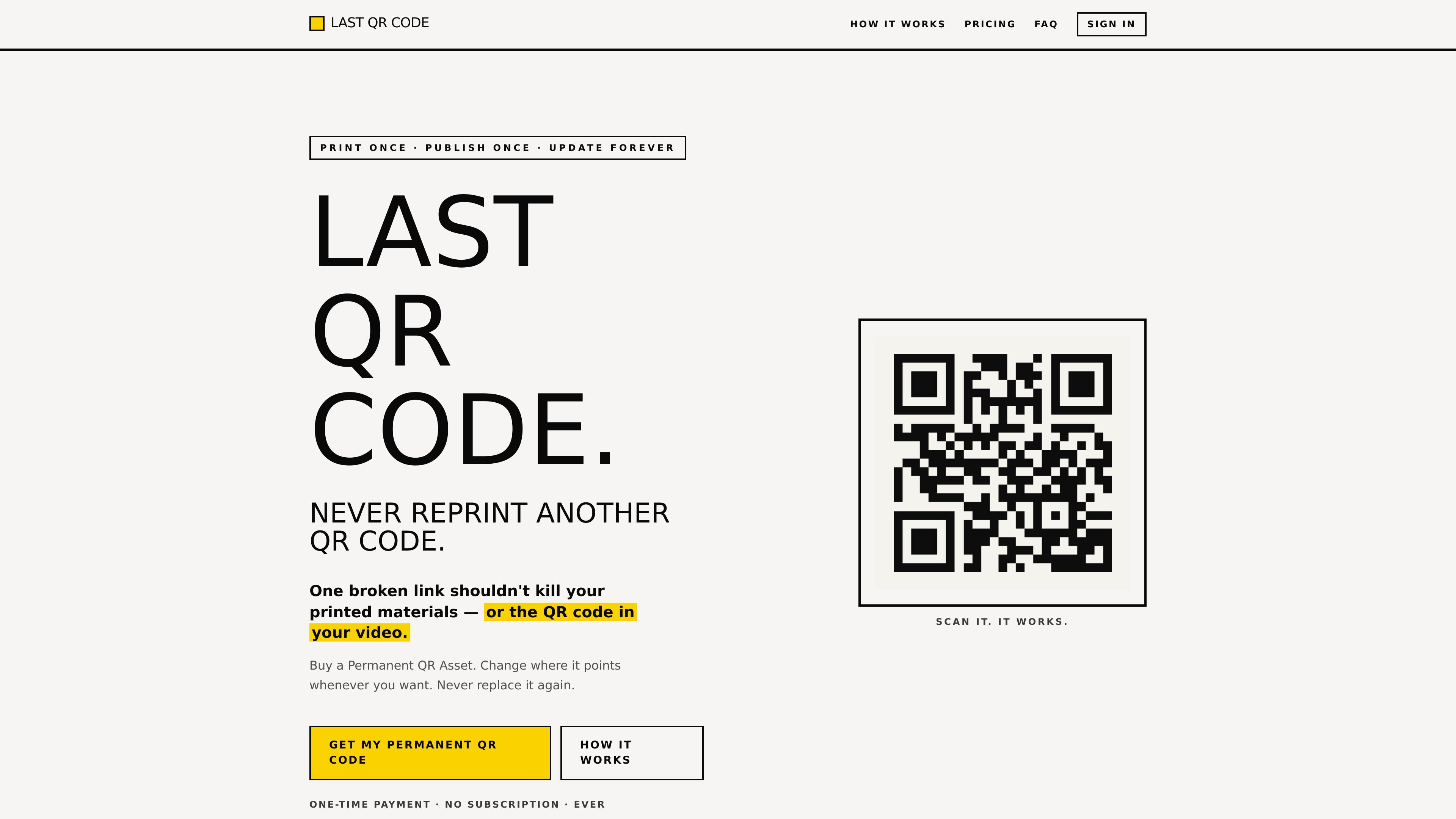
Last QR Code is a QR code service built around a simple workflow: buy one permanent QR asset, print or publish it once, and keep changing where it points later from your account. The site positions it as a way to avoid replacing materials when a URL changes.
It is aimed at situations where the QR code cannot easily be edited after deployment, including flyers, menus, packaging, books, presentation materials, and published videos. The core promise is that the QR image stays the same while the destination can be updated whenever needed.
Create a permanent QR asset that you can print or publish once and keep updating later without changing the QR image itself.
Point each QR code to a new destination whenever needed from the account dashboard.
Export the QR code in PNG, SVG, or PDF for print, video, or web use.
Use the QR code in places that are hard to change later, such as paper, packaging, or published video.
Track only the basics shown in the interface: total scans, last scan, and last 7 days.
Pay once rather than managing a recurring subscription, according to the site copy.
Create QR codes for business cards, flyers, posters, menus, or packaging that may need their linked destination changed later without replacing the printed piece.
Embed a QR code in a recorded video, tutorial, course, or livestream overlay so the same image can keep sending viewers to an updated page over time.
Use one QR code across a product launch, event, or campaign where the linked page might change after printing but the physical asset will stay in circulation.
Generate a simple downloadable QR asset for a landing page, website, or offer that may be renamed or moved later.
Yes. The site says the QR code image and URL stay the same, and you can update the destination in your account whenever needed.
The site says yes, and specifically calls out videos as a strong use case because the QR code baked into a published video can keep pointing to a new destination without re-editing or re-uploading the video.
The pricing section says the product is a one-time purchase with no subscriptions or renewals.
Downloads are available from the dashboard in PNG, SVG, or PDF formats.
The site presents one-time plans for 1, 5, or 10 permanent QR assets, but the pricing page itself was not available and no billing details beyond the listed one-time purchase options were visible.

MacSpoof로 macOS Wi‑Fi MAC 주소를 변경하거나 랜덤화하세요. 네트워크 재접속 및 공용 Wi‑Fi에서 기기 식별 기록을 줄이는 데 도움.

NomNak은 친구 추천으로 맛집을 찾는 iPhone 무료 앱입니다. 저장한 장소, 푸드 패스포트, 도시 검색으로 친구들의 식당 지도를 확인하세요.

TyeGit은 Rust와 Tauri로 만든 네이티브 Git 클라이언트로, 스테이징, 커밋, 브랜치, 원격 저장소를 빠르고 정밀하게 제어할 수 있습니다. Windows, macOS, Linux를 지원합니다.

Loomal is a payments layer for agentic commerce that lets developers add paywalls to APIs, MCP tools, or hosted files. It settles agent payments in USDC on Base and is aimed at services that want per-request payment from AI agents.
idmly converts self-contained HTML designs into editable Adobe InDesign (.idml) files. It is built for designers and teams that need browser-made or AI-generated layouts turned into InDesign without rebuilding them by hand.

Rokoko is a motion capture software and hardware ecosystem for body, finger, and face animation. Rokoko Studio processes capture data, lets creators clean and retarget it, and streams or exports it to 3D tools.