

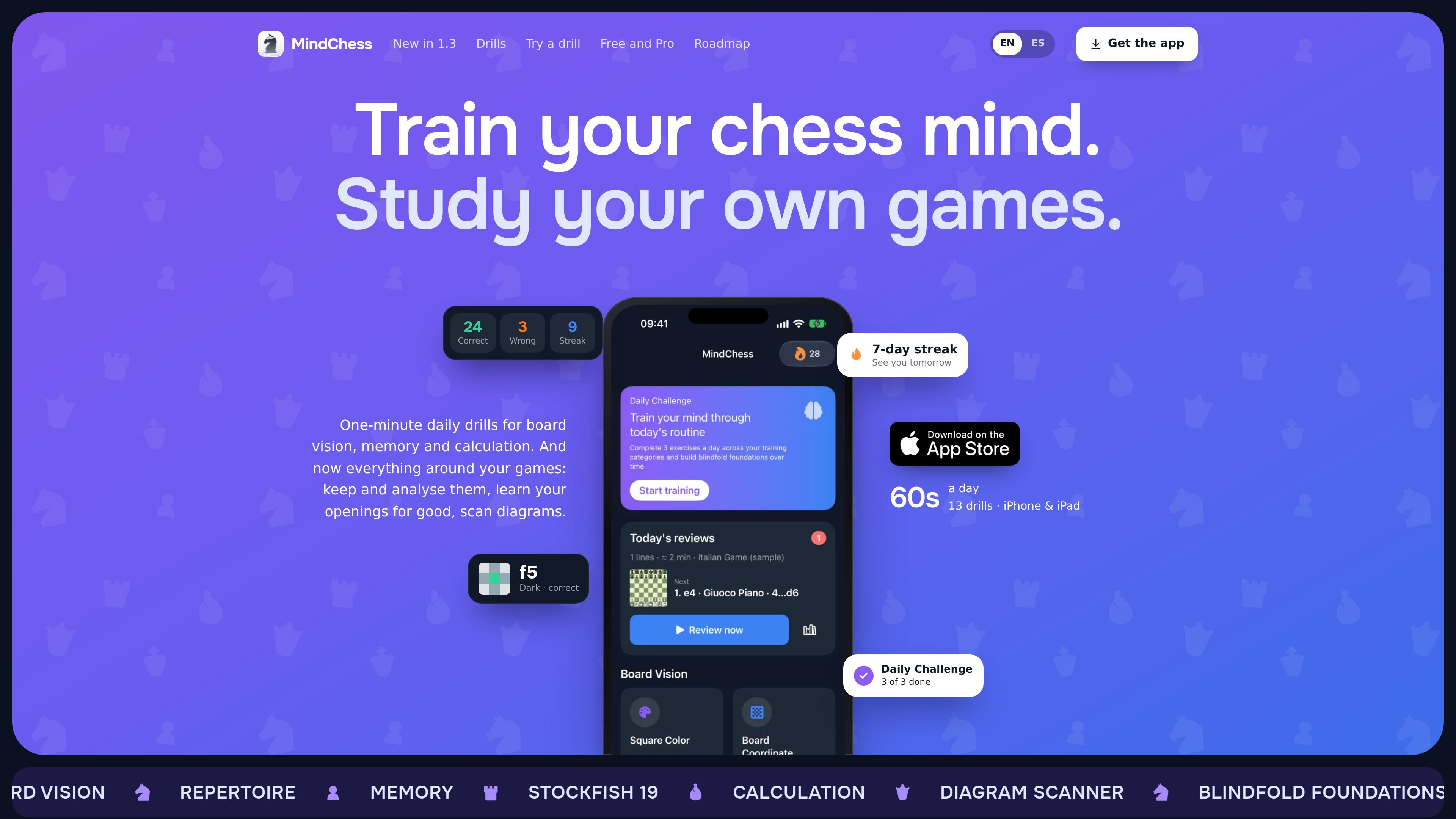
Daily drills
Thirteen drills cover board vision, memory, calculation, and tactical awareness. Timed modes use a 60-second clock and scoring; training modes remove the clock and use three lives.
MindChess is an iPhone and iPad chess training and study app. Its daily gym uses short drills to develop board vision, memory, calculation, and tactical awareness, with timed and untimed practice modes.
The app also organizes personal chess study: users can build an opening repertoire, import and review games, run offline Stockfish analysis on the device, scan positions from photos, and use a configurable clock for over-the-board play. A free tier is available, while Pro removes stated limits and adds selected analysis, statistics, controls, and piece sets.
Thirteen drills cover board vision, memory, calculation, and tactical awareness. Timed modes use a 60-second clock and scoring; training modes remove the clock and use three lives.
Build an opening repertoire line by line from the board or import a PGN. SM-2 spaced repetition schedules reviews, and free practice lets you rehearse lines without changing the schedule.
Import one or many games from PGN, the clipboard, Lichess, Safari, or Mail. The game viewer includes variations, marks, and notes, with duplicate detection for PGN imports.
Stockfish 19 runs on the device and can provide an evaluation bar and three principal lines at depth 24 or higher without an internet connection. The feature is included with Pro.
Photograph a board or diagram, or select an image from the library. MindChess corrects perspective, reads all 64 squares, and creates an editable position for study, saving, sharing, or viewer use.
The clock supports Fischer, Bronstein, and simple delay controls, player-specific time, increments, move-based time changes, pause and resume, and export with clock data on each move.
Spend a short daily session on square-color, coordinate, diagonal, memory, knight-route, fork, collision, or mate-in-one exercises. Use timed scoring for a challenge or training mode for slower repetition.
Enter opening lines from the board or import a PGN, then use scheduled SM-2 reviews to revisit lines as they approach forgetting. Practice any line freely when you want to explore without affecting the schedule.
Collect games in databases, import games from a file or supported share route, and review variations, marks, and notes. Pro users can add offline Stockfish evaluations and principal lines on the device.
Capture a position from a chess book, screen, or physical board, correct it if needed, and save or share the resulting editable position. Pro users can analyze the scanned position with Stockfish.
Use the configurable clock for a physical board, including custom increments or delays, different settings for each player, and paused saved games that can be resumed later.
MindChess is available on iPhone and iPad. Its page does not specify additional platforms or a browser-based workflow.
You can use the daily drills and Daily Challenge for short practice sessions. Drills include timed 60-second modes and untimed training modes with three lives; the Daily Challenge uses a shared set of board-vision, memory, and calculation drills and syncs with iCloud.
You can add repertoire lines from the board or import a PGN. Reviews are scheduled with SM-2 spaced repetition, while free practice lets you work through any line without changing the schedule.
Games can be imported from a PGN file, the clipboard, or directly from Lichess, Safari, or Mail. The viewer supports variations, marks, and notes. Stockfish 19 analysis runs on the device and can work offline, but it is a Pro feature.
The scanner can use a photograph or an image from your library. It corrects perspective, reads the 64 squares, and produces an editable position that can be studied, saved, or shared. Stockfish analysis of scanned positions is available with Pro.

GameGrad turns PDF study material into quiz questions that appear inside arcade games, so users can practice active recall while they play. It offers a free tier with one PDF and a Pro plan with more uploads, more questions, and answer explanations.

DailyPlay.ai is a behavioral growth platform that uses AI site scanning and micro-games to help brands improve engagement and conversion. It supports web, mobile, and other digital touchpoints, with a one-line script setup and a free engagement scan.

ChessWoodie is a chess tactics training app based on the Woodpecker Method. It helps players build pattern recognition through repeated puzzle cycles, track speed and accuracy, and review missed tactics from their own games.

PixelForge turns a single photo into a game-ready 2D character sprite pack, including a 4×4 sheet, transparent frames, direction strips, and looping walk GIFs. It is designed for engine-ready use in Godot, Unity, Phaser, GameMaker, and web games.

Loniva is a mobile puzzle app that offers a calm daily mix of games across memory, attention, language, speed, logic, and focus. It runs on iPhone, iPad, and Android, with a free 7-day trial and a free daily workout after the trial.

RageLayer is a framework-neutral JavaScript package that turns a captured web page into a destructible canvas with 15 procedural tools, rigid-body debris, and browser effects. It is intended for developers building interactive website experiences, creative coding projects, and custom browser tools.