

Prompt-based game creation
Describe gameplay in natural language and generate a playable game without setting up boilerplate; the site says generations can take under 120 seconds.
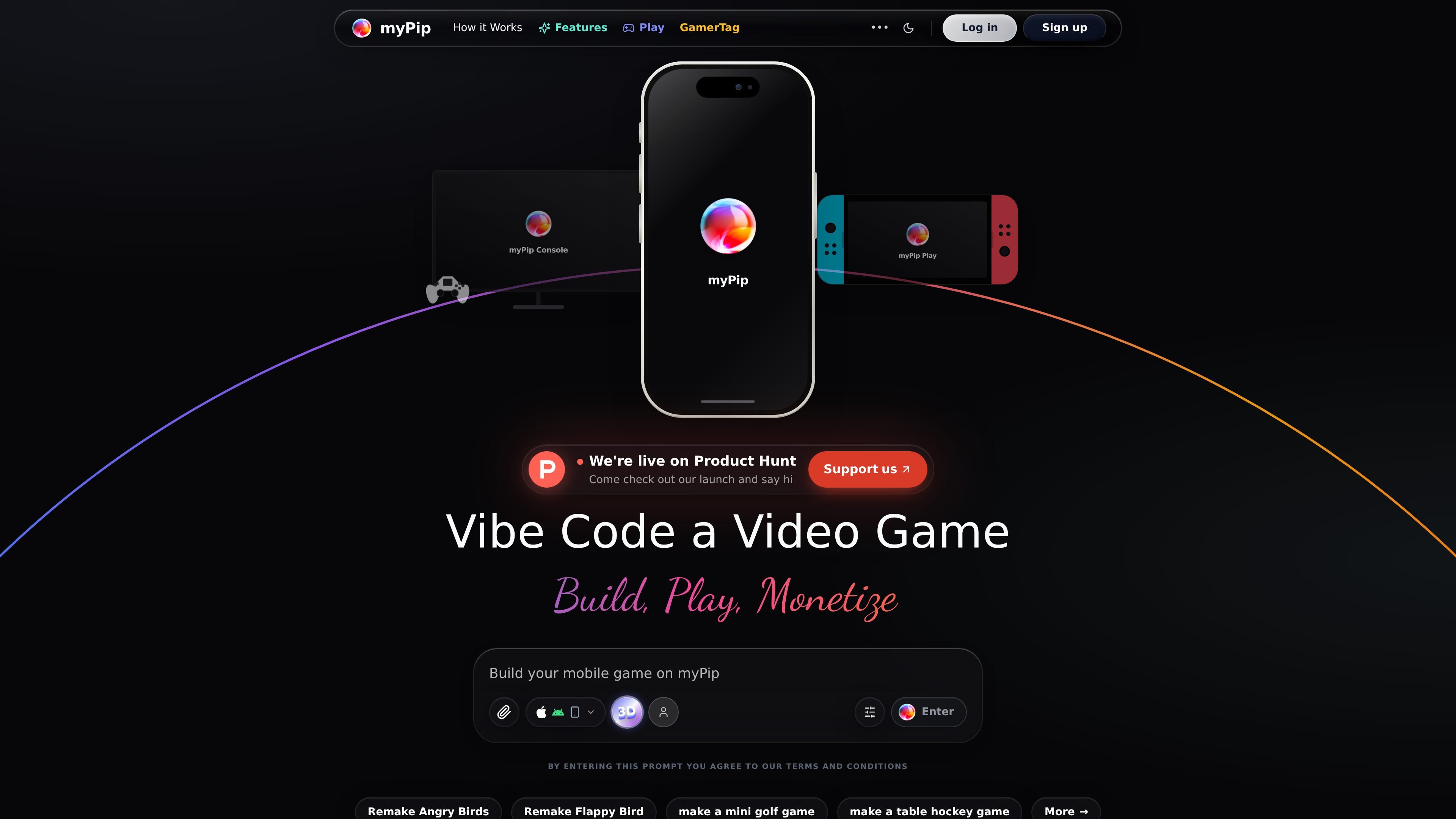
myPip is an AI game maker for turning plain-language ideas into playable video games. Users can describe mechanics, generate a game, preview it, and play it through a web link or on a phone. The platform is positioned for people who want to build games without starting from a traditional coding setup.
The workflow also supports editing games with natural-language instructions, remixing community games, and publishing projects. For conversational creation, myPip connects to ChatGPT or Claude through a custom MCP connector; the assistant can build, edit, list, and publish games using the connected myPip account. The product includes a free tier, with paid plans adding more build capacity and publishing-related entitlements.
Describe gameplay in natural language and generate a playable game without setting up boilerplate; the site says generations can take under 120 seconds.
Builds produce React Native code and can provide a cloud-hosted web link or snack preview for playing without manual compilation.
Scan an automatically generated QR code to open a game on mobile hardware using the Expo Go app.
Create real-time multiplayer games with integrated WebSocket support; the feature catalog also lists Photon as a multiplayer backend integration.
Add advertising and in-app purchase frameworks, including listed integrations such as AppLovin and RevenueCat, for games intended to generate revenue.
Reuse uploaded 3D assets, sprite sheets, sound effects, and custom images through a centralized asset database, while cloud state sync can share scores, progress, and save files across iOS, Android, and web.
Turn a short gameplay concept into a playable prototype, such as a platformer, racing game, mini-golf game, or table-hockey game, then iterate with plain-English changes.
Connect the platform to ChatGPT or Claude to create and revise games conversationally, check build status, list projects, and receive playable links without switching to a separate builder for every request.
Scan a QR code and use Expo Go to check controls and presentation on a real phone before sharing the game more broadly.
Publish a finished project to the myPip Community page for others to play and remix, or return it to private status when needed.
Add multiplayer sessions, ads, or in-app purchase flows to projects that need online play or a monetization path, using the platform's listed engine and service integrations.
Describe the game you want in myPip's builder, or connect myPip to ChatGPT or Claude through its custom MCP connector. The AI assistant can create the game, report when it is ready, and provide a link to play it.
Yes. The site describes instant QR testing on mobile hardware through the Expo Go app. Games can also be played through a web link or snack preview, and the home page highlights phone play.
You can publish a game to the myPip Community page after confirming the action in ChatGPT or Claude, or make it private again. The pricing page also lists publishing to app stores, and paid plans list console-store publishing.
Each build uses credits. The listed Free plan includes 20 builds per month and five monthly remixes; Pro includes 200 builds per month and 20 monthly remixes; Premium includes unlimited remixes. Builds may take a minute or two.
The documented workflow supports plain-English creation and editing, game listing, build-status checks, publishing, and private/public control through ChatGPT or Claude. Connector availability can depend on the chatbot plan or work-account settings, and read-only authorization must be changed if you want to create or edit games.

GameGrad turns PDF study material into quiz questions that appear inside arcade games, so users can practice active recall while they play. It offers a free tier with one PDF and a Pro plan with more uploads, more questions, and answer explanations.

DailyPlay.ai is a behavioral growth platform that uses AI site scanning and micro-games to help brands improve engagement and conversion. It supports web, mobile, and other digital touchpoints, with a one-line script setup and a free engagement scan.

ChessWoodie is a chess tactics training app based on the Woodpecker Method. It helps players build pattern recognition through repeated puzzle cycles, track speed and accuracy, and review missed tactics from their own games.

PixelForge turns a single photo into a game-ready 2D character sprite pack, including a 4×4 sheet, transparent frames, direction strips, and looping walk GIFs. It is designed for engine-ready use in Godot, Unity, Phaser, GameMaker, and web games.

Loniva is a mobile puzzle app that offers a calm daily mix of games across memory, attention, language, speed, logic, and focus. It runs on iPhone, iPad, and Android, with a free 7-day trial and a free daily workout after the trial.

RageLayer is a framework-neutral JavaScript package that turns a captured web page into a destructible canvas with 15 procedural tools, rigid-body debris, and browser effects. It is intended for developers building interactive website experiences, creative coding projects, and custom browser tools.