
Automatic zooms
SmoothCut records cursor activity as data, then places zooms around clicks and areas where you linger. Each zoom remains editable on the timeline, and exports can use different aspect ratios.

SmoothCut is a screen recorder and editor for macOS and Windows that automatically adds zooms, cursor smoothing, camera layouts, audio cleanup, and local captions. It helps creators, product teams, and anyone sending walkthroughs produce editable demos, video messages, courses, and multi-format screen videos without a separate video editor.
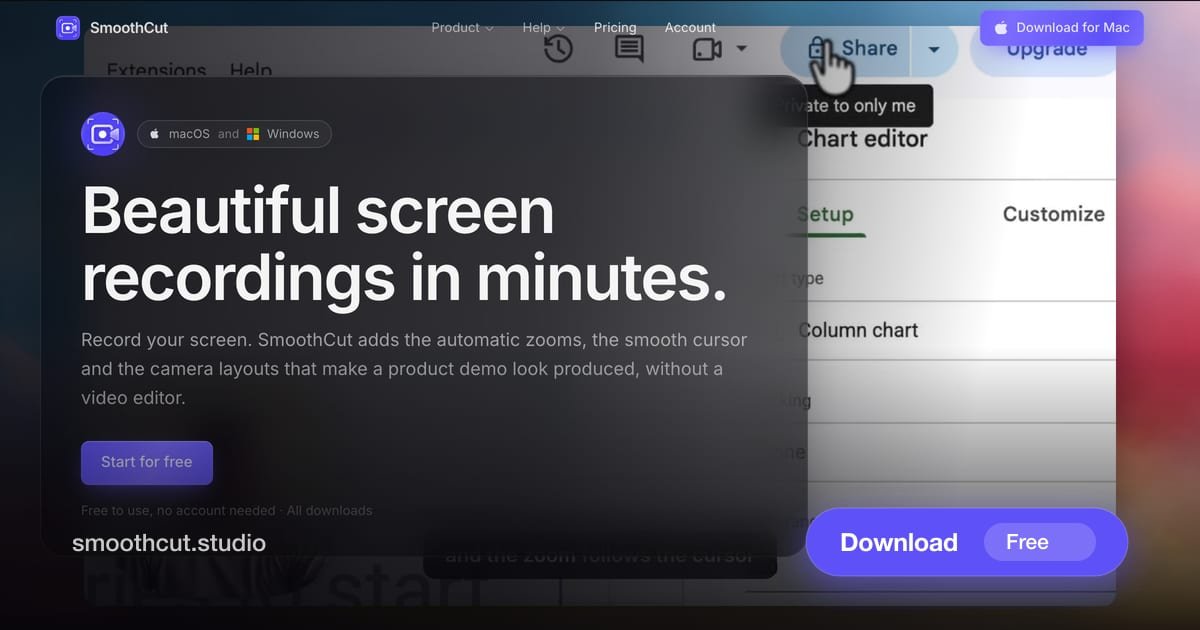
SmoothCut is a screen recorder and editor for macOS and Windows. It records screen activity, cursor data, camera footage, and audio, then applies production-oriented edits such as automatic zooms, cursor smoothing, camera layouts, noise reduction, and captions on the user's computer.
The app is designed for product demos, walkthroughs, video messages, courses, and short-form exports. Users can adjust the generated edits on a timeline, export in different aspect ratios, or optionally publish a share link with timestamped viewer feedback. It works without an account for recording and local exports; sharing requires a licence and an upload initiated by the user.
SmoothCut records cursor activity as data, then places zooms around clicks and areas where you linger. Each zoom remains editable on the timeline, and exports can use different aspect ratios.
The cursor can be smoothed, resized, themed, and given click effects after recording, without changing the original screen capture.
Record your screen and camera together, then switch between picture-in-picture, side-by-side, stacked, and fullscreen arrangements during a clip. Backgrounds, frames, rounded corners, shadows, and motion blur are also available.
On-device processing removes steady background noise, levels and warms the voice, and can keep microphone and system audio on separate channels. Users can add voice-over or music from the built-in library or their own files.
Auto fix proposes an editable sequence of silences, filler-word cuts, zooms, layout, and sound adjustments. Captions are generated locally with word timing, while annotations, blur, mosaic, speed regions, and retake detection support manual cleanup.
Press Share to copy a link while the video uploads as it renders. Viewers can react and comment at timestamps, and links support password protection, republishing, and expiration.
Record an interface demonstration and let SmoothCut place zooms around clicks and cursor activity. Adjust the generated timing and camera layout before exporting a polished product walkthrough.
Explain a process to a teammate or customer once, then send a link instead of scheduling a meeting. Viewers can respond with reactions or comments tied to the relevant timestamp.
Capture screen and camera footage for lessons or onboarding material, then use captions, voice cleanup, annotations, and aspect-ratio versions to prepare the recording for distribution.
Create landscape, vertical, or square versions of a recording for YouTube, Shorts, Reels, or TikTok. Automatic zooms and timeline edits can carry across the selected layout.
Record a technical workflow with microphone and system audio separated, hide sensitive content with blur or mosaic, and use speed regions to focus attention on important steps.
Yes. SmoothCut is available for macOS and Windows. Its recording, editing, audio processing, captions, and automatic zoom workflows run on the computer; a speech model is downloaded once for on-device captions.
You can download and use every feature without an account, with exports included. The free version exports at 720p and 30 fps with a small Made with SmoothCut mark. A licence enables clean exports, 4K, 60 fps, and share links.
SmoothCut costs $79 as a one-time Personal licence for one computer, including one year of updates, or $169 as a one-time Pro licence for up to five computers with lifetime updates. Both plans include every feature and work offline.
Yes. You can remove automatic zooms, adjust their depth, timing, easing, position, and duration on the timeline, or add your own zooms. The same zoom edits can be used across 16:9, 9:16, and 1:1 layouts.
Sharing is optional. Pressing Share creates a link while the video uploads as it renders; viewers can leave timestamped comments and reactions. Links can be password-protected, republished to the same URL, extended, or allowed to expire.

Zella is a screen recorder and on-device AI video editor for Mac and iPhone. It helps creators record screens or cameras, automatically clean up footage, add captions, reframe clips, and export videos without uploading the core project to the cloud.

Jupitrr Cut is a free iOS and Android teleprompter and recording app for scripted talking-head videos. It records scenes separately, lets users retake individual lines, trims pauses, and stitches the takes into a jump-cut video.

Tavus is an AI video platform for building real-time, face-to-face agents, digital twins, and AI companions. It combines APIs, custom replicas, and multilingual conversational workflows for developers and teams.

HiringPartner.ai is an autonomous AI recruiting platform for sourcing, screening, and interviewing candidates 24/7. It supports ATS-connected workflows, bulk resume uploads, and reviewable interview outputs for hiring teams.

CAKIE is a Mac app for recording your screen and voice for an AI agent. It adds a transcript and screenshot highlights, then lets you copy a prompt and paste or attach the context in another AI app.

Video Effects SDK adds real-time webcam effects such as background blur, background replacement or removal, denoising, framing, beautification, and color grading. It is built for teams shipping live video experiences on web, desktop, and mobile platforms.