
Instant screenshot scoring
Upload a UI screenshot and get an immediate scored analysis without creating an account. The page says the tool is free and works with no login or signup.

UI Design Analyzer is a free browser-based tool for scoring UI screenshots across seven criteria, including spacing, alignment, color, hierarchy, and typography. It supports JPG, PNG, and WebP uploads with no login or signup.
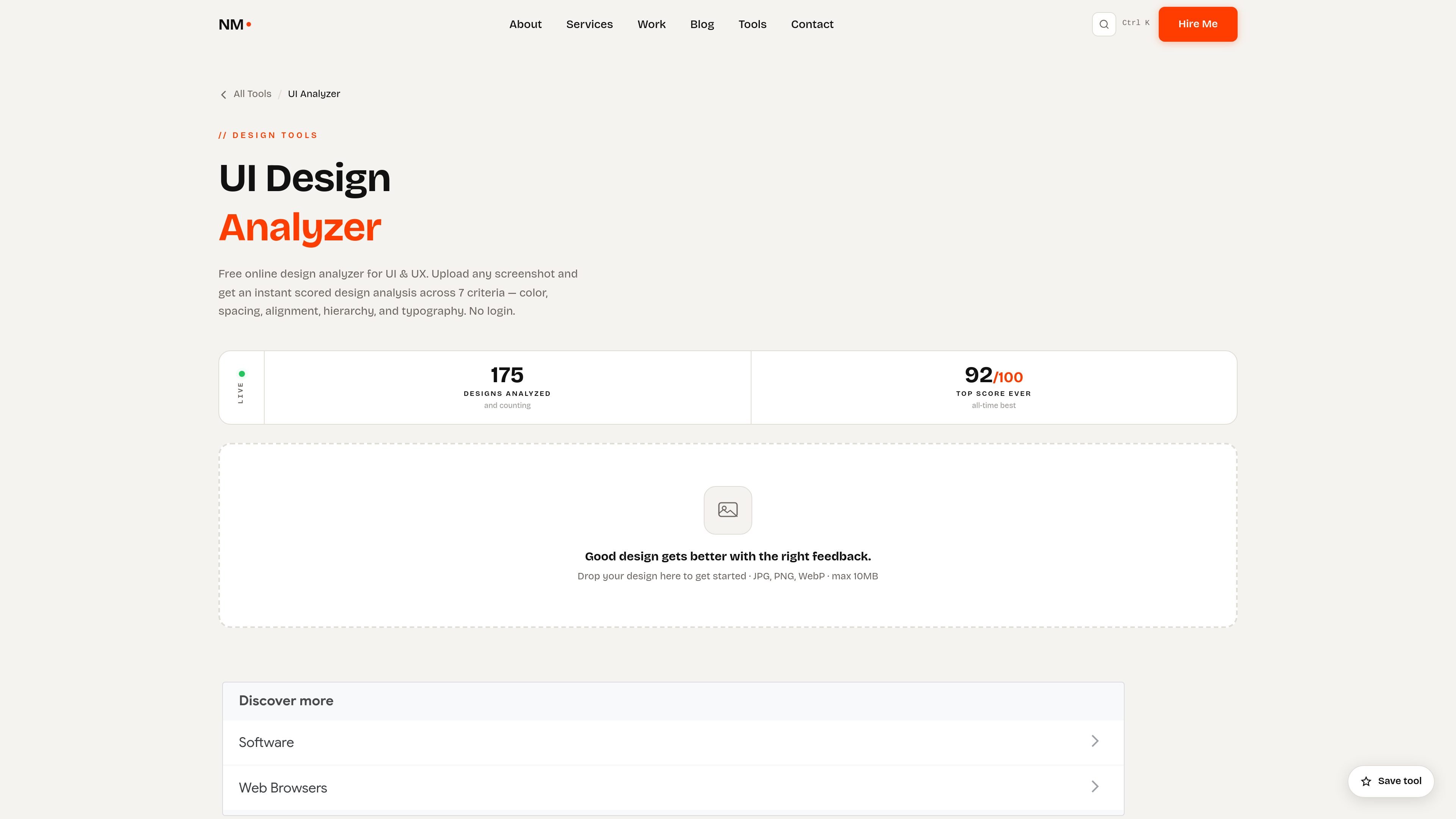
UI Design Analyzer is a free browser-based tool that scores a UI screenshot across seven design criteria. It is positioned for fast design review, with no login or signup required and support for JPG, PNG, and WebP uploads up to 10MB.
The tool evaluates visual and structural quality through weighted checks for color, spacing, alignment, consistency, hierarchy, typography, and corner rounding. The scoring changes by analysis mode, so the same screenshot can be judged differently as a web UI, mobile screen, poster, or dashboard.
Upload a UI screenshot and get an immediate scored analysis without creating an account. The page says the tool is free and works with no login or signup.
The analyzer scores designs across seven criteria, including color, spacing, alignment, consistency, hierarchy, typography, and corner rounding.
Each criterion is weighted rather than treated equally, so the score can adapt to the design context and to the selected analysis mode.
The tool includes Web UI, Mobile, Poster, and Dashboard modes, each tuned to different layout priorities such as touch-target spacing or information density.
Color checks include palette harmony and WCAG contrast ratios, while spacing and alignment checks look for inconsistent margins, off-grid layouts, and crowded layouts.
The result page can be shared, and the page notes that a thumbnail is saved with the result for sharing purposes.
Upload a mockup before a design review to get a quick read on spacing, hierarchy, alignment, and typography issues that are easy to miss in a static screenshot.
Select the Mobile mode when evaluating app screens, where touch-target spacing and compact layouts need different weighting than desktop interfaces.
Use Dashboard mode for dense product interfaces where alignment and consistency matter more than they would in a poster or marketing layout.
Run poster or campaign visuals through the tool when you want a quick sense of color balance and hierarchy before publishing.
Use the analysis as a second opinion when you want a fast, structured critique before handing the work to a human reviewer or client.
Yes. The UI Design Analyzer is described as free with no account required, and the page says there are no hidden tiers or paywalls.
It accepts JPG, PNG, and WebP files up to 10MB. The page recommends using a full-page or component screenshot at 1x or 2x resolution and avoiding heavily compressed thumbnails.
The analyzer scores seven criteria independently and blends them using mode-specific weights. The page specifically notes that a dashboard layout gives more weight to alignment and consistency than a poster design would.
The tool includes four analysis modes: Web UI, Mobile, Poster, and Dashboard. Each mode adjusts the scoring weights to fit the context, such as tighter spacing tolerances for mobile and stronger focus on alignment for dashboards.
Yes. The page says the analyzer can be used as a combined UI/UX design analyzer because the criteria include hierarchy, spacing, alignment, and information flow.

imgcook is a design-to-code tool that converts design drafts into front-end code. It supports plugin-based and developer workflows for Sketch, Photoshop, VS Code, and CLI usage.

Beautiful.ai is an AI presentation platform for individuals, teams, and enterprises. It helps users create branded slide decks with Smart Slides, collaborative editing, and export options while reducing manual formatting work.

FixMyCWV is a web-based Core Web Vitals audit tool that produces developer-focused recommendations for improving LCP, INP, and CLS. It works across many site stacks and claims to handle sites with bot protection.

PromptLayer is an LLM operations platform for versioning, testing, and monitoring prompts and agents. It helps AI engineering teams and domain experts collaborate on prompt workflows without working directly in code.

Decktopus AI is a web-based AI presentation maker that generates branded slide decks from prompts, pasted text, or PDFs. It is aimed at individuals, teams, and enterprises that want to produce presentations faster while keeping layouts and branding consistent.

Chronicle is an AI presentation maker for teams that need to turn notes, docs, or existing decks into polished business presentations. It supports AI slide generation, brand controls, collaboration, and export to PPT, PDF, or a published website.