
Meeting and memo capture
Notetaker records meetings and voice memos, then turns them into notes that are meant to be accurate enough to act on. The page emphasizes capturing details correctly so users do not have to double-check the transcript.

Wispr Flow Notetaker captures meeting conversations, identifies speakers, and turns discussions into searchable notes with follow-up support. It is available on Mac today and is included in Flow’s free plan with limits, plus paid Pro and Enterprise options.
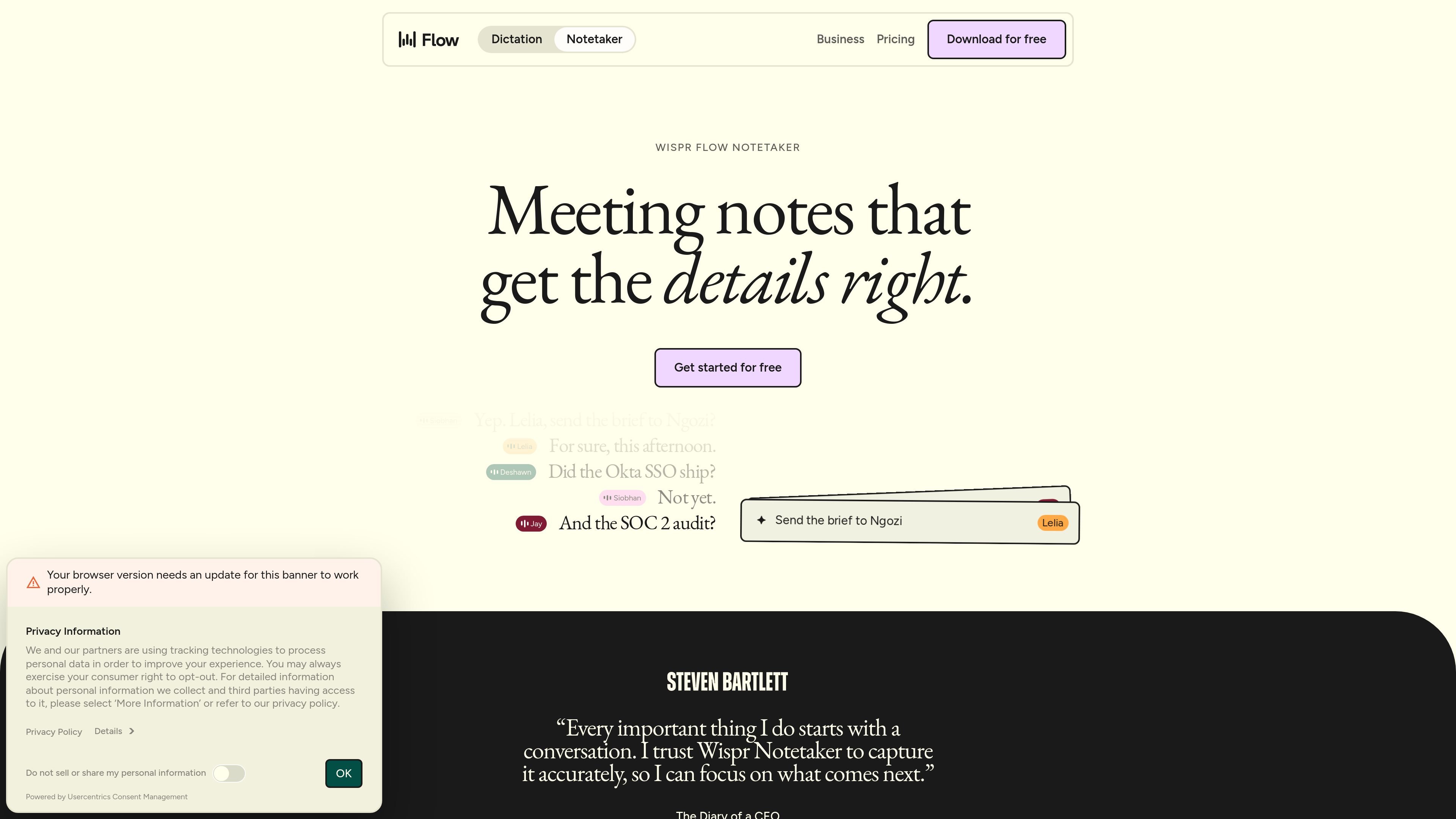
Wispr Flow Notetaker is a meeting-notes product from Wispr Flow. It is positioned as a way to capture conversations accurately and then turn them into notes that help users handle follow-up work.
The product page focuses on three jobs: identifying who said what, summarizing what changed, and making the notes searchable so users can ask follow-up questions later. Pricing information shows Notetaker is included with the free Flow plan, with higher limits and longer retention in Pro.
Notetaker records meetings and voice memos, then turns them into notes that are meant to be accurate enough to act on. The page emphasizes capturing details correctly so users do not have to double-check the transcript.
The product identifies each speaker by name rather than labeling them as generic speakers. If a name is wrong, the page says it can be corrected in one click.
Notetaker can answer questions about a single meeting or across multiple meetings, and it links back to the source material it used.
The page shows Flow pulling timelines, decisions, blockers, and next steps into concise summaries, organized by topic so users can catch up faster.
Flow says notes can be used in Claude, ChatGPT, and other AI tools through MCP, and the pricing page also says it connects to calendar and Slack.
The product works on the user's device rather than through a meeting bot, and the source text says it works with any meeting app and with in-person conversations too.
Use it during recurring team calls when you need a reliable record of decisions, owners, and open questions without manually writing everything down.
Use it for conversations with clients, candidates, or partners when you want named speakers and a cleaner handoff to follow-up tasks.
Use it when you need to catch up after a missed call or when you zone out mid-meeting; the product can summarize what was discussed and what changed.
Use it when meeting notes need to flow into other tools, such as Claude or ChatGPT, or when you want notes connected to calendar and Slack context.
Use it for quick voice memos as well as formal meetings, especially if you want one system for capturing spoken notes and turning them into searchable records.
Yes. The Flow Basic plan is free and includes dictation plus the Notetaker, with a weekly meeting limit. You can start without a credit card, and the plan can be upgraded later from the app or the pricing page.
The Notetaker is available on Mac today. The source material says Windows support is coming soon, and iPhone and Android are on the roadmap. Dictation itself is available on Mac, Windows, iOS, and Android.
No. Flow says it works right on your device, so there is no bot joining meetings and nothing for other participants to admit.
Flow Pro adds higher meeting limits and longer note retention, plus unlimited dictation and other Pro features. The pricing page also says the Notetaker is included in Pro at no extra cost, though rollout may be gradual for existing Pro users.
Yes. The product page says Notetaker searches across your meetings, messages, and emails, and then links you to the source when you ask a question about a meeting.

QuickQuill is a macOS dictation and transcription app that runs locally on the device. It helps users record meetings, transcribe audio, generate summaries, and export notes without using a cloud service.

Wendi is an AI workspace for people managers that captures meeting context, organizes it by person, and helps managers plan next steps. It is designed for workplace conversations, follow-ups, and policy-aware guidance rather than generic chat.

Liam is an AI copilot for managing inboxes, writing replies, prioritizing email, and scheduling meetings. It is offered free for individuals, with custom pricing for teams and enterprise.

Tactiq is an AI note taker for Google Meet, Zoom, and Microsoft Teams that transcribes meetings live and turns them into summaries, action items, and follow-up outputs. It is built around a Chrome extension and supports team workflows through sharing and integrations.

garden-md is an open-source Node.js CLI that turns meeting transcripts into a local company wiki. It links entities across transcripts, keeps the original text intact, and renders the result as a browsable wiki.

SpeakoFlow is a free, open-source desktop voice-to-text app for Windows, macOS, and Linux. It supports dictation into any app, voice-driven writing with Flow, cleanup, translation, and a screen-aware assistant.