

AgreeGuard
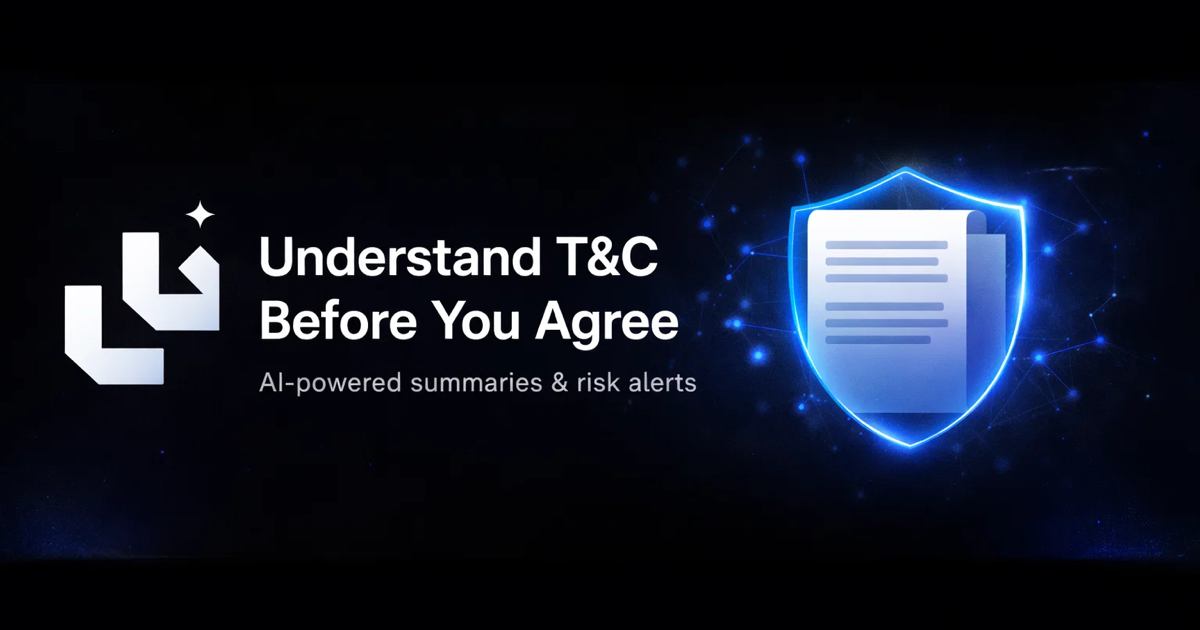
AgreeGuard is a free AI Chrome extension that analyzes Terms of Service and Privacy Policies before you click “I Agree,” flagging red flags.
What is AgreeGuard?
AgreeGuard is a free AI Chrome extension that helps you review Terms of Service and Privacy Policies before clicking “I Agree.” It reads the text you’re about to accept and generates summaries plus risk and privacy insights so you can spot potentially important clauses earlier.
The extension runs while you browse. It also supports analysis across related legal documents (for example, Terms of Service, Privacy Policy, and Refund Policy) and can prioritize legal pages over the rest of the website content.
Key Features
- Real-time clause analysis while you browse: The extension processes terms and conditions in the background and produces a report when it finds relevant document text.
- Terms and privacy summaries: It highlights key terms and provides easy-to-read summaries rather than only showing raw legal text.
- Risk detection for common red-flag areas: The tool flags items described in its alerts—such as auto-renewals, third-party data sharing, no-refund policies, waived legal rights, binding arbitration, account termination clauses, and forced class-action waivers.
- Privacy insights focused on data collection and sharing: The page examples indicate it can identify whether usage data, device/location data, and payment information are involved, and whether third-party sharing is present.
- Deep crawl across multi-page legal documents: It can discover and analyze legal documents linked from site navigation elements and other locations, including JavaScript-heavy single-page apps.
- Multi-document scanning and prioritization: It analyzes multiple legal documents at once (up to 10 is stated) and prioritizes legal documents over product pages to speed up review.
How to Use AgreeGuard
- Install AgreeGuard from the Chrome Web Store.
- Navigate to a website page where you would normally accept Terms of Service or Privacy Policy.
- Proceed through the page as usual; AgreeGuard performs background checks and displays analysis results and detected issues.
- Open the “View Full Analysis” / alerts-style output to review identified clauses and privacy insights.
Use Cases
- Before accepting a service agreement: Review a site’s Terms of Service and Privacy Policy to understand which clauses (e.g., auto-renewals or arbitration) might apply to you.
- Checking for recurring charges: When you see consent screens with an “I Agree” button, scan for hidden or enabled subscription auto-renewal terms and related cancellation details.
- Assessing privacy practices: Use the privacy insights to understand what data categories are referenced (e.g., usage/device/location/payment) and whether the policy indicates third-party sharing.
- Evaluating refund and liability language: Look for no-refund policies and limitation-of-liability statements before proceeding.
- Reviewing sites with fragmented legal pages: For platforms that split legal text across multiple pages (including single-page apps), use deep crawl and multi-document analysis to capture related documents in one review.
FAQ
-
Does AgreeGuard work on all websites? The page states it “works on any website,” and it also mentions JavaScript app support for sites built with frameworks like React, Vue, and Angular.
-
What does AgreeGuard analyze? The page indicates analysis of Terms of Service and Privacy Policy, and it also mentions Refund Policy and Acceptable Use (AUP) as documents that can be analyzed.
-
How quickly does it process a page? The page provides example timings for its steps (fetching, scanning, detecting red flags, analyzing privacy, and generating a report). Exact performance may vary by site.
-
Where do the results appear? The page shows an on-page/extension-style workflow with “Detected” status and options to view a full analysis or see alerts.
-
Is there a cost and what does the free tier allow? The page includes pricing tiers and indicates a free plan with 2 analyses per day, with additional options to upgrade. A credit card is not required to try the free tier.
Alternatives
- Manual legal review (reading the policies yourself): Offers full control, but it’s time-consuming and may require legal literacy.
- Other browser-based privacy/consent tools: These can help with privacy choices or cookie consent management, but may not provide the same clause-by-clause summary of Terms and Privacy Policy text.
- AI document summarizers: You can copy/paste policy text into an AI summarization tool, but you lose the “in-page” and multi-document crawling workflow that reviews related legal pages automatically.
- Permission/terms auditing approaches for specific services: Some people rely on service-specific guides or reviews (e.g., community or checklist-based reviews). These reduce reading time but may not cover the exact current text you are about to accept.
Alternatives

Termsy
Termsy is a Chrome extension that scans Terms of Service and Privacy Policy pages, highlights key clauses, and shows them in a sidebar.

GoSign
GoSign is an electronic signature software offering unlimited document sending and signing for a single flat annual price, serving as a cost-effective alternative to usage-capped platforms.

Nolain OCR
Nolain OCR is an advanced Optical Character Recognition solution designed to accurately extract text and data from various document formats, streamlining document processing workflows.

Jenni
Jenni is an AI workspace to read PDFs, draft essays and papers, and generate in-text citations in 2.6k+ styles.

DataSieve: Text to Data
DataSieve: Text to Data extracts emails, dates, URLs, and structured info from text and many file types—offline on iPhone, iPad, and Mac.
司马阅
司马阅 is a leading domestic enterprise-level AI document intelligence platform, focused on activating dormant data in enterprises and helping them create serious scenario-based AI employees.