

Cloud Computer
Cloud Computer is a dedicated always-on cloud machine for Manus to run bots, Python scripts, and software continuously with persistent files for projects.
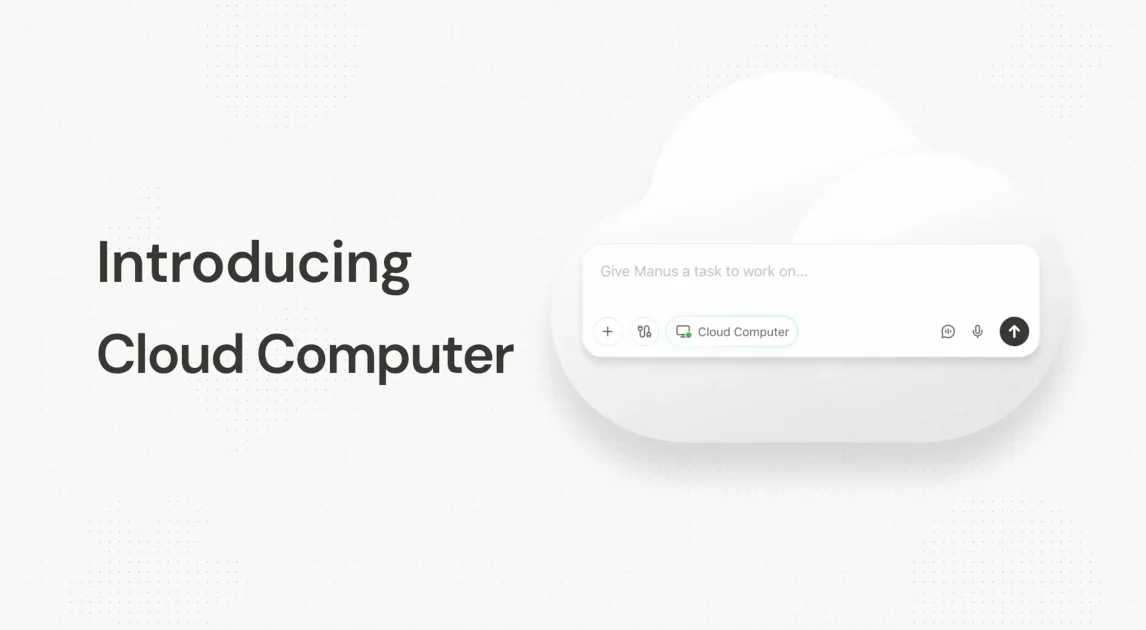
What is Cloud Computer?
Cloud Computer is a dedicated machine in the cloud for running Manus setups continuously. Instead of relying on your laptop (which sleeps, disconnects from Wi‑Fi, or shuts down), it keeps bots, Python scripts, and other software running around the clock.
Manus also uses the machine’s persistent storage differently than a regular chat session. Regular Manus chat starts fresh and doesn’t have access to files from previous sessions, while work done on a Cloud Computer stays on the machine so later tasks can pick up where earlier work left off.
Key Features
- Always-on runtime for Manus projects, so tasks keep running even when you’re offline or away.
- Persistent file system on the Cloud Computer, allowing later tasks to read and build on files created earlier.
- Shared environment across tasks on the same Cloud Computer (tools installed and data files remain available for subsequent work).
- Ability to run scheduled workflows (for example, daily runs at a specific time).
- Support for hosting and operating 24/7 and self-hosted tools without manual server management or operating-system setup described in the article.
- Use-case fit for automation and integration work that requires stable execution and reliable access to credentials (the article frames this as a key “plumbing” challenge).
How to Use Cloud Computer
Start by choosing the kind of work you want to run persistently: a 24/7 bot, a Python script, scheduled processing, or a project that needs a live knowledge base.
Then, set up that work on your Cloud Computer so it remains available over time. Because files and setup stay on the machine, you can structure tasks to reference prior outputs—for example, updating a database from newly uploaded CSV files and generating reports based on historical data already stored on the same environment.
Use Cases
- Run a 24/7 Slack bot: Configure a bot that summarizes daily news for a team and keeps answering while you’re not actively running a session.
- Maintain a persistent knowledge base: Create and update a MySQL database on the Cloud Computer, ingest new CSV data on a schedule, and generate trend reports using stored historical data.
- Self-host open-source tools for ongoing use: Deploy tools such as Home Assistant, Metabase, Odoo, or WordPress in a continuously available environment and obtain a login URL for remote management.
- Schedule scrapers and automated reports: Run a Python scraper every morning (e.g., 4:00 AM), write results to a spreadsheet, and highlight changes such as price drops.
- Build ongoing automation projects instead of one-off tasks: Use the same always-on environment to extend a project over weeks or months, rather than treating each chat as an isolated session.
FAQ
Does Cloud Computer replace Manus Desktop and Temporary Sandbox?
No. The article describes Cloud Computer as extending what’s possible by adding always-on capability. Manus also offers a Temporary Sandbox for isolated tasks and Manus Desktop for organizing local files or controlling apps on your machine.
What makes Cloud Computer different from a regular Manus chat?
A regular chat starts from a blank slate with no access to files from previous chats. On a Cloud Computer, files and installed tools persist on the machine, so later tasks can continue work using the same underlying storage.
What kinds of workloads are a fit for Cloud Computer?
The article explicitly calls out 24/7 bots, Python scripts, scheduled scrapers/reports, and persistent knowledge bases such as live databases.
Can Cloud Computer run scheduled tasks at specific times?
Yes. The article includes an example of scheduled execution (e.g., running a scraper every morning at 4:00 AM).
Is the Cloud Computer intended for self-hosting open-source tools?
Yes. The article describes the ability to deploy and host open-source tools (examples listed include Home Assistant, Metabase, Odoo, and Plausible) without wrestling with install instructions or terminal commands.
Alternatives
- Rent and manage servers directly (e.g., cloud VM or platform hosting): This approach typically requires you to handle server configuration, keys/credentials, and operating-system setup yourself, which the article contrasts with Cloud Computer.
- Use a local always-on machine instead of cloud hosting: You can keep scripts or bots running on your own machine, but this avoids the “laptop sleeps/disconnects/shuts down” issue by relying on hardware you ensure stays on.
- Use isolated task execution (Temporary Sandbox) for one-off workflows: If you only need intermittent runs and don’t need persistence across tasks, an isolated environment can be simpler than maintaining an always-on machine.
Alternatives

FounderStackHub
FounderStackHub uses an always-on AI agent to scan, verify, and match startup perks like cloud credits, AI-tool credits, and SaaS discounts to your stack.

Elvixs
Elvixs is an AI job outreach tool for freshers and students—find HR contacts, generate AI cold emails, send from Gmail, and track opens.

Gossipic
Gossipic tracks how often your brand is mentioned in AI answers, analyzes sentiment, benchmarks competitors, and creates daily action plans. Start 7-day free trial.

SnapSub: Subscriptions Hub
SnapSub: Subscriptions Hub centralizes recurring services so you can track what you pay, upcoming billing dates, and get reports to review spending.

Abakada
Abakada is the Philippines’ curated directory of free, open-source tools—1,000+ verified listings across 45+ categories for students & educators.

Been There Global
Been There Global shares real stories from real travellers to help you “know before you go” and plan trips with more confidence.