
Automatic video indexing
A background service watches for new video files and sends them into the analysis pipeline, so newly added media can be processed without manual reindexing steps.

Edit Mind is a local-first video knowledge base that indexes video libraries with transcription, frame analysis, and semantic embeddings, then lets users search content in natural language. It is self-hosted with Docker Compose and described as privacy-preserving, though the project is still in active development and not yet production-ready.
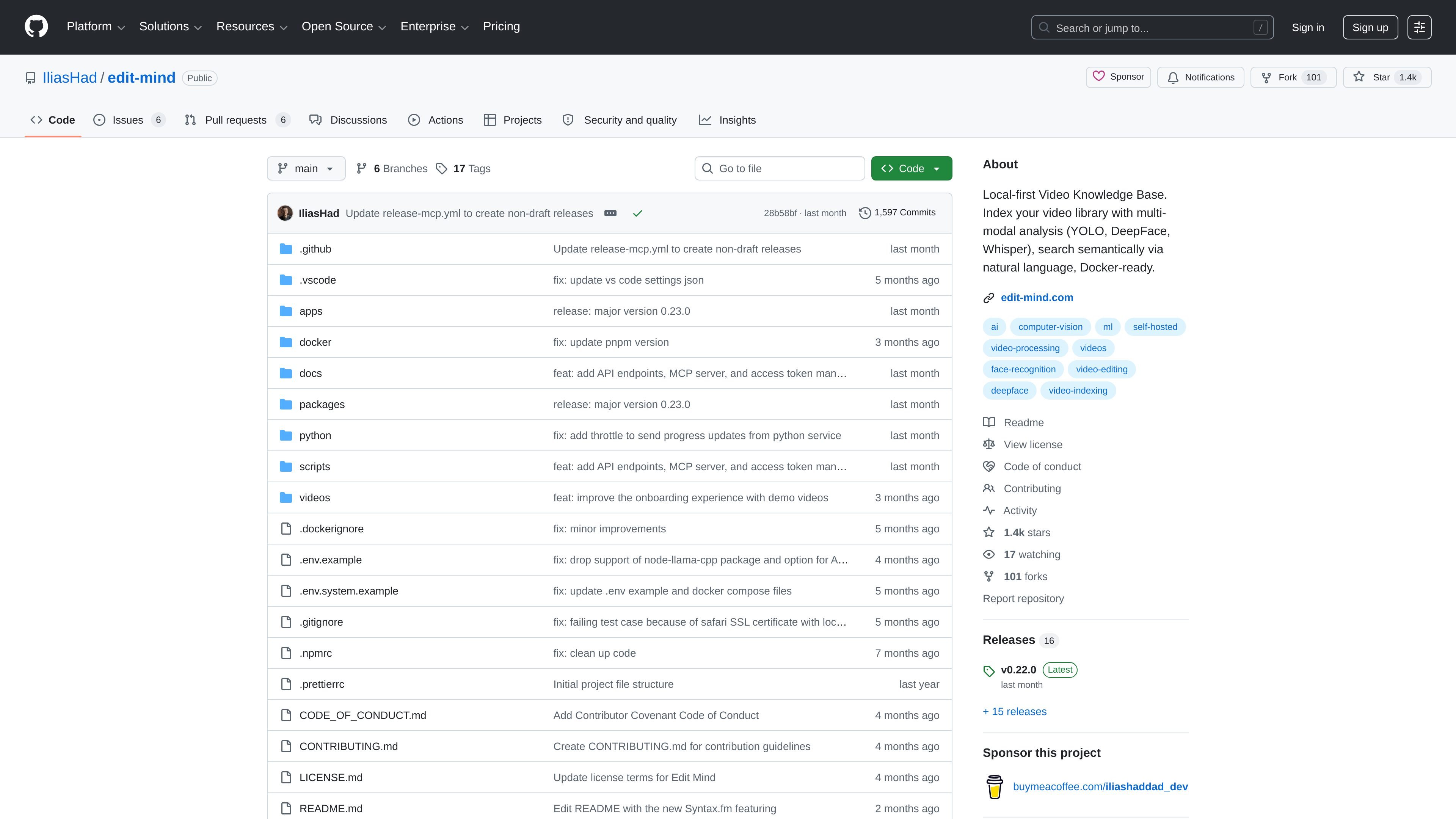
Edit Mind is a local-first video knowledge base for indexing personal or self-hosted video libraries. It analyzes video files with transcription, frame analysis, and multi-model embeddings, then lets users search the library in natural language.
The repository describes the project as running fully locally for privacy, with Docker Compose used to start the services. It is currently in active development and not yet production-ready, so the source explicitly notes that users should expect incomplete features and occasional bugs.
A background service watches for new video files and sends them into the analysis pipeline, so newly added media can be processed without manual reindexing steps.
The analysis pipeline extracts transcription, frame-level signals, face recognition, object and text detection, scene analysis, and multi-model embeddings to build richer metadata for each video.
Search works with natural-language queries and can target whole videos or specific scenes, making it easier to find moments by meaning rather than filename.
The system uses ChromaDB for vector-based retrieval, supporting semantic matching across the indexed video library.
The project is built for containerized deployment with Docker Compose, and the README provides a separate CUDA compose file for NVIDIA GPU setups.
A solo user can point Edit Mind at a video folder and build a searchable archive without sending media to a hosted service.
People managing a large library can search for moments by spoken words, faces, objects, or scene content instead of remembering filenames or timestamps.
Teams or hobbyists who self-host infrastructure can run the system in Docker on a server and keep the workflow inside their own environment.
Users who want to inspect how the pipeline interprets media can rely on the indexed metadata, including transcription and visual analysis, to review what was extracted.
Edit Mind is designed to run locally with Docker Compose. The README says it works on any computer or server with Docker installed, and the setup guide uses Docker Desktop plus environment variables for configuration.
The README describes indexing videos with transcription, frame analysis, face recognition, object and text detection, scene analysis, and multi-model embeddings. It then supports natural-language search over videos or specific scenes using ChromaDB.
The repository README says the self-hosted version is free. It also mentions a separate commercial desktop app for macOS and Windows with one-click installation, but the source shown here does not list pricing details for that app.
The setup section says you need Docker Desktop, a media folder shared with Docker, and a choice of model setup such as Ollama or Gemini API. It also notes that NVIDIA GPU users can use docker-compose.cuda.yml.
The README says the project is in active development and not yet production-ready, with incomplete features and occasional bugs.

AI-driven wiki aggregator created to enhance user experience on Wikipedia by streamlining knowledge consumption.

Lasso is an ecommerce product data platform for enriching catalog records, processing supplier files, generating product content, and monitoring competitors. It combines a web app with a REST API, SDK, and MCP server for teams and developers.

Struere is an AI-native platform for turning spreadsheet data into structured operational software with dashboards, alerts, and automations. It is aimed at teams that want to replace manual spreadsheet workflows without building custom tools from scratch.

garden-md is an open-source Node.js CLI that turns meeting transcripts into a local company wiki. It links entities across transcripts, keeps the original text intact, and renders the result as a browsable wiki.

Falconer is an AI-powered company brain that keeps internal documentation accurate, searchable, and up to date by syncing with tools like GitHub, Slack, and Linear. It helps engineering and cross-functional teams centralize knowledge and answer questions from a shared source of truth.

ClayHog is an AI search visibility platform for tracking brand presence in ChatGPT, Gemini, Perplexity, Claude, and Google AI Overviews from one dashboard.