

Genmo
Genmo builds open video generation models—Mochi 1 is an open-source text-to-video model. Try the playground or run Mochi locally and customize.
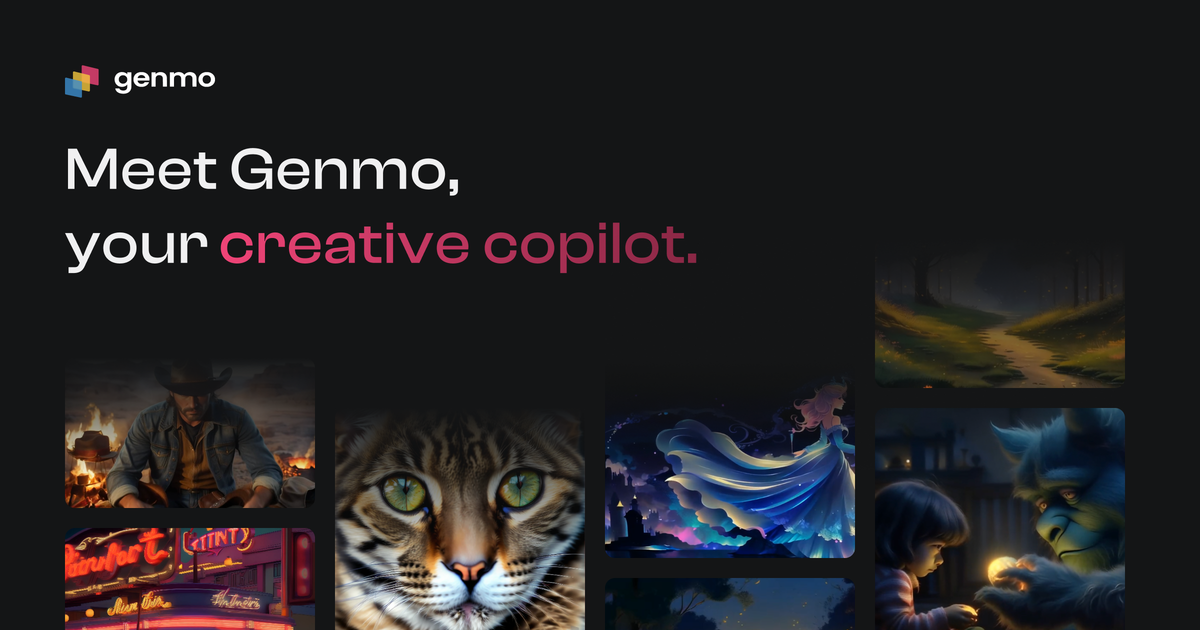
What is Genmo?
Genmo is a platform for open video generation models. Its public focus is on Mochi 1, an open-source text-to-video model designed to turn written prompts into video outputs.
The site also describes Genmo as working on “open world models” intended to understand the physical world, alongside providing resources for experimenting with Mochi through a playground and documentation for running it locally.
Key Features
- Mochi 1 open-source text-to-video model: Convert written concepts (text prompts) into engaging visual stories using an open model.
- Local running and customization: Use Genmo’s open-source repository and tooling so you can tailor the model to your needs rather than relying only on a hosted workflow.
- ComfyUI support: Run and customize Mochi using the ComfyUI ecosystem, which is commonly used for node-based AI workflows.
- Interactive playground: Test Mochi capabilities in-browser via an interactive playground.
- Developer setup resources: Provide a quickstart workflow (including cloning the repository and installing dependencies) and a CLI-style entry point for generating your first videos.
How to Use Genmo
- Explore the model: Start with the interactive playground to understand how Mochi responds to different prompts.
- Get the open-source code: Follow the repository instructions to clone the Mochi repository from GitHub.
- Install dependencies: Use the quickstart steps shown on the site (e.g., installing with the provided commands).
- Generate videos: Run the provided example commands (such as the CLI/demo entry points) to create your first video outputs.
- Customize as needed: If you want a different workflow, use the open-source repository or ComfyUI-based setup described by Genmo.
Use Cases
- Prompt-to-video prototyping for creators: Generate short visual drafts from written descriptions such as “slow-motion” or “time-lapse” prompts.
- Creative iteration for storyboards: Test multiple prompt variations quickly in the playground to refine scene composition and camera framing concepts.
- Hands-on experimentation by ML practitioners: Run Mochi locally from the open-source repository for controlled experiments and customization.
- Node-based generation workflows with ComfyUI: Build a reproducible generation pipeline using ComfyUI while still using Mochi as the underlying model.
- Research exploration of physical-world understanding: Explore Genmo’s broader “open world models” direction through the resources and research sections linked on the site.
FAQ
What model does Genmo provide for text-to-video?
Genmo highlights Mochi 1, described as an open-source text-to-video model that generates video from written concepts.
Can I run Mochi 1 locally?
Yes. The site provides a quickstart flow including cloning the GitHub repository, installing dependencies, and running example generation commands.
Do I need to use the Genmo repository, or can I use ComfyUI?
The site states you can run and customize Mochi using the open-source repository or ComfyUI, giving you an option depending on your preferred workflow.
Is there an online way to test prompts?
Yes. Genmo includes an interactive playground where you can test Mochi’s features and capabilities.
Where can I find research information?
The site includes a Research area with links such as “Mochi 1: A new SOTA in open text-to-video,” and an option to “Read All” research items.
Alternatives
- Other open-source text-to-video model projects: If your priority is local execution and modifiability, look for additional open model repositories that similarly support prompt-based generation.
- Hosted AI video generation services: These can reduce setup effort compared to running models locally, though they typically trade away the ability to customize the underlying model.
- General AI generation pipelines in ComfyUI: If you already use ComfyUI for image or generation workflows, you may find alternative models that plug into the same node-based workflow style.
- Commercial closed text-to-video models: Often targeted at fast access and turnkey use; the main difference from Genmo is that the model may not be open-source or locally runnable/customizable in the same way.
Alternatives

艺映AI
艺映AI is a free AI video generation platform focused on transforming text and images into high-quality dynamic videos.

VIDEOAI.ME
VIDEOAI.ME is an AI video generator to create studio-quality, publish-ready videos with realistic AI actors and voiceovers from text or a selfie.

AakarDev AI
AakarDev AI is a powerful platform that simplifies the development of AI applications with seamless vector database integration, enabling rapid deployment and scalability.

HeyGen
HeyGen Developers offers an API platform to generate, translate, and lipsync avatar videos with TTS models—built for scalable production workflows.

BookAI.chat
BookAI allows you to chat with your books using AI by simply providing the title and author.

skills-janitor
Audit, track usage, and compare your Claude Code skills with skills-janitor—nine focused slash commands and zero dependencies.