
Prompt-driven video generation
Create AI video sessions from a prompt and let the agent handle scripting, avatar selection, scene composition, and rendering.

Official HeyGen API docs for AI avatar videos, video translation, lipsync, and interactive video-agent sessions via API, MCP, and CLI workflows.
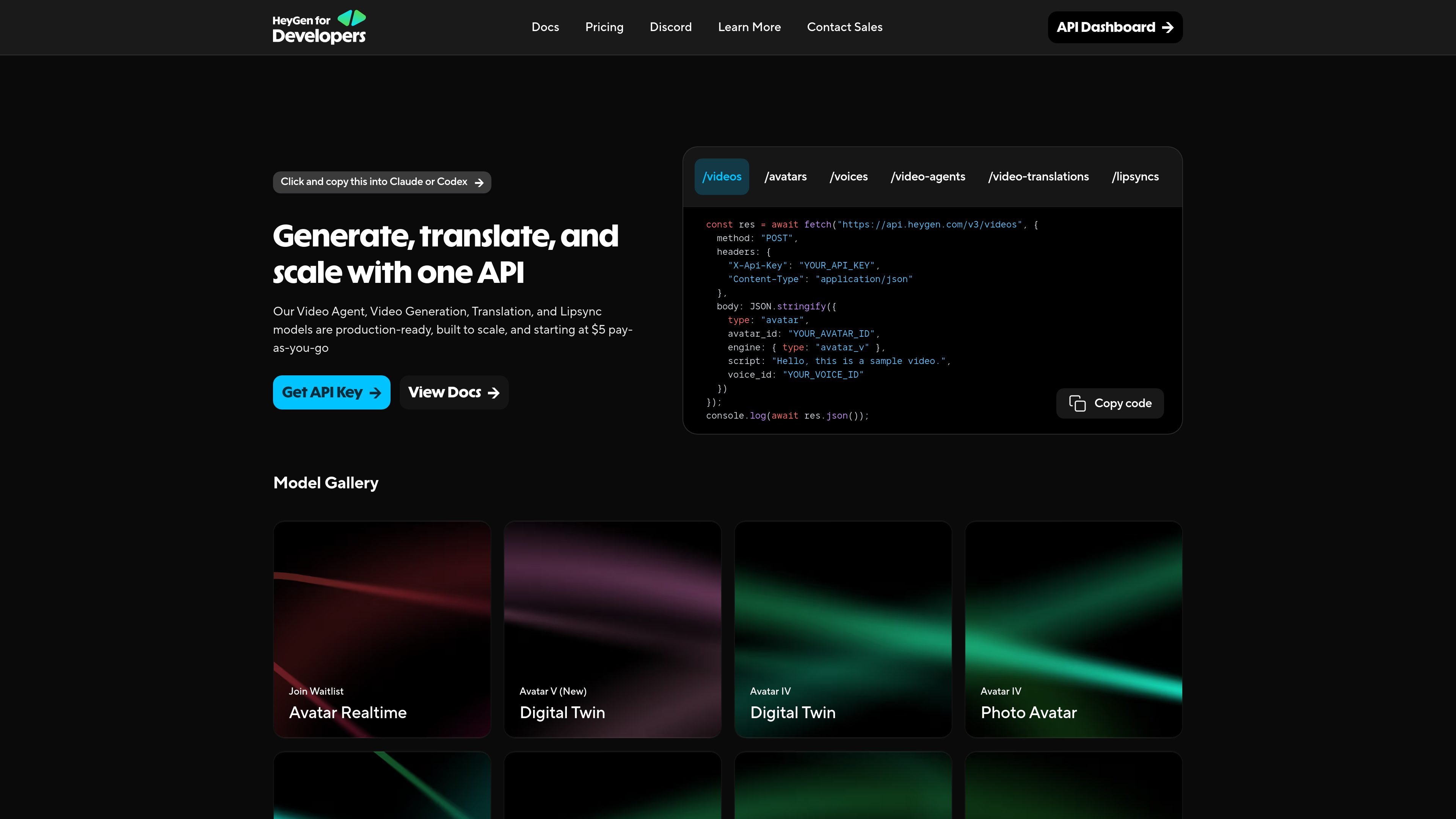
HeyGen Developers is the official API documentation site for HeyGen’s video-generation platform. It gives developers access to tools for creating AI avatar videos, translating videos, adding lipsync, and working with interactive video-agent sessions through the `api.heygen.com` backend.
The documentation centers on a session-based workflow: send a prompt, receive a session ID, then poll for a video ID and final video URL or use webhooks for completion handling. It also documents alternate integration paths through MCP and CLI-style workflows for AI assistants and terminal-based automation.
Create AI video sessions from a prompt and let the agent handle scripting, avatar selection, scene composition, and rendering.
Generate video with a one-shot `generate` flow or use `chat` mode for multi-turn sessions that can pause for decisions and support revisions.
Translate videos into 175+ languages with context-aware lip-sync and gender detection, designed for dubbing existing content.
Replace or dub audio on existing videos with synchronized lip movements using the lipsync API.
Create speech audio from text with HeyGen’s text-to-speech voices for explainers, training, and similar narration use cases.
Apply brand kits, avatar choices, optional file attachments, callbacks, and orientation settings through the video-agent request body.
Teams can generate a first draft video from a prompt, then retrieve the session and video result through the API or a webhook callback.
Localization workflows can translate existing videos into multiple languages while keeping lip sync aligned to the new audio.
Developers can build agentic flows in Claude, Cursor, or other compatible agents using MCP, Skills, or the direct API.
Product and marketing teams can use avatar, voice, brand kit, and orientation settings to produce branded videos from the same API workflow.
Operations teams can automate voiceovers, lipsync updates, and batch video-generation jobs from terminal or CI environments.
HeyGen supports three integration paths: MCP for connecting AI assistants like Claude, Skills for extending AI coding agents such as Claude Code and Cursor, and Direct API for programmatic control.
MCP uses OAuth and does not require API keys. Skills and Direct API use an API key passed in the `X-Api-Key` header from the HeyGen dashboard.
The quick-start flow is to create an API key, send a `POST` request to `https://api.heygen.com/v3/video-agents`, then poll the session and video endpoints or use a webhook callback.
Pay-as-you-go starts at $5. The documentation also notes an Enterprise plan with custom scalability, dedicated support, Digital Twin Creation API, Proofread API, and discounted rates.
The API documentation describes session-based video generation, video translation, lipsync, voices, avatars, assets, webhooks, and brand resources. Details may vary by endpoint and some capabilities are still presented through reference pages rather than broad product pages.

CAMB.AI Streams dubs live audio in real time for YouTube, Twitch, X and other platforms, using existing live workflows and no post-production.

Wallie is an open-source AI streamer that watches your screen, hears chat, and delivers live commentary in a configurable persona. Runs locally with your own keys.

VIDEOAI.ME is an AI video generator for spokesperson videos, ads, explainers, and social content from a script without filming.

Talkpal is an AI language learning app for web and mobile with speaking, listening, writing, pronunciation practice, guided courses, roleplays, and 130+ languages.

Wisry is an AI advertising studio for ecommerce brands that researches competitor ads, creates evidence-backed campaigns, and generates static and video creatives.

Fylom is an AI podcast generator that turns topics or questions into researched, narrated episodes with voice selection and recurring listening.