
Native macOS app
Built as a native macOS client using SwiftUI, the app is designed to fit the platform rather than mirror a web interface.

Hacker-News is a native macOS Hacker News client built with SwiftUI. Install from DMG via GitHub Releases or build from source in Xcode 26+.
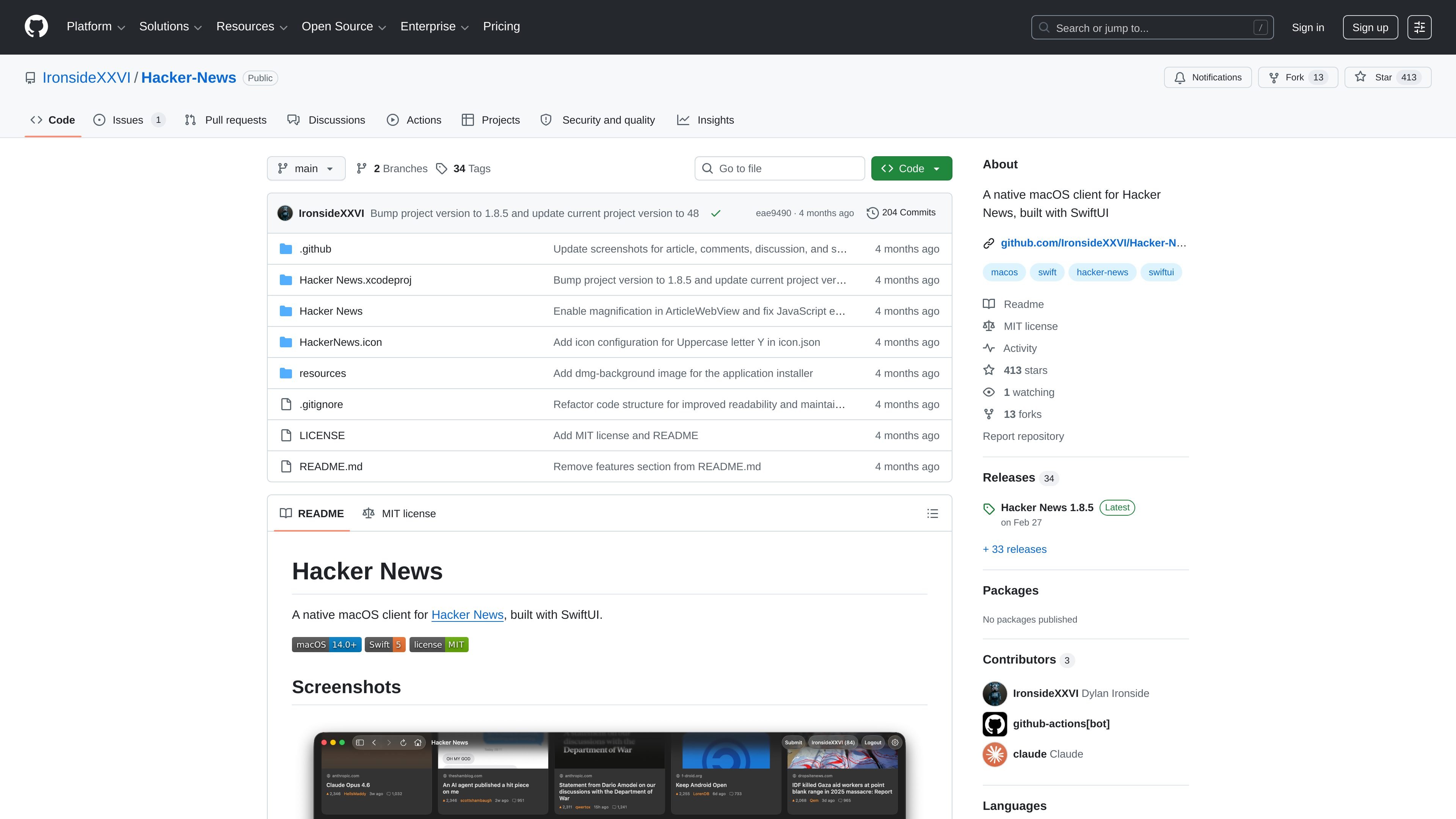
Hacker-News is a native macOS client for Hacker News built with SwiftUI. It packages the Hacker News reading experience as a desktop app rather than a browser page, with the project hosted publicly on GitHub.
The README describes a straightforward install path: download the latest DMG from Releases, open it, and drag the app to Applications. For developers, the source can be cloned and opened in Xcode 26+, and the project notes that Swift packages such as Sparkle resolve automatically.
Built as a native macOS client using SwiftUI, the app is designed to fit the platform rather than mirror a web interface.
Provides a dedicated interface for reading Hacker News content from a desktop app instead of the browser.
Can be installed by downloading the latest DMG from Releases and dragging the app into Applications, with no Xcode required for normal use.
The README notes that the project uses Swift packages, including Sparkle, and they resolve automatically when building in Xcode.
The repository is public on GitHub, so the source code, issues, releases, and project history are available for inspection.
The project includes release downloads and a versioned release history, which supports distribution and updates through GitHub Releases.
Use the app as a dedicated desktop client for browsing Hacker News without opening a browser tab for every visit.
Install from the latest DMG when you want a quick setup on a Mac without compiling the project first.
Clone the repository and open the Xcode project when you want to inspect, modify, or contribute to the app’s SwiftUI codebase.
Use the public releases and repository history to review shipped versions before installing or updating.
Use the project as a reference for a native SwiftUI macOS app that includes Sparkle as a Swift package dependency.
You download the latest DMG from the Releases page, open it, and drag the app to Applications. The README says no Xcode or developer tools are needed for installation.
The app requires macOS 14.0 or later.
Yes. The README says developers can clone the repository, open `Hacker News.xcodeproj` in Xcode 26+, and build and run the app. Swift packages such as Sparkle resolve automatically.
The source page shows the project is public and the repository README lists Sparkle among its Swift package dependencies, but it does not provide a broader integration list.
The repository is licensed under the MIT License.

ByteAsk is a terminal-first AI coding agent for C and C++ that edits repos and verifies changes with compilers, debuggers, sanitizers, and tests.

CreateOS Sandbox is an isolated compute environment for running code and agent workloads in Firecracker micro-VMs with private networking and SDK, CLI, or MCP control.

hob is an independent workspace for coding agents, with local control over sessions, terminals, history, routing, and follow-up work.

Ably Chat is a chat API platform for custom realtime chat apps, with rooms, typing indicators, presence, reactions, message updates and usage-based pricing.

MacSpoof is a macOS MAC address changer that lets you change or randomize your Wi‑Fi MAC to reconnect and limit device logging on public Wi‑Fi.

Manta AI is an autonomous web app testing tool that maps app behavior, catches regressions, and generates tests from a URL, no scripts or selectors needed.