UStackUStack
FreeLLMAPI icon

FreeLLMAPI

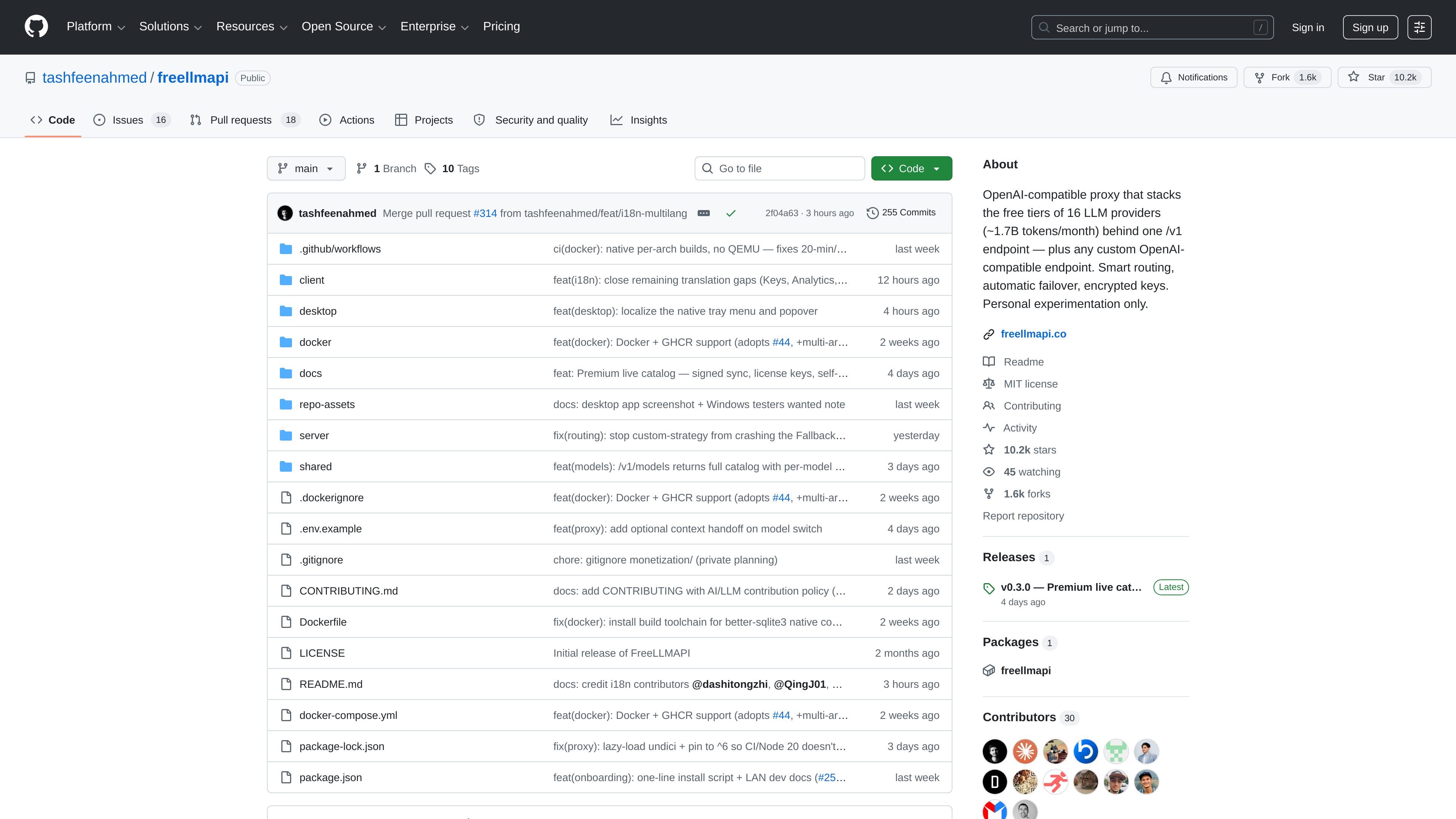
FreeLLMAPI is an OpenAI-compatible proxy aggregating free-tier keys from ~14 LLM providers with automatic failover, per-key rate tracking, and encrypted key storage.

FreeLLMAPI

What is FreeLLMAPI?

FreeLLMAPI is an OpenAI-compatible proxy server that consolidates free-tier access from multiple LLM providers behind a single API surface. Instead of configuring separate SDKs and handling different rate limits for each provider, you point an OpenAI-compatible client to your proxy and send requests to one endpoint.

The project is designed for personal experimentation. It aggregates keys from ~14 providers (via provider adapters), routes each request to an available model, and performs automatic failover when a provider is rate-limited or errors.

Key Features

  • OpenAI-compatible endpoints: Implements POST /v1/chat/completions and GET /v1/models so OpenAI SDKs and other OpenAI-compatible clients can work by changing base_url.
  • Streaming support: When stream: true, the server returns responses using Server-Sent Events (SSE); otherwise it returns a standard JSON response.
  • Tool calling pass-through: Supports OpenAI-style tools / tool_choice requests and forwards assistant tool_calls plus subsequent tool role messages across provider adapters.
  • Automatic failover and retries: If the selected provider returns 429, 5xx, or times out, the router marks that key as temporarily unavailable and retries with the next provider in the fallback chain (up to 20 attempts).
  • Per-key usage tracking against provider caps: Tracks RPM, RPD, TPM, and TPD per (platform, model, key) and selects keys that are under their respective free-tier limits.
  • Sticky multi-turn routing: Keeps a conversation on the same model for 30 minutes to reduce mid-conversation switches.
  • Encrypted key storage: Encrypts upstream provider keys with AES-256-GCM before storing them in SQLite; decryption occurs in-memory just before use.
  • Unified proxy authentication: Your client authenticates to the proxy using a single freellmapi-... bearer token rather than using upstream provider keys.
  • Health checks and admin controls: Periodic probes label keys as healthy/rate-limited/invalid/error; the included admin dashboard (React + Vite) lets you manage keys, reorder fallback priority, inspect analytics, and run a prompt playground.

How to Use FreeLLMAPI

  1. Install requirements: Use Node.js 20+ and npm.
  2. Clone and install:
    • git clone https://github.com/tashfeenahmed/freellmapi.git
    • cd freellmapi
    • npm install
  3. Set environment configuration:
    • Copy the example env: cp .env.example .env
    • Generate an ENCRYPTION_KEY and place it in .env (the repo provides a command that outputs a random 32-byte hex key).
  4. Start the proxy: Run the server as described in the repository’s quick start / README (the page content excerpt includes the setup steps, and the repository documentation covers the exact start command).
  5. Configure your OpenAI-compatible client:
    • Set your client’s base_url to your local FreeLLMAPI server.
    • Authenticate with the proxy’s bearer token (freellmapi-...) and call POST /v1/chat/completions (optionally with stream: true).

Use Cases

  • One-codebase chat testing across providers: Point an existing OpenAI-compatible app (or library) at the proxy to experiment with many models without managing separate provider SDKs.
  • Reducing manual rate-limit failures: Use the automatic failover to skip providers that respond with 429/5xx/timeouts and continue the request via the next available model in your configured fallback order.
  • Tool-using chat flows: Run OpenAI-style tool calling requests where tool_calls and tool-result messages are routed through the same underlying proxy flow.
  • Long-running conversation consistency: Keep chat sessions on the same model during active use (sticky sessions for 30 minutes) while still benefiting from fallback if the provider becomes unavailable.
  • Local experimentation with encrypted key handling: Centralize upstream keys inside the proxy with encrypted-at-rest storage, so your client apps don’t need to expose provider keys.

FAQ

  • Does FreeLLMAPI support the full OpenAI API? No. The project focuses on chat completions and the models list (/v1/chat/completions, /v1/models). Embeddings, images, audio/speech, and multimodal inputs are listed as not supported, as are legacy /v1/completions, moderation, and multiple completions per request.

  • How does FreeLLMAPI handle rate limits? It tracks per-key usage counters (RPM/RPD/TPM/TPD) and selects keys that are under caps. If a provider still returns a 429 (or 5xx/timeouts), the router retries using the next provider in the fallback chain.

  • Will streaming work with my client? Yes. The proxy supports streaming via SSE when stream: true for the chat endpoint.

  • Can I use existing OpenAI-compatible libraries? The proxy is intended to work with official OpenAI SDKs and other OpenAI-compatible clients by pointing them to the proxy’s base_url.

  • Is this meant for production use? The repository explicitly states it is “for personal experimentation only.”

Alternatives

  • Use a single provider directly: Many services offer their own API with consistent semantics, but you would not get multi-provider aggregation, automatic failover, or free-tier stacking in one endpoint.
  • Build your own router/fallback layer: A custom proxy can implement failover and key rotation, but you would need to manage provider-specific SDKs, limits, and error handling yourself.
  • Use an orchestration framework that supports multiple LLM backends: Some tools route requests across different model providers, but the workflow may differ (and may not provide the same OpenAI-compatible /v1/chat/completions proxy behavior described here).
  • Manual key and model switching: You can select providers by hand in your application, but you lose the automatic retry/failover and per-key rate tracking that FreeLLMAPI provides.

