
Continuous scale-jump exploration
Navigate from the Solar System outward through the Milky Way, galaxies, and larger cosmic structure in one continuous browser experience.

AstroGrid is a free browser-based 3D universe engine for real-time exploration of the Solar System, Milky Way, galaxies, and deep-sky objects.
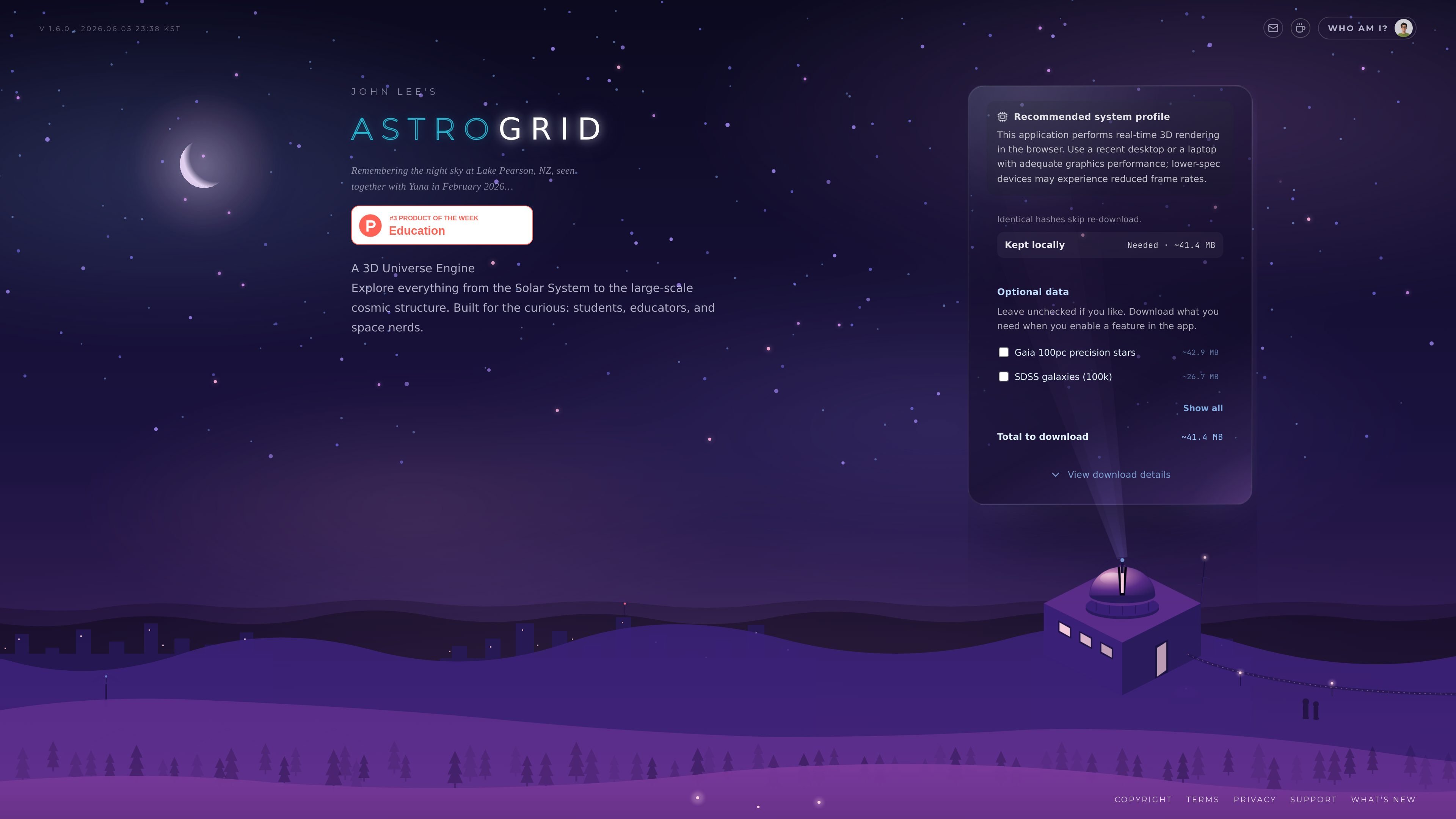
AstroGrid is a browser-based 3D universe engine for exploring astronomical scales in real time. It presents the Solar System, the Milky Way, galaxies, and deep-sky objects in a single web experience built with WebGL and Three.js.
The site positions the product for students, educators, and space enthusiasts who want an interactive way to understand scale and structure in the universe. It runs in the browser, keeps the core experience lightweight through selective dataset loading, and provides a user guide, history, and support pages for people learning the system.
Navigate from the Solar System outward through the Milky Way, galaxies, and larger cosmic structure in one continuous browser experience.
Real-time 3D rendering runs directly in the browser, with the site noting WebGL and Three.js as the underlying stack.
The home page shows downloadable datasets that can be enabled as needed, including Gaia stars, SDSS galaxies, 2MRS infrared galaxies, exoplanets, pulsars, asteroids, and quasars.
The guide history lists a closed-alpha scene editor, gravity simulator, and Night Sky mode, indicating interactive tools beyond simple viewing.
Version and update history are surfaced on the site, along with deep links and a user guide for navigating the product.
Use AstroGrid to move from the Solar System to galaxies and superclusters in one continuous camera walk when you want to understand relative scale visually.
Use the browser app as a reference tool for classes or self-study when you need an interactive view of stars, galaxies, exoplanets, pulsars, asteroids, or quasars.
Use the Night Sky mode and real-time rendering to inspect the sky in a more immersive format than a static chart, especially when comparing nearby and distant objects.
Use the scene editor and gravity simulator from the documented history to experiment with motion and layout while exploring how the system behaves.
Use the user guide, history, and version pages to follow product changes and learn how the engine is organized before spending time in the app.
AstroGrid runs in a web browser and is described as a free browser 3D universe engine. The home page also recommends a recent desktop or a laptop with adequate graphics performance because it performs real-time 3D rendering.
AstroGrid is aimed at students, educators, and people who want to explore the universe interactively. The guide describes it as a tool for learning, curiosity, and visual exploration rather than a company product with a sales-led implementation process.
The published pages describe AstroGrid as exploring the Solar System, the Milky Way, galaxies, and deep-sky objects in real time. The guide also points to features such as missions, a scene editor, gravity simulator, and Night Sky mode, but it does not document an export workflow on the source pages provided.
The source does not show a formal paid plan or usage limit. The site includes a 'Buy me a coffee' support link, which suggests optional support rather than required payment for access.
The browser version is the main product described on the site. The pages provided do not document third-party integrations or external data connections beyond the included astronomy datasets and browser runtime.

Loniva is a calm daily puzzle app for memory, attention, language, speed, logic, and focus on iPhone, iPad, and Android, with a free 7-day trial.

SnakeBid is a browser-based Snake game with a daily leaderboard. Claim verified scores and buy a featured site spot.

Monolite is a web-based platform for interactive presentations and audience games. Turn viewers into participants with QR join, public links, live responses, and reports.

GameGrad turns PDF study material into quiz questions inside arcade games for active recall. Free tier for one PDF; Pro adds more uploads, questions, and explanations.

DailyPlay.ai is a behavioral growth platform using AI site scans and micro-games to boost engagement and conversions across web, mobile, and more.

roastme.gg is a pay-to-play AI roasting site where users submit their own X handle or website, choose how much to pay, and get a public roast ranked on a leaderboard by amount paid.