
Local flag evaluation
OpenFlags evaluates flags locally in the application, which the site describes as zero-latency local evaluation and an extra network hop avoided on every check.

OpenFlags is an open-source, self-hosted feature flag platform for JavaScript teams, with local evaluation, targeted rollouts, and controlled launches.
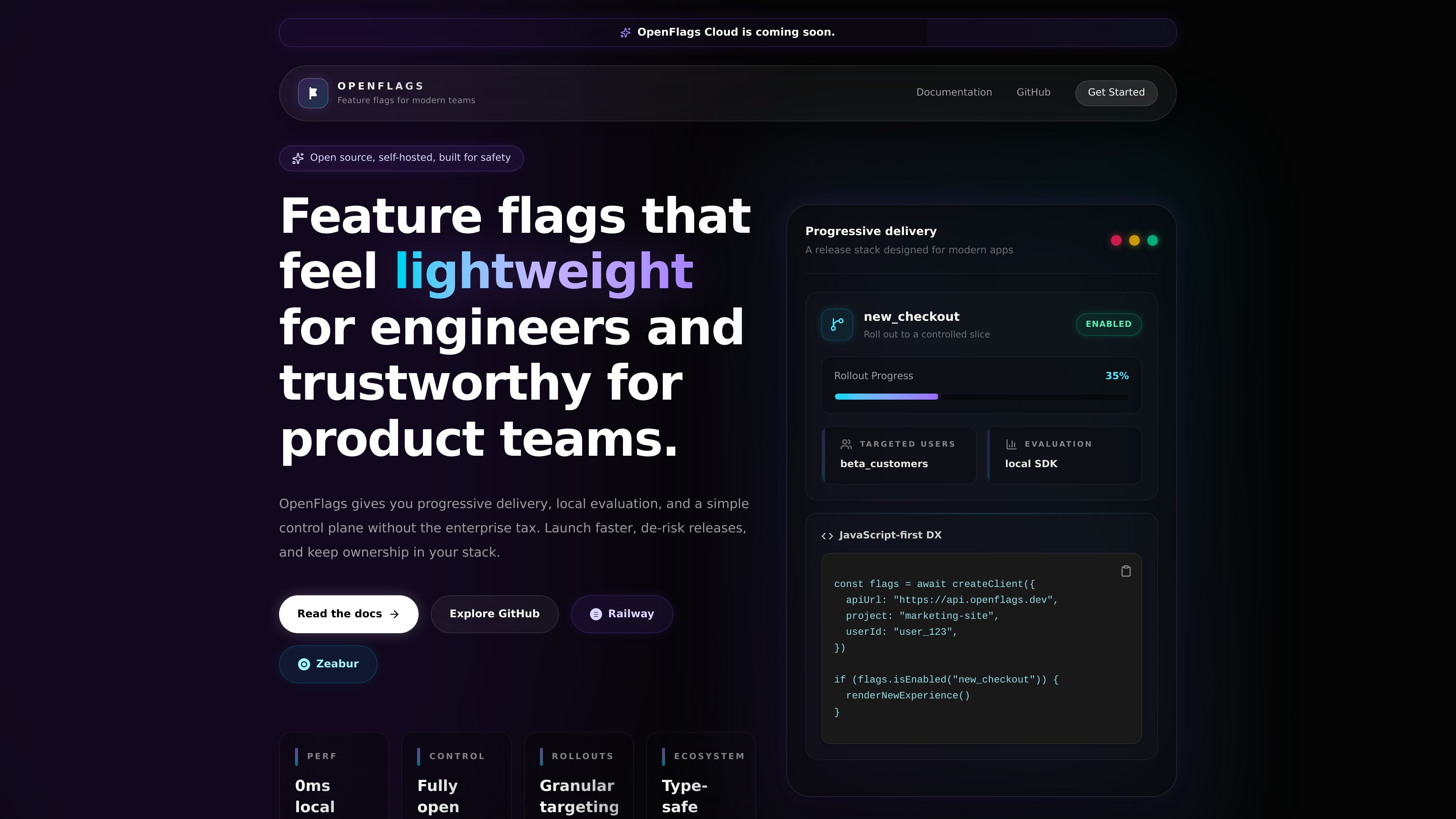
OpenFlags is an open-source, self-hosted feature flag platform for modern JavaScript teams. It is built to help product and engineering teams ship behind flags without depending on a heavy hosted control plane or moving data out of their own stack.
The product centers on local evaluation, percentage rollouts, and targeted activation. Its documented architecture splits the system into a server for flag storage and targeting, a dashboard for managing releases, SDKs for application-side evaluation, and docs for onboarding and implementation guidance.
OpenFlags evaluates flags locally in the application, which the site describes as zero-latency local evaluation and an extra network hop avoided on every check.
The product supports percentage rollouts and targeting so teams can release to controlled slices of users instead of turning a feature on for everyone at once.
The docs describe a self-hosted architecture that keeps flag data, rollout logic, and operational decisions inside your own infrastructure.
The site presents TypeScript packages and JavaScript-first SDKs for use in Bun, React, Next.js, Vite, and Node apps.
The quickstart shows a Bun monorepo with separate server, dashboard, and docs apps, making the system straightforward to run and inspect locally.
The public docs describe a simple REST surface and lightweight control plane for flag storage, API access, and targeting rules.
Use OpenFlags when you want to release a feature to a narrow slice of users first, then expand it gradually by percentage as confidence increases.
Use the dashboard and SDKs to gate a feature for specific users or segments when you need targeted activation instead of an all-or-nothing release.
Use the self-hosted setup when your team needs to keep flag data and rollout logic inside its own infrastructure for operational or governance reasons.
Use the Bun monorepo and local quickstart when you want to evaluate the platform, understand the workflow, or run the server and dashboard together in development.
Use the JavaScript-first SDKs when your app is built with Bun, React, Next.js, Vite, or Node and you want flag checks to fit the existing application stack.
OpenFlags is described as an open-source, self-hosted feature flag platform. The docs position it for teams that want local evaluation, percentage rollouts, and JavaScript-first SDKs without adopting a heavy hosted control plane.
The quickstart says OpenFlags is a Bun monorepo. To get started locally, install dependencies with `bun install`, run `bun run dev:server`, and in another terminal run `bun run dev:dashboard`; you can also launch the docs app with `bun run dev:docs`.
The source highlights a simple workflow: create or choose a project, define a feature flag with a stable snake_case key, enable it for a subset of users or by rollout percentage, and evaluate it in the app through the SDK.
The docs and homepage emphasize JavaScript-oriented usage. The site specifically mentions Bun, React, Next.js, Vite, Node.js, and a TypeScript SDK layer.
The pricing page at `/pricing` currently returns a 404, so the public site does not expose a pricing model in the collected sources.

ClawTick is an AI agent automation platform for scheduling jobs from the CLI, dashboard, or REST API. Built for developers and teams using LangChain, CrewAI, webhooks, or custom workflows with monitoring, alerts, and logs.

EAS Observe monitors production performance in Expo and React Native apps, showing startup metrics, session timelines, release markers, and errors in the Expo dashboard.

Rectify is an all-in-one SaaS operations platform with session replay, monitoring, support, code scanning, roadmaps, and changelogs for product teams.

dif.sh manages feature flags, A/B tests, holdouts, and staged rollouts in Markdown. Use its CLI to build, validate, and review experiments.

PromptScout tracks how ChatGPT, Gemini, Google AI Overviews, and Perplexity mention your brand or competitors, with source analysis and website audits.

Sleek Analytics is a privacy-friendly web analytics tool with real-time visitor tracking, Core Web Vitals, and revenue attribution.