
AI PDF summarization
Upload a PDF, let the AI analyze it, and get a summary in seconds so you can identify the main points faster.

AI PDF Summarizer is a browser-based tool that turns uploaded PDFs into short summaries and lets you ask follow-up questions about the document. It’s designed for reading-heavy tasks like research, study, and quick document review.
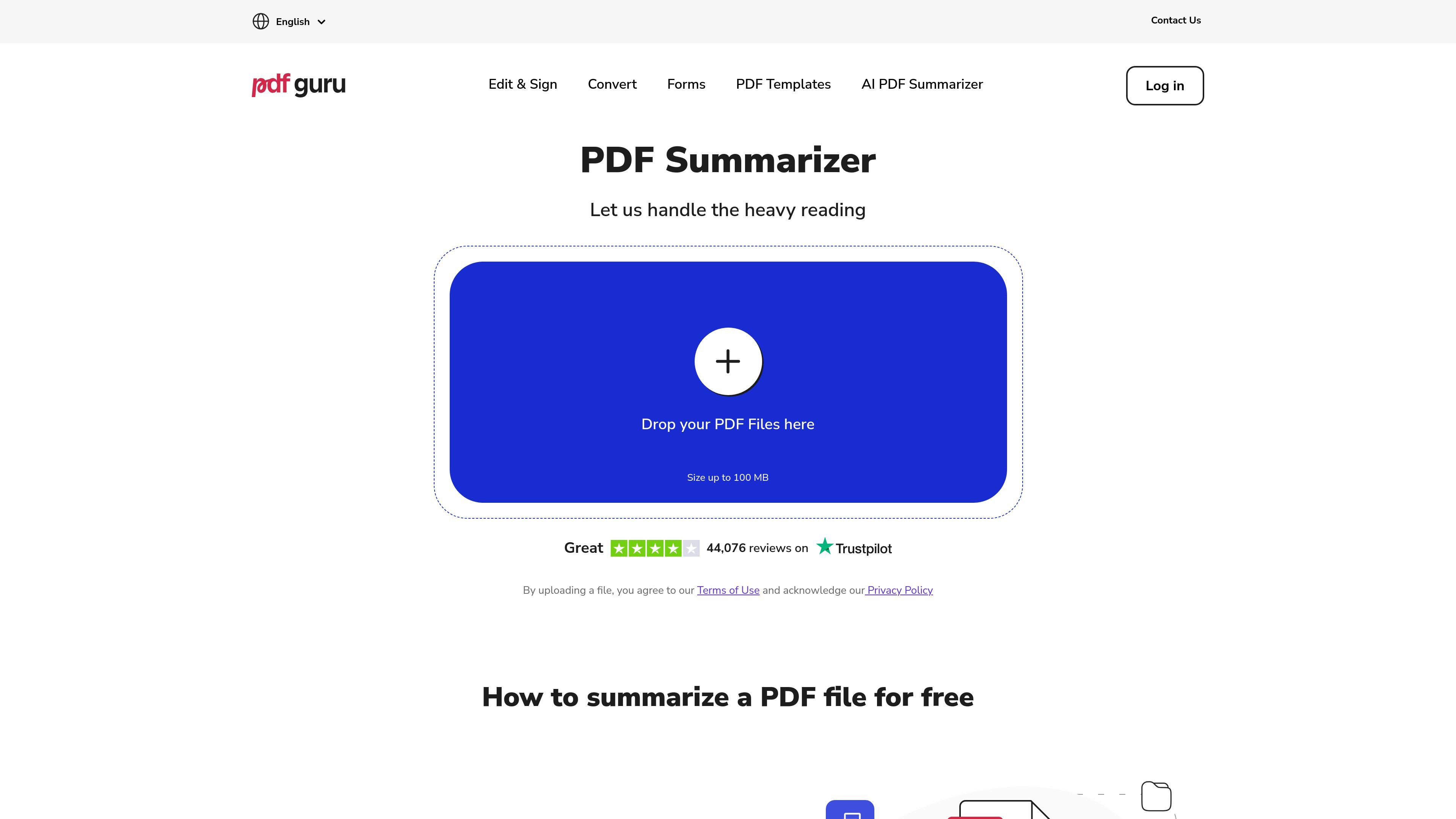
AI PDF Summarizer is a browser-based PDF analysis tool on PDF Guru that turns uploaded documents into short summaries and then lets you continue the conversation through AI chat. The page positions it as a way to understand long PDFs faster, without installing software.
The workflow is simple: upload a PDF, wait for the document to be analyzed, review the summary, and use follow-up questions to translate, simplify, rephrase, or pull out key information. The site says the first summary is free and includes up to three chat questions, with unlimited access available through a subscription.
Upload a PDF, let the AI analyze it, and get a summary in seconds so you can identify the main points faster.
Continue from the summary with chat prompts to translate, simplify, rephrase, or extract specific information from the document.
Start with a free first summary and up to three chat questions before deciding whether to upgrade.
Work with documents in more than 90 languages, which helps when you need to summarize or question multilingual PDFs.
Use the browser-based workflow without installing desktop software or setting up a separate app.
Use the tool to compress a long report, paper, or article into the main takeaways before you read the full document in detail.
Ask the AI to simplify, rephrase, or translate sections after the summary if you need a clearer explanation of dense text.
Use the summary as a study aid and turn the PDF into quick notes for exam review or class prep.
Extract specific points from a document when you need answers without manually searching through every page.
Start with a free summary and a few questions to evaluate whether the workflow fits your reading or research process.
Yes. The tool can create a summary from an uploaded PDF, then let you ask follow-up questions about that document in the chat.
Upload the PDF, wait a few seconds for the AI to analyze it, then review the summary and use the chat to translate, simplify, rephrase, or extract key points.
The page says you can get your first PDF summary for free and ask up to three chat questions before upgrading for unlimited access.
The site says the summarizer works in a browser and does not require an app installation or setup beyond uploading a file.
The page says the tool supports over 90 languages for summarizing and chatting with PDFs.

Ably Chat is a chat API platform for building custom realtime chat applications. It supports room-based messaging, typing indicators, presence, reactions, and message updates, with usage-based pricing options for different deployment stages.

An AI-powered tool that summarizes PDF documents quickly and efficiently, providing clear insights and allowing users to interact with the content.

Tactiq is an AI note taker for Google Meet, Zoom, and Microsoft Teams that transcribes meetings live and turns them into summaries, action items, and follow-up outputs. It is built around a Chrome extension and supports team workflows through sharing and integrations.

Grok is a free AI assistant developed by xAI, engineered to prioritize truth and objectivity while offering advanced capabilities like real-time information access and image generation.

nolainocr is an AI OCR tool that extracts structured data from PDF invoices, receipts, forms, contracts, and bank statements. It helps teams move document data into Excel, Google Sheets, JSON, or CSV without manual entry.

BookAI allows you to chat with your books using AI by simply providing the title and author.