
Live transcription
Captures meeting speech in real time so notes are available during the call and a transcript is ready when the meeting ends.

Tactiq is an AI note taker for Google Meet, Zoom, and Microsoft Teams that transcribes meetings live into summaries, action items, and follow-up outputs.
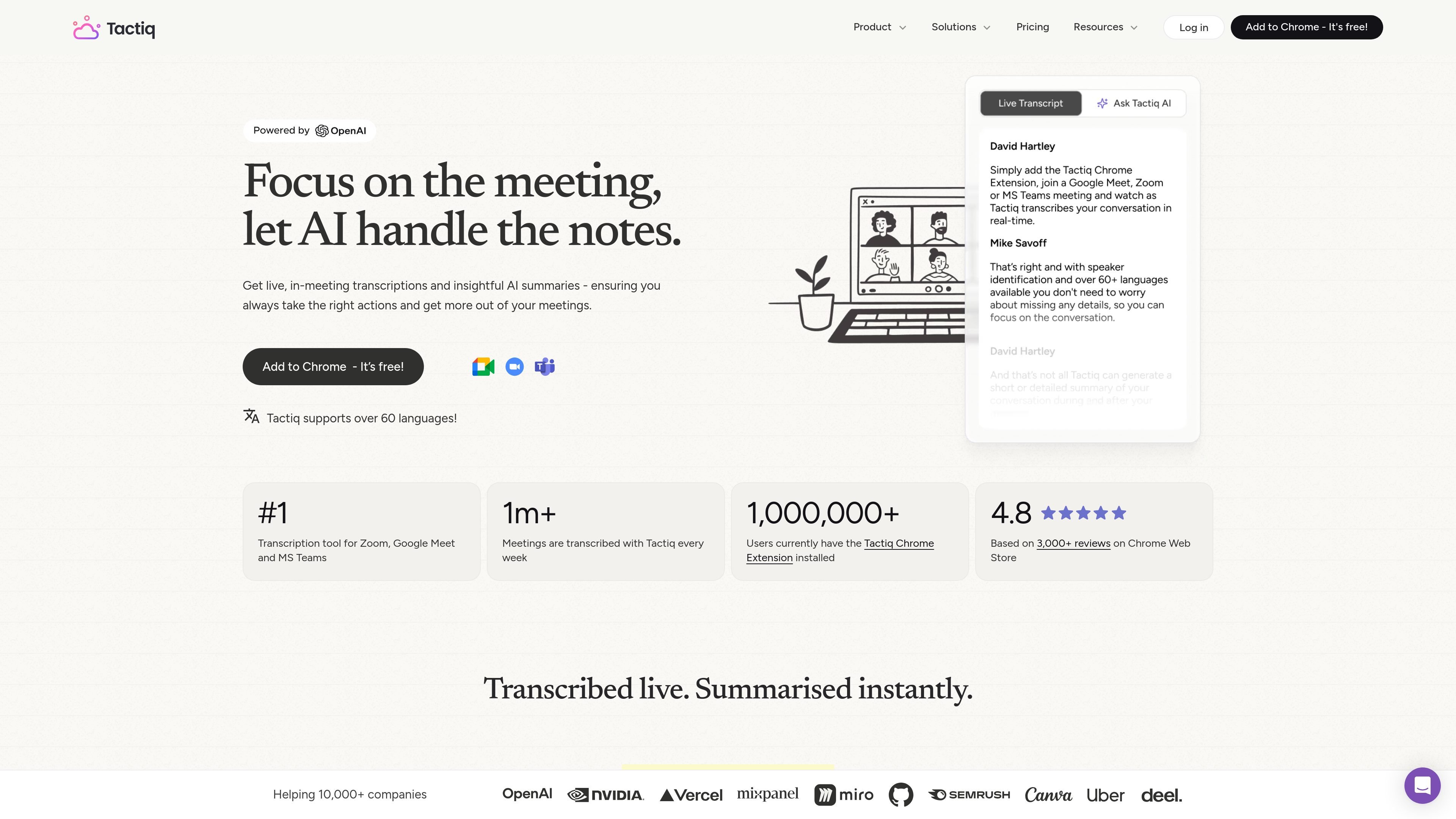
Tactiq is an AI meeting note taker for Google Meet, Zoom, and Microsoft Teams. It transcribes meetings live, turns transcripts into summaries and action items, and gives users a way to search, share, and reuse meeting context after the call.
The product is built around a Chrome extension and is positioned for individuals and teams that want meeting notes without a separate recording bot. The site also highlights workflow automation, team sharing, and enterprise security and privacy controls.
Captures meeting speech in real time so notes are available during the call and a transcript is ready when the meeting ends.
Identifies speakers and supports 60+ languages, which helps teams review conversations across multilingual meetings.
Generates summaries, action items, and follow-up emails from transcripts, including one-click meeting summaries and custom AI questions.
Shares transcripts and workflow outputs to tools such as Slack, Notion, Linear, and HubSpot, helping teams move context into existing systems.
Supports bot-free transcription in Google Meet, Zoom, and Microsoft Teams through the Chrome extension.
Includes transcript controls such as pausing transcription, editing transcripts, search, screenshots, and meeting tags on the pricing comparison page.
Use Tactiq to capture discussion in real time during client calls, internal syncs, or cross-functional meetings so the transcript is available before follow-up work starts.
Turn transcripts into summaries, action items, and follow-up emails for teams that need a fast handoff after each meeting.
Share transcript context into Slack, Notion, Linear, or HubSpot so decisions and next steps move into the team’s existing workflow.
Use the bot-free Chrome extension in Google Meet, Zoom, or Microsoft Teams when teams want transcription without adding a visible meeting bot.
Apply the product in multi-language meetings, where speaker identification and 60+ language support help review conversations more accurately.
No. Tactiq says it uses OpenAI’s enterprise API offering rather than ChatGPT. The site also states that OpenAI does not use API-submitted data to train models or improve its services.
Tactiq says the transcription is shown only to you during the meeting, and you can notify others that you are transcribing. It also states that it does not record or store meeting audio.
Tactiq’s FAQ says the transcript is captured in real time and saved as text, while the audio itself is not recorded or stored.
Yes. The site says you can install it for a whole team by contacting your GSuite admin, and the pricing page includes team and business plans.
Tactiq’s source pages emphasize real-time transcription, AI summaries, action items, follow-up emails, and workflow sharing to tools such as Slack, Notion, Linear, and HubSpot. The site does not spell out every setup step in the collected text.

Scripta is a privacy-first AI notetaker that records, transcribes, and summarizes meetings on your device. Mac beta download available; Windows waitlist.

QuickQuill is a local-first macOS dictation and transcription app to record meetings, summarize audio, and export notes without the cloud.

Notewarp is an AI note-taking tool that turns voice notes, uploads, or pasted text into cleaner notes, transcripts, summaries, and action items.

Crates is a personal saving and discovery workspace for links, screenshots, PDFs, and images. Organize what you save with taste-aware search and weekly recaps.

MeetStream is a meeting bot API for Zoom, Google Meet, Microsoft Teams, and Webex. Record, stream, and analyze meetings with usage-based pricing and $5 free credit.

Liam is an AI copilot for inbox management, email replies, prioritizing messages, and scheduling meetings. Free for individuals; custom pricing for teams and enterprise.