

Regex Library
Regex Library (regexlib.dev) offers copy-tested regex patterns so developers can quickly reuse reliable snippets for matching and text extraction.
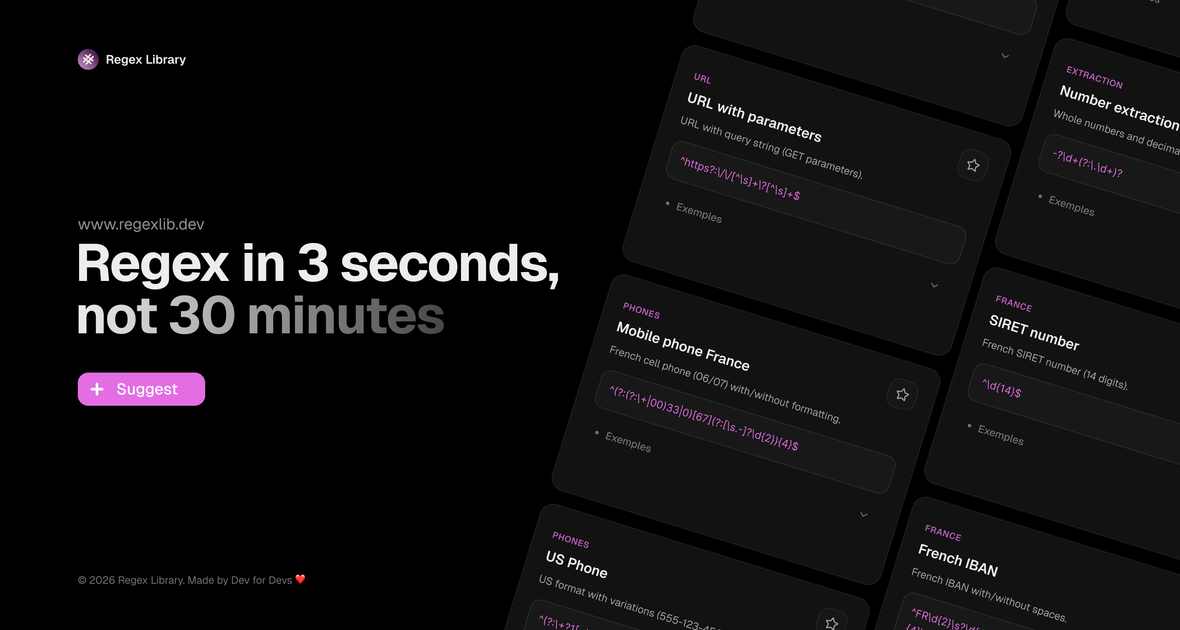
What is Regex Library?
Regex Library (regexlib.dev) is an online collection of copy-tested regular expression patterns. It’s designed for developers who need reliable regex snippets for common text-processing tasks, so they can reuse known-good patterns instead of starting from scratch.
The core purpose is to provide ready-to-use regex examples that have been tested, making it faster to apply regular expressions in scripts, tools, and development workflows.
Key Features
- Copy-tested regex patterns: provides regular expression snippets that are presented as tested examples, intended to be used directly.
- Quick copy-and-paste workflow: focuses on getting usable patterns into your code or query with minimal friction.
- Repository-style access: organizes a library of regex patterns so users can locate examples relevant to their needs.
- General-purpose regex usage: supports common use of regular expressions for matching and extracting text via standard regex syntax.
How to Use Regex Library
- Open Regex Library (regexlib.dev) and find a pattern that matches your goal (for example, matching a format or extracting a substring).
- Copy the regex from the page.
- Paste it into your environment (code, a regex tester, or a tool that accepts regex), and adapt the pattern to your specific input and flags if your tooling requires them.
Use Cases
- Validate or match a common text format (e.g., emails, IDs, or other structured strings) by starting from a tested regex snippet.
- Extract fields from log lines or text output by reusing a pattern and applying it to a specific input format.
- Write search or filter rules for tooling that accepts regular expressions, using an example as the baseline.
- Draft a unit test for pattern matching by copying a known regex and testing it against representative strings.
FAQ
What does “copy-tested” mean?
In the context of Regex Library, it indicates that the patterns are presented as tested examples intended to be copied and used.
Do I need a specific programming language to use the patterns?
The site provides regex patterns; you can apply them in any environment that supports regular expressions. The exact required flags or escaping may vary by tool.
Can I use the regex directly in my code?
Yes—Regex Library is meant for copy-and-paste use. You may still need to adjust the pattern to match your input and the regex engine’s syntax.
Where can I get started if I’m not sure what pattern to use?
Start by identifying the text-processing goal you have (matching a format vs. extracting parts of a string), then find a library example that aligns with that goal.
Alternatives
- Regex testers and playgrounds: tools that let you experiment with regex against sample text; useful when you need interactive validation rather than a curated library.
- Regular expression reference sites and books: collections of syntax and examples; better when you want deeper explanation of regex mechanics alongside patterns.
- Framework- or language-specific regex examples: documentation or guides for your environment’s regex engine; helpful when engine differences (flags, escaping, features) are critical.
- Text-processing snippets in documentation: reusable patterns within specific ecosystems (e.g., log parsing or data cleaning guides), offering workflows that include regex within a broader task.
Alternatives

Devin
Devin is an AI coding agent that helps software teams complete code migrations and large refactoring by running subtasks in parallel.

imgcook
imgcook is an intelligent tool that converts design mockups into high-quality, production-ready code with a single click.

Assemble by Cohesium AI
Assemble by Cohesium AI lets you orchestrate multiple AI specialist roles with a configuration setup across coding platforms from one place.

Claude Opus 4.7
Claude Opus 4.7 is Anthropic’s generally available AI for advanced software engineering, higher-resolution vision, and long instruction following with safeguards.

Radian
Radian is an open-source design and development library to build React + Tailwind UIs with Radix—reusable components, animations, and blocks.

Ably Chat
Ably Chat is a chat API and SDKs for building custom realtime chat apps, with reactions, presence, and message edit/delete.