

SlapWindows
SlapWindows for Windows 10/11 detects slap sounds via your microphone to trigger on-screen reactions and play 7 sound packs, plus USB Moaner mode.
What is SlapWindows?
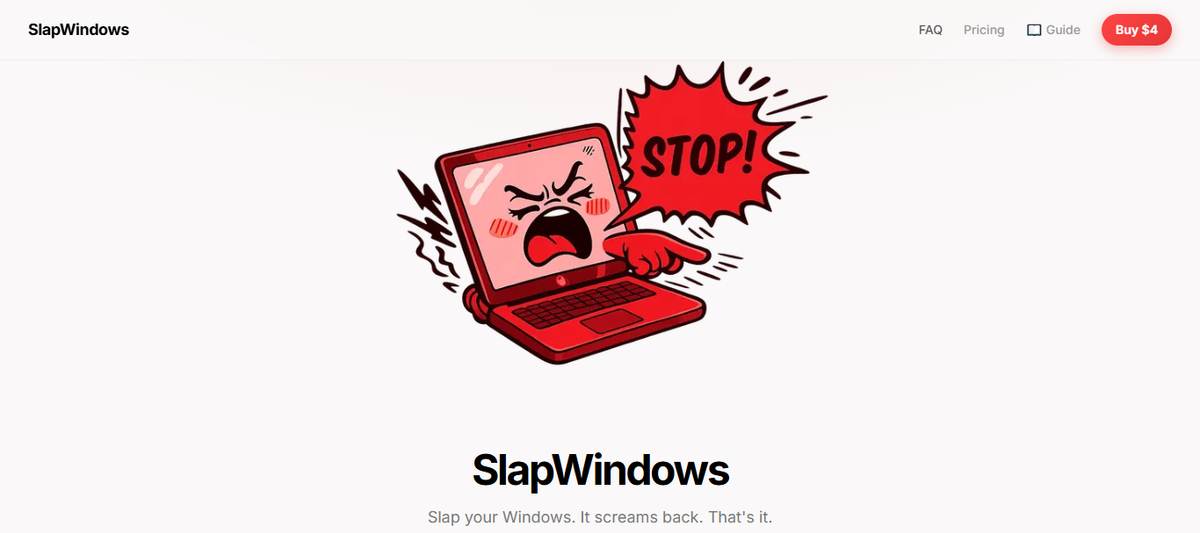
SlapWindows is a Windows 10/11 app that simulates a “slap” response on your computer. When it detects a slap sound, it triggers an on-screen reaction and plays sound effects, using the microphone to listen for those events.
The core purpose is simple: let your Windows laptop “respond” with a sound pack when you physically slap your desk or laptop lid, and optionally react to USB connect/disconnect actions.
Key Features
- Microphone-based slap detection (Windows 10/11): The app detects slaps via your microphone input, which determines when it triggers the response.
- On-screen “slap” simulation: You can click the laptop graphic to simulate a slap and trigger the app’s response.
- System tray behavior (no dock icon): The app runs without a dock icon, staying in the system tray.
- 7 sound packs with different voice moods: It includes seven selectable sound packs that play different protest-style sound clips (e.g., “Sexy,” “Combo Hit,” “Male,” “Fart,” “Gentleman,” “Yamete,” “Goat”).
- USB Moaner mode: The app reacts when you plug or unplug a USB device, producing an audio response tied to those connect/disconnect events.
How to Use SlapWindows
- Install and launch SlapWindows on Windows 10 or Windows 11.
- Ensure your microphone is available (the app requires microphone access to detect slaps).
- Pick a sound pack from the available voice moods.
- Trigger events by either slapping your desk/laptop lid (for microphone detection) or clicking the laptop to simulate a slap.
- (Optional) Enable/use USB Moaner mode to have the laptop react to USB plug/unplug actions.
Use Cases
- Desk/laptop “slap” reactions for quick humor: You want immediate audio responses when you physically slap your desk or lid to match the app’s slap detection.
- Office-friendly ambience (with your own control): You can choose different voice moods from the included sound packs to change how the response sounds during use.
- Hands-free gadget reaction via USB: You connect or disconnect a USB device (like a peripheral) and want a consistent audio reaction without needing to clap, tap, or click.
- In-session experimentation: You test microphone responsiveness by slapping in different ways and switching between the seven voice packs to find the sound you prefer.
- Local, always-on tray utility: Because it runs from the system tray without a dock icon, you can keep it running while using other windows.
FAQ
-
What operating systems does SlapWindows support? SlapWindows supports Windows 10 and Windows 11.
-
Does SlapWindows require a microphone? Yes. The app requires a microphone to detect slaps via audio.
-
How do I get the license key? The page states that the license key is delivered via email.
-
Is there a subscription? No. The page describes one-time payment pricing with lifetime license.
-
Can I get a refund? The page states all sales are final and no refunds.
Alternatives
- Windows soundboard / audio trigger apps: Tools that play sound clips on hotkeys, clicks, or audio thresholds. These may not use the same microphone-based “slap” detection workflow.
- Microphone-reactive visualization or trigger utilities: Applications that respond to microphone input (e.g., clap detection) by running actions or playing audio, which can be configured for similar “sound-to-event” behavior.
- USB event detection scripts or tools: System utilities that run actions when devices connect or disconnect. Compared to USB Moaner mode, you may need to configure scripts/workflows rather than using a packaged sound-mood app.
- Desktop alert/notification tools with custom audio: Apps that play audio on events (like device changes or user actions). These focus more on notifications than a “slap” simulation experience.
Alternatives

FunKey-Mechanical Keyboard App
FunKey-Mechanical Keyboard App for Mac plays mechanical-style keyboard and mouse typing sounds as you type, with 25+ options via the menu bar.
Keeby
Keeby is a Mac app for mechanical keyboard sounds with spatial audio, a reactive visualizer, and customizable switch profiles.

Terraforge: Alchemy Craft Game
Tier-based puzzle game: drag and mix elements to discover new creations, saved in an in-app grimoire. Optional Master Forger hints; offline + iCloud sync.

CAMB.AI
Turn a single live stream into a multilingual broadcast with real-time AI audio dubbing for YouTube, Twitch, X and more.

Decision Jar
Create virtual jars of options with Decision Jar—shake your phone to pick instantly, use AI suggestions, and view decision logs over time.

LALAL.AI
LALAL.AI is a next-generation vocal remover and music source separation service that allows users to quickly and accurately extract vocal and instrumental tracks from audio and video files.