

Straude
Track your Claude Code spend with session token counting, pace/velocity metrics, streaks, and progress sharing on Straude.com.
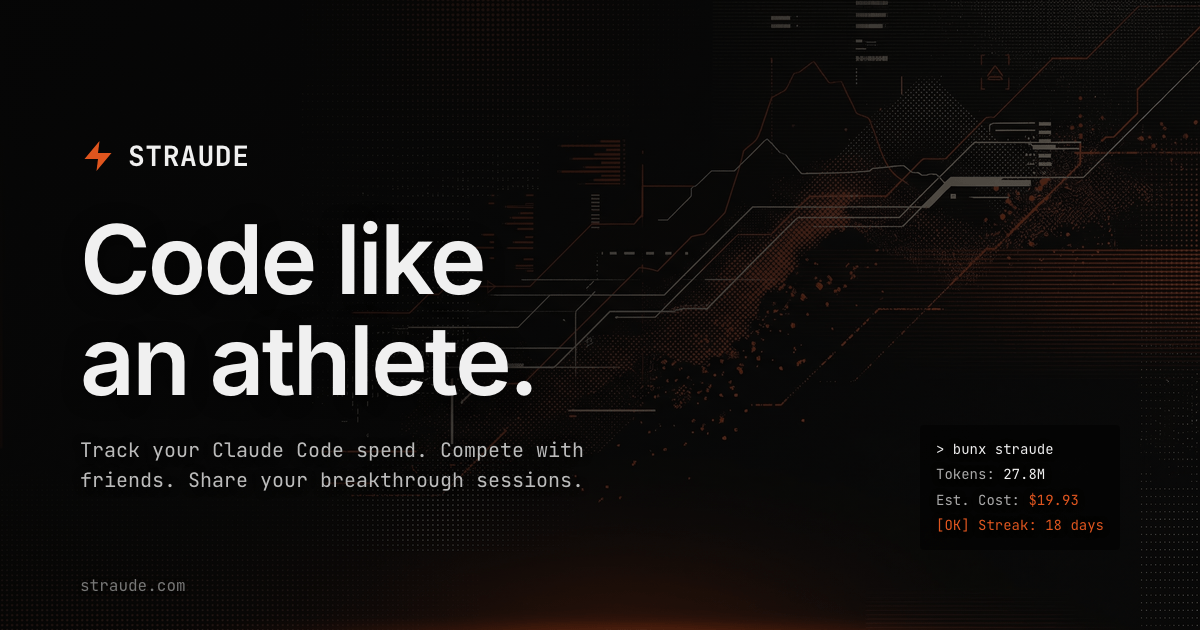
What is Straude?
Straude is a developer-oriented tracking tool for people using Claude Code. Its core purpose is to help you monitor your Claude Code usage by tracking session activity, token processing, and spend, so you can compare your iteration speed and maintain consistent progress.
The site highlights three main themes: telemetry (spend and token accounting), pace/velocity comparisons (how fast you iterate), and sharing progress with others so teams or friends can see what people are working on.
Key Features
- Real-time token counting and cost attribution per session, so you can see what each Claude Code session consumed.
- Spend tracking, based on the same per-session telemetry, to keep cost visibility tied to specific work periods.
- Pace and velocity metrics, including comparisons to global baselines, to quantify iteration speed.
- Active streaks, designed to track day-to-day committing/usage habits rather than just total activity.
- Progress sharing, so you can share “breakthrough sessions” or proof-of-work with other builders.
How to Use Straude
- Claim your profile on straude.com.
- Run a single command after your session:
npx straude push --days 7. - Review the dashboard for your logged sessions, tokens processed, spend tracked, pace/velocity metrics, and active streaks.
- Optionally share progress with others via the built-in sharing features mentioned on the site.
Use Cases
- Track Claude Code costs per working session: Use Straude’s per-session token counting and spend attribution to understand which sessions are expensive and which are efficient.
- Compare iteration speed to global baselines: Check pace/velocity metrics to see how quickly you iterate relative to broader usage patterns.
- Maintain an AI engineering streak: Use active streaks to keep a consistent daily habit of running Claude Code rather than focusing only on aggregate totals.
- Motivate with friend/team accountability: Share progress and breakthrough sessions so others can see what you’re working on and encourage consistent output.
- Review weekly activity and results: Use the
--days 7command option (as shown on the site) to push and review recent activity for the last week.
FAQ
-
What does Straude track? Straude tracks Claude Code sessions with real-time token counting and spend/cost attribution, along with pace/velocity metrics and active streaks.
-
How do I submit my session data? The site’s example shows running
npx straude push --days 7after your session. -
Can I share my progress? Yes. The site describes sharing progress and breakthrough sessions with other builders.
-
Does Straude provide comparisons, or only personal stats? It includes pace/velocity comparisons against global baselines, in addition to your own telemetry.
-
What time window does
--days 7cover? The example uses--days 7, which indicates pushing activity for the previous 7 days; other windows aren’t specified in the provided content.
Alternatives
- General purpose developer analytics/metrics dashboards: Tools that log engineering activity (commits, usage, or costs) but may not provide Claude Code-specific token/spend attribution and pace comparisons.
- Cloud cost monitoring tools (for usage-based spend): Platforms that track spend at the infrastructure or API level; they can help with cost visibility but may not tie it to per-session Claude Code telemetry or streaks.
- Team collaboration platforms with activity sharing: Tools that support sharing work outputs (links, summaries, sessions) but typically won’t compute token counts, cost attribution, or pace/velocity baselines automatically.
- IDE or command-line logging utilities: CLI logging solutions can record usage events, but may require more setup to achieve the same kind of per-session spend and streak-oriented workflow described for Straude.
Alternatives

AakarDev AI
AakarDev AI is a powerful platform that simplifies the development of AI applications with seamless vector database integration, enabling rapid deployment and scalability.

skills-janitor
Audit, track usage, and compare your Claude Code skills with skills-janitor—nine focused slash commands and zero dependencies.

PromptScout
PromptScout tracks how your brand is mentioned, which competitors are recommended, and what sources are cited in AI answers—plus website audits.

SaveMRR
SaveMRR scans Stripe billing data to find SaaS MRR leaks and help recover failed payments, save cancellations, and win back churn—60-sec Free Revenue Scan.

Sleek Analytics
Lightweight, privacy-friendly analytics with real-time visitor tracking—see where visitors come from, what they view, and how long they stay.

Struere
Struere is an AI-native operational system that replaces spreadsheet workflows with structured software—dashboards, alerts, and automations.