
Structured data import and editing
Upload CSV, Excel, or Google Sheets data, or create records directly in the platform. Struere infers structure automatically or lets you define it yourself.

Struere turns spreadsheet data into structured operational software with dashboards, alerts, and automations for teams replacing manual spreadsheet workflows.
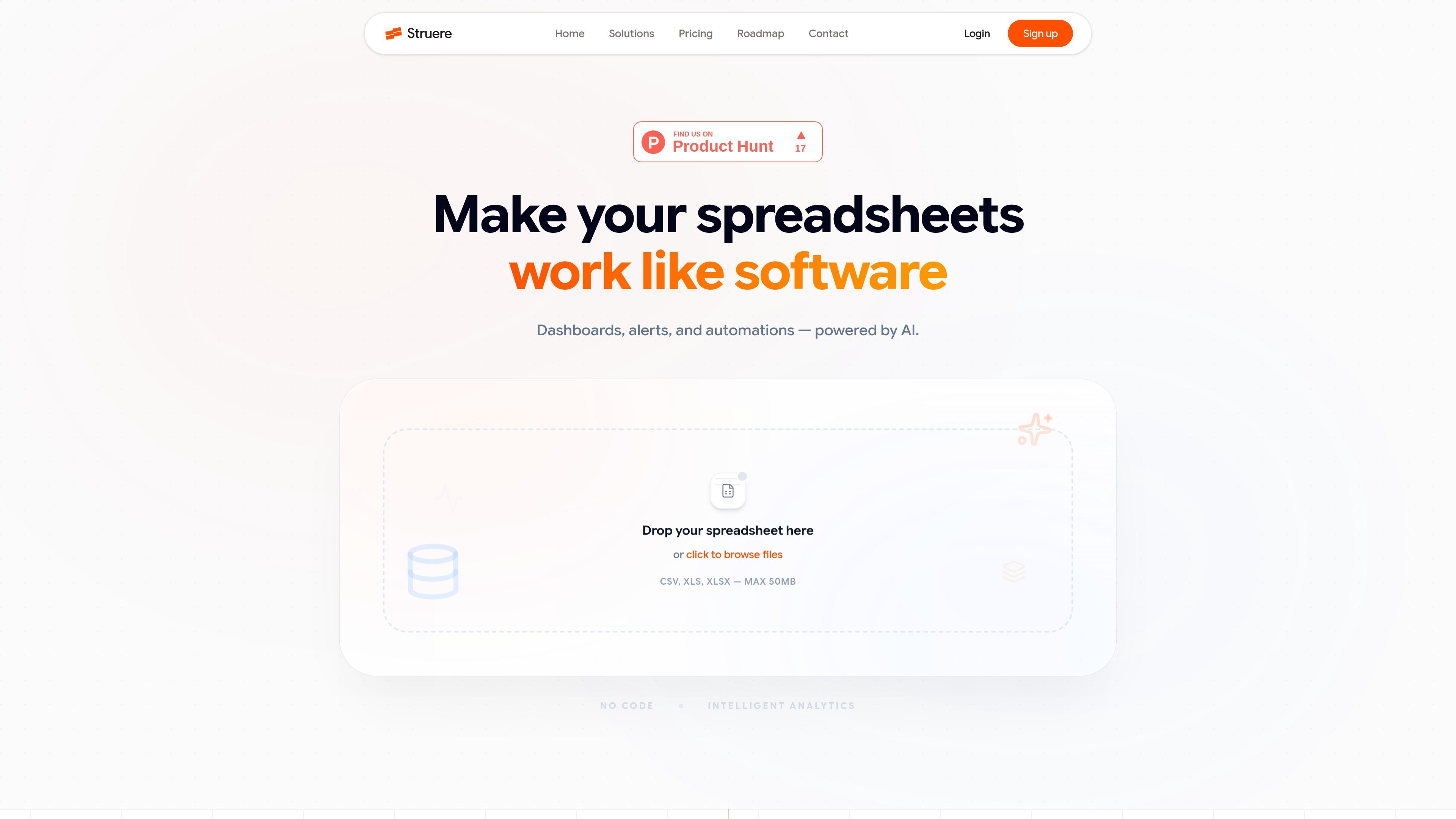
Struere is an AI-native operational systems platform that turns spreadsheet data into structured software for running business processes. It combines dashboards, alerts, automations, and AI-assisted analysis so teams can model the way they already operate instead of managing workflows across disconnected files.
The product is aimed at teams that have outgrown spreadsheets but do not want to build custom internal tools from scratch. Users can upload CSV, Excel, or Google Sheets data, define business logic, and let Struere infer structure, monitor changes, and run actions across operational workflows.
Upload CSV, Excel, or Google Sheets data, or create records directly in the platform. Struere infers structure automatically or lets you define it yourself.
Build dashboards with KPI cards, charts, and tables from raw operational data. The product says AI can generate the workspace layout from a plain-English prompt.
Create rules that trigger when conditions are met, such as overdue payments or low inventory. Actions can include alerts, record updates, flags, logs, and email notifications.
Search, filter, segment, and query operational records in a structured database. The platform also supports inline editing and type inference for common field types.
Use AI to detect unusual changes, identify trends, flag records that need review, and generate concise summaries from your operational data.
Work with organization-level access controls and shared workspaces. The site documents Admin, Member, and Viewer roles, plus multi-organization support on paid plans.
Import operational spreadsheets into a structured workspace, then build KPI views, tables, and charts that update from the same source of truth.
Set thresholds for overdue invoices, low stock, or missed deadlines, and let the platform notify the right team when conditions are met.
Use the platform to create edit-friendly records for vendors, customers, tasks, or employee data, with search, filtering, and type-aware fields.
Generate dashboard layouts and summary views from a plain-English prompt when a team needs a quick operational workspace without manual BI setup.
Apply role-based access and multi-organization separation when several people or business units need controlled access to shared operational data.
Struere supports CSV, Excel, and Google Sheets uploads today. The pricing page says real-time integrations such as Airtable, Notion, HubSpot, and Postgres are on the roadmap and will be available to Pro and Enterprise users first.
The product pages show Struere building dashboards, alerts, automations, structured data sources, and a data intelligence chat. The roadmap also lists a form builder and activity logs, with task management listed as in progress.
You can start with a free plan that includes limited workspaces, data sources, members, and AI prompts. The pricing page also offers a 14-day Pro trial with no credit card required.
The pricing page says Free is for solo builders and Pro adds multi-user and multi-organization usage with role-based access. Enterprise is available for larger teams that need SSO/SAML, audit logs, custom onboarding, and deployment options.
The site positions Struere as a no-code operational system for teams that outgrow spreadsheets, especially in operations, finance, RevOps, project management, sales, customer success, HR, and compliance workflows.

PromptScout tracks how ChatGPT, Gemini, Google AI Overviews, and Perplexity mention your brand or competitors, with source analysis and website audits.

Goldfish is an AI memory app for macOS that helps you reply, write, summarize, and continue with context already on your Mac. It stores memory locally and writes in your tone.

Lasso is an ecommerce product data platform for enriching catalog records, processing supplier files, generating product content, and tracking competitors. It includes a web app, REST API, SDK, and MCP server.

SaveMRR is a Stripe retention tool for SaaS teams to scan churn and MRR leaks, then automate recovery with dunning, cancel-save offers, win-back emails, and onboarding nudges.

Hype is a web tool for finding trending YouTube topics by category, time range, and scoring mode. Spot emerging ideas and review source videos.

ArtDeck is a visual reference board app for iPhone, iPad, and Mac. Collect mixed references on one canvas and study them with ToolBox lenses. Offline, optional iCloud sync, one-time purchase.