
Bulk availability checking
Check keywords against selected TLDs to find available domains, with the README showing both single-keyword and multi-keyword searches.

tldx is a command-line tool for bulk domain availability checks with keywords, permutations, regex patterns, and TLD presets. Supports multiple output formats and an MCP server.
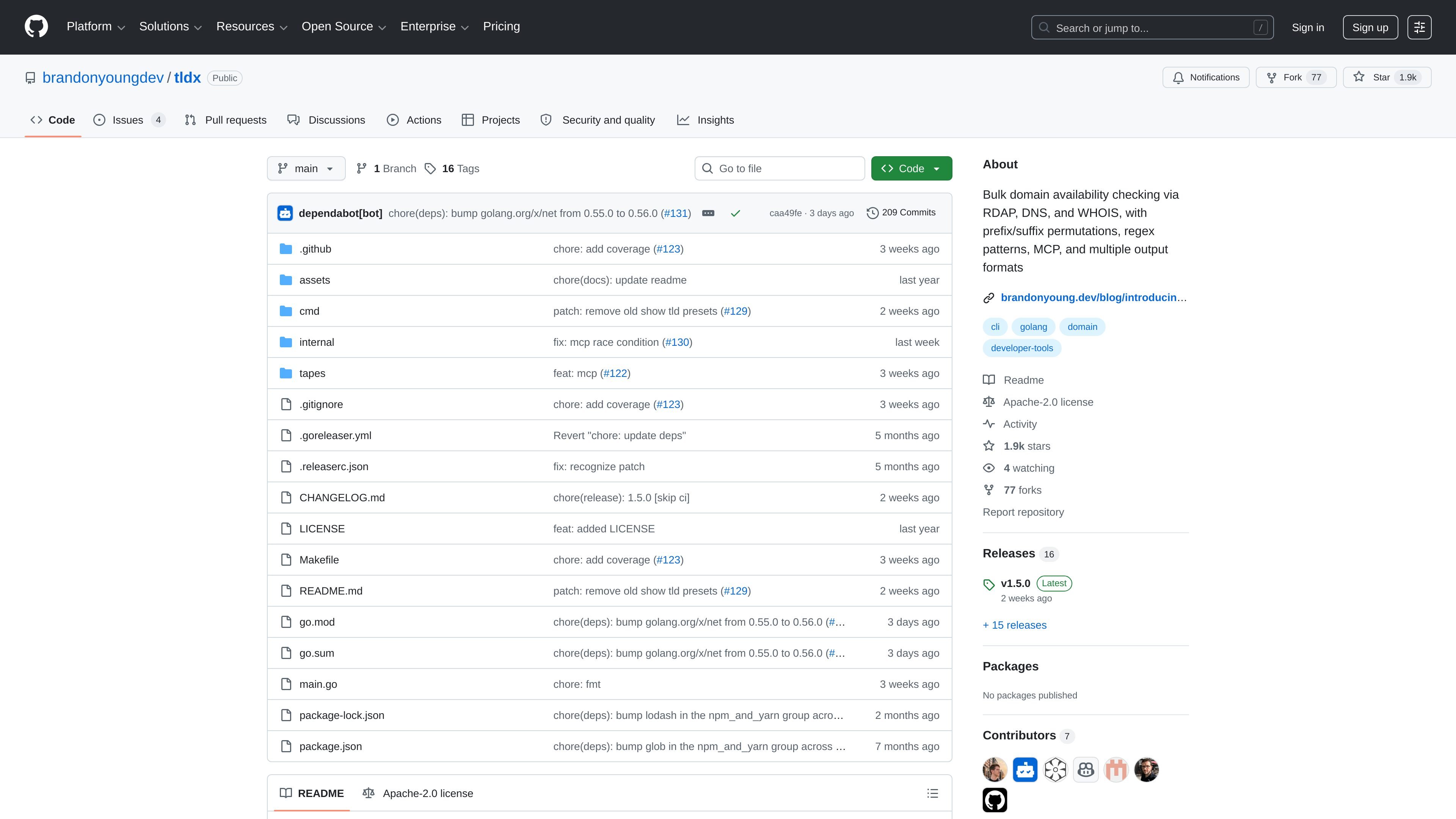
tldx is a command-line tool for checking whether domain names are available. It focuses on bulk searches driven by keywords, prefixes, suffixes, TLD sets, and regex patterns, so users can generate many candidate domains and review the results quickly.
The project description and examples show that tldx checks domains with RDAP and also references DNS and WHOIS. It can stream results as they are found, filter to available domains only, limit the number of matches returned, and output results in several machine-friendly or human-readable formats.
Check keywords against selected TLDs to find available domains, with the README showing both single-keyword and multi-keyword searches.
Generate candidate domains with prefixes, suffixes, and TLD combinations such as `getopenaily.com` or `useopenaihub.io` before checking availability.
Use regex patterns to build domain combinations, including examples like all three-letter `.com` domains, with a documented safeguard that skips patterns generating more than 500,000 combinations.
Select curated TLD sets through built-in presets, create custom presets, and store them in a config file for reuse.
Choose from text, JSON, JSON stream, JSON array, CSV, grouped, and grouped-by-TLD output formats, and optionally show stats at the end.
Run `tldx mcp` to start an MCP server over stdio for AI agent workflows.
Test a short list of candidate names across selected TLDs to see which domains are already taken and which remain available.
Generate brand-style variants with prefixes and suffixes, then scan them in bulk to surface usable combinations for a project or campaign.
Use regex patterns to check structured domain spaces, such as all three-letter names or other constrained combinations.
Feed keyword lists from a file or stdin into the CLI to batch-check domains as part of a script or terminal workflow.
Start the MCP server when you want an AI agent or other MCP client to work with tldx through stdio.
It checks domain availability using RDAP and also mentions DNS and WHOIS in the product description. The README examples show keyword-based lookups, regex-generated combinations, prefixes, suffixes, and TLD presets.
The README lists multiple output formats: text, json, json-stream, json-array, csv, grouped, and grouped-tld.
Yes. The project includes an MCP command that starts a Model Context Protocol server over stdio, which is intended for AI agent integration.
The source does not publish a price for tldx itself. The GitHub pricing page shows GitHub’s own free and paid plans, but that is separate from the project and does not describe tldx pricing.

NameGator is an AI-powered business name and domain generator that helps startups and businesses find brandable names and check domain availability.

Branda is a web-based brand builder that turns one sentence into strategy, naming, logo, palette, type, and a brand kit for fast brand starts.

sheetplus.ai domain for sale on Spaceship with buy-now price, offer option, secure payment and transfer support.

LetsFindDomain is a domain availability checker and AI name generator for 50+ extensions, with price comparisons, WHOIS data, exact lookups and bulk TLD checks.

Relaticle is an open-source CRM for managing companies, contacts, opportunities, tasks, notes, and pipelines, with hosted or self-hosted options, AI, REST API, and MCP access.

Knockin turns your work, story, and availability into an interactive AI introduction visitors can question, with Google Calendar meeting booking for founders, freelancers, and creators.