

Zentask
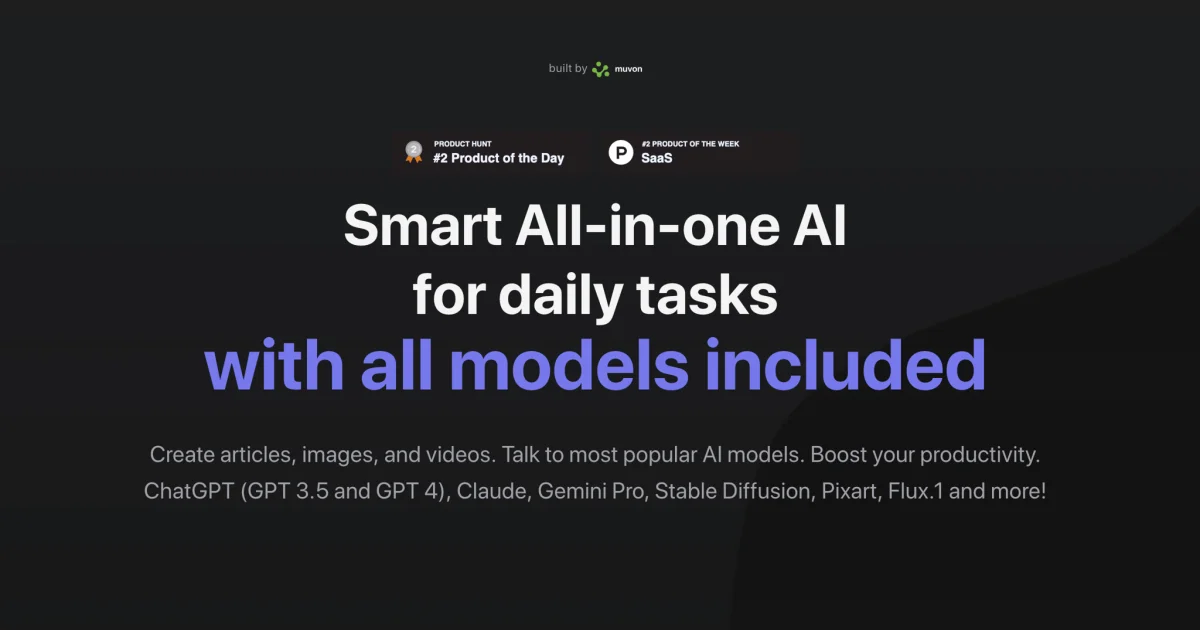
Zentask is an all-in-one AI workspace to create articles, images, and videos and chat with popular AI models like ChatGPT, Claude, and Gemini Pro.
What is Zentask?
Zentask is an all-in-one AI workspace for daily tasks. It lets you generate content (articles, images, and videos) and chat with multiple popular AI models.
The core purpose is to centralize common AI workflows—writing, visual generation, and model-based Q&A—so you can complete tasks without switching between separate tools.
Key Features
- Create articles: Generate written content for tasks like drafting and expanding ideas using AI models.
- Generate images: Produce image outputs with supported image generation models.
- Create videos: Generate video content as part of the same workflow.
- Chat with multiple AI models: Talk to widely used model families including ChatGPT (GPT 3.5 and GPT 4), Claude, Gemini Pro, and others mentioned on the site.
- Model options for generation: Support for image/video-related model families such as Stable Diffusion, Pixart, and Flux.1 (as listed on the page) for different generation needs.
How to Use Zentask
- Open Zentask and start in the AI workspace.
- Choose the task type—chat, article creation, image generation, or video creation.
- Select a model from the options listed on the site (for example, ChatGPT, Claude, Gemini Pro, or generation model families).
- Provide your prompt and desired output, then review the generated result.
Use Cases
- Drafting an article: Use the article generation option to create first drafts and iterate by refining prompts.
- Design ideation with images: Generate image concepts for presentations, social posts, or visual references.
- Video content creation: Produce video outputs from prompts when you need a quick starting point for a video idea.
- Model-assisted research and Q&A: Ask questions and compare responses using different chat model options listed on Zentask.
- Experimenting across generation models: Try different image-generation model families (as supported on the site) to see which output style fits your goal.
FAQ
-
What can I create in Zentask? The site indicates you can create articles, images, and videos.
-
Which AI models are supported? The page lists ChatGPT (GPT 3.5 and GPT 4), Claude, Gemini Pro, and generation-related models including Stable Diffusion, Pixart, and Flux.1.
-
Do I use Zentask for both chatting and content generation? Yes. The page describes both talking to AI models and creating content (articles, images, videos) within the product.
-
Is Zentask a single tool or separate apps for each task? The product is presented as an all-in-one tool that centralizes these workflows.
Alternatives
- Specialized image-generation tools: If your main need is generating images, dedicated image tools can be more focused, while Zentask bundles multiple content types and chat in one place.
- AI writing and document drafting tools: For primarily text-based work, writing-focused platforms may streamline article workflows compared with an all-purpose workspace.
- General-purpose AI chat platforms: If you only need Q&A and prompting, a chat-first platform may reduce complexity compared with a multi-output workspace.
- Video generation tools: For teams focused on video creation, video-first tools can offer more dedicated controls, while Zentask combines video generation with chat and other outputs.
Alternatives

Grok AI Assistant
Grok is a free AI assistant developed by xAI, engineered to prioritize truth and objectivity while offering advanced capabilities like real-time information access and image generation.

PXZ AI
An All-In-One AI Platform that combines tools for image, video, voice, writing, and chat to enhance creativity and collaboration.

Ably Chat
Ably Chat is a chat API and SDKs for building custom realtime chat apps, with reactions, presence, and message edit/delete.

Slidesgo
Discover free Google Slides themes and PowerPoint templates on Slidesgo. Download and customize online to create presentations.

AI Song Maker
Create royalty-free songs effortlessly with our AI Song Maker and Music Generator.

BookAI.chat
BookAI allows you to chat with your books using AI by simply providing the title and author.