
Plain-language app creation
Describe your idea in plain words and Capacity asks follow-up questions before it builds, so the output is based on what you actually want rather than a guessed interpretation.

Capacity is a no-code, AI-assisted app builder that turns plain-language ideas into working apps. It helps people ship apps with accounts, payments, and custom domains without writing code.
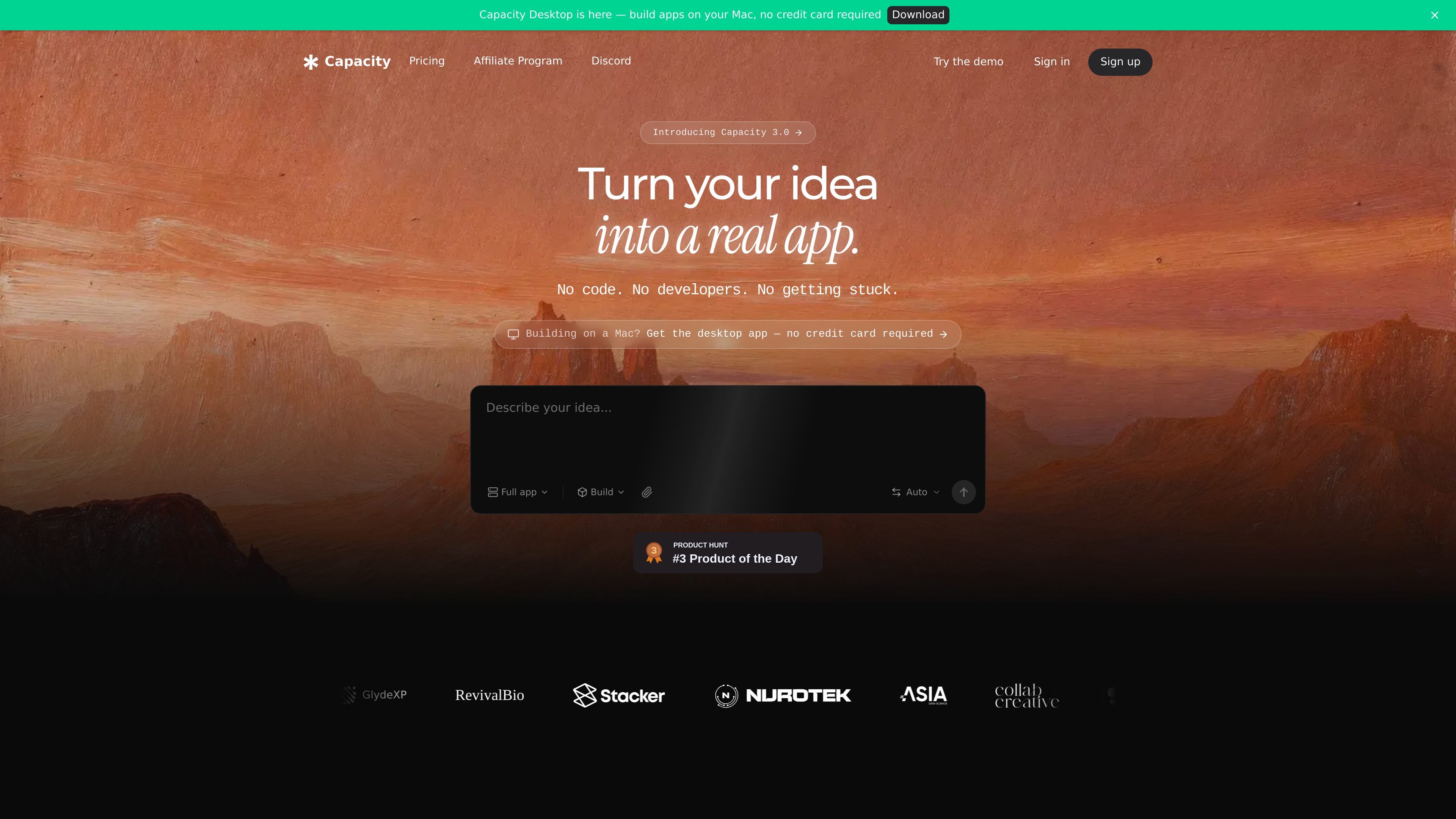
Capacity is a no-code, AI-assisted app builder that turns a plain-language idea into a working app. The homepage says you describe what you want in everyday language, Capacity asks a few questions to clarify the goal, and then it builds the app for you.
The product is aimed at people who want to ship real software without coding. The site says generated apps can include accounts, logins, saved information, and payments, and can be published online with a shareable link or connected to a custom domain. A separate desktop product for Mac and a landing page builder extend the same workflow into different build contexts.
Describe your idea in plain words and Capacity asks follow-up questions before it builds, so the output is based on what you actually want rather than a guessed interpretation.
The product creates working apps with accounts, logins, saved information, and payments, which makes it suitable for projects that need more than a static prototype.
When you need to change something, you can ask in normal language and the AI explains problems and suggests next steps without exposing code or technical settings.
The app can be put online with a shareable link, and the site says you can connect your own domain in minutes.
Capacity uses a credit-based billing model where usage consumes credits, and the pricing page says credits never expire.
The site also offers a desktop workflow on Mac, plus a landing page builder that can generate pages, edit them by chat, and publish them as part of a real project.
Use Capacity when you have a product idea and want a working app without writing code. The flow is built around describing the idea, answering clarification questions, and getting a usable first version online.
Use it for products that need user accounts, saved data, or payment flows. The site explicitly says those app components can be included, which makes it more relevant for real services than for static mockups.
Use the desktop workflow on Mac if you prefer to build locally with live preview, version history, GitHub and Vercel publishing, and your own AI subscriptions.
Use the landing page builder to create a standalone marketing page, waitlist, event page, or client brief page, then refine the result by chat and publish it to a domain.
Use the pricing and credit system when you expect ongoing iteration. The site positions credits as a way to continue building or top up an active project without changing subscriptions.
Capacity is a no-code app builder that turns a plain-language description into a working app. It asks follow-up questions, builds the app, and can put it online.
No. The site says Capacity is made for people with no coding experience, and you never need to write or see code to use it.
You can connect your own domain on paid or published projects, and the homepage says going live can be done with one click once the app is ready.
Pricing is credit-based. The site says credits are consumed based on usage, and they never expire. There is also a free start on the homepage, with paid plans and one-time credit top-ups listed on the pricing page.
The site says you can export the full codebase on the Growth plan, and the landing page builder page says generated pages are real React code that can be exported or synced to GitHub.

Speculos is a deployment tool for Claude Code that publishes what you built to a shareable URL. It supports private, org-wide, or public apps and adds team controls for company domains, data connections, and customer-cloud deployments.

FigPrompt is an AI tool for creating production-ready Figma plugins from a written description. It helps Figma users move from idea to plugin logic without writing code.

GenMB is an AI web app builder that creates full-stack web apps with frontend, backend, database, authentication, and automations included. It is aimed at individuals and teams that want to build and publish working apps from a plain-language prompt.

MoveFast is a production-ready Next.js SaaS starter with auth, billing, email, database, admin, and launch pages. It is aimed at founders, agencies, and product teams that want a credible SaaS base without wiring the core stack from scratch.

RapidNative is an AI-native mobile app builder that turns prompts, sketches, documents, or screenshots into interactive React Native apps. It is designed for founders, product managers, designers, and developers who need to prototype, collaborate, preview on device, and export code.

VibeDream is an AI app builder for creating and launching web apps without coding. It combines template cloning, prompt-to-app generation, Stripe payments, storage, deployment, and AI model APIs for founders and builders.