
Server management dashboard
Connect your own VPS or cloud server and manage it from a single panel instead of switching between provider tools and terminal commands.

CloudRaptor is a cloud server management platform for connecting your own VPS or cloud account and handling site deployment, security, backups, and day-to-day server administration from a web dashboard. It is aimed at developers, agencies, founders, and WordPress site owners who want less terminal work and more control over their infrastructure.
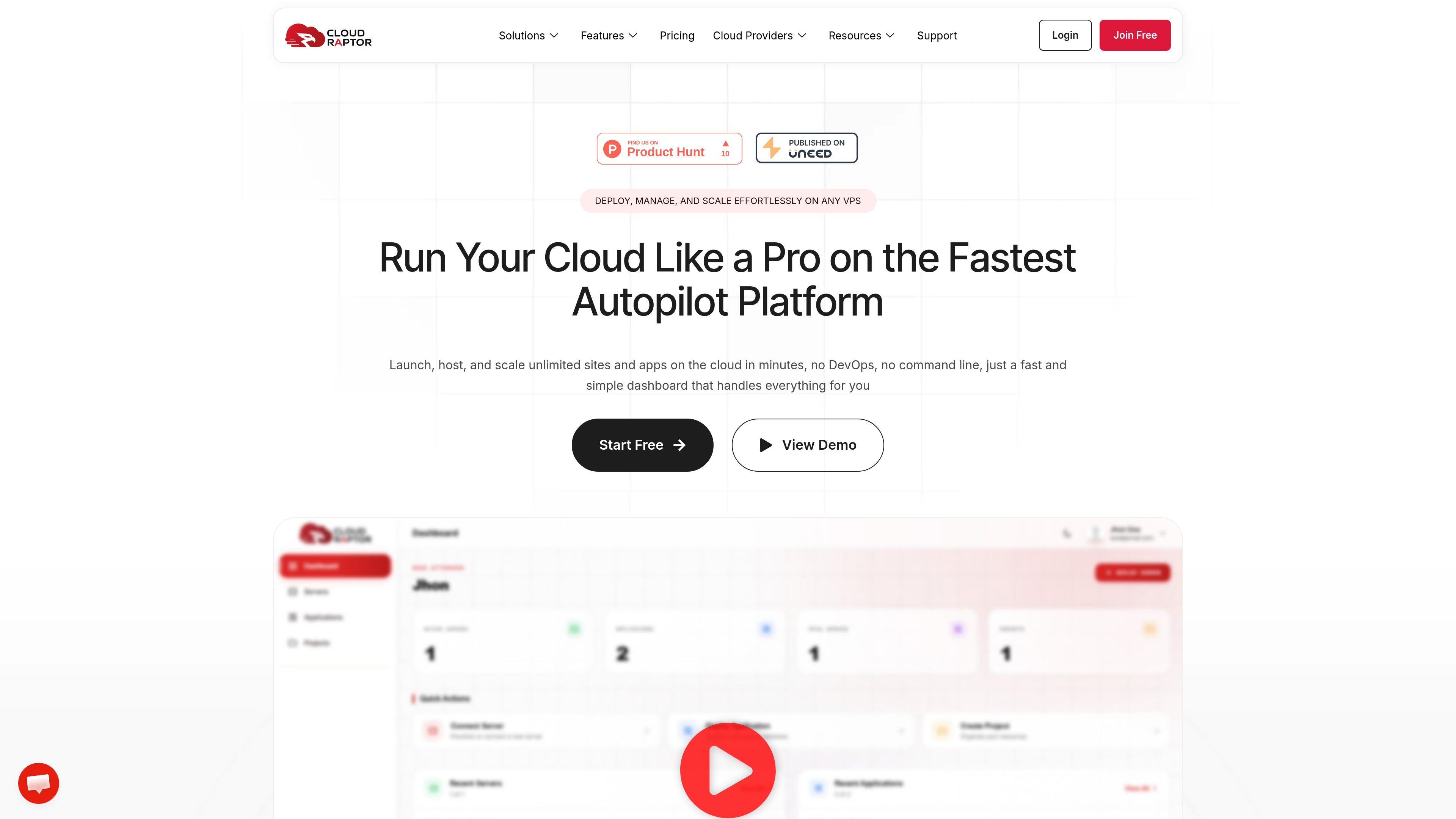
CloudRaptor is a cloud server management platform that sits on top of your own VPS or cloud provider account. It is built for people who want to deploy and manage sites or applications without working directly in the terminal, while keeping control of the underlying infrastructure.
The product focuses on simplifying common server tasks such as one-click WordPress installs, staging and cloning, Git deployments, SSL setup, backups, security hardening, and performance tuning. The site positions it as a way to run multiple sites on a server with a simpler dashboard, predictable subscription pricing, and no markup on the servers themselves.
Connect your own VPS or cloud server and manage it from a single panel instead of switching between provider tools and terminal commands.
Set up WordPress, clone sites, create staging copies, and migrate projects with one-click flows designed to reduce manual setup work.
Use built-in SSL, firewall controls, brute-force protection, vulnerability scanning, and WordPress hardening options to secure sites from the dashboard.
Run page cache and object cache with Varnish and Redis, switch PHP versions, and use the platform’s LEMP-based stack for hosted apps.
Automate backups to S3, Google Drive, Cloudflare R2, or Wasabi and schedule cron jobs through the interface.
Use plan features such as team roles, collaboration, DNS integration, and migrations on higher tiers when managing servers for clients or a group.
Use CloudRaptor to connect a VPS and launch a WordPress site with SSL, caching, and security settings already configured from the dashboard.
Create a staging clone before making changes live, then push updates with Git deployments or one-click cloning when the site is ready.
Manage several client or side-project sites on one server while keeping resources under your control and reducing the need for manual server work.
Move existing sites to a new server using the platform’s migration and cloning flows, with the site describing free migrations and zero-downtime transfers.
Handle recurring maintenance such as backups, cron jobs, security scans, and access controls from a single interface instead of many separate tools.
No. CloudRaptor is a server management platform, not a hosting provider. You connect your own cloud servers, and CloudRaptor provides the management layer on top.
You pay your cloud provider directly for the server. CloudRaptor charges a separate subscription for management features, with no markup on server costs.
Yes. The pricing page says you can host multiple websites on a single server within your plan limits, which is especially useful for agencies and multi-site teams.
No. The site says CloudRaptor removes most manual server work, so you do not need deep DevOps knowledge or to rely on the command line for typical tasks.
Yes. The pricing page says plans can be changed from the dashboard, and monthly plans can be canceled; annual plans include a 30-day money-back guarantee.

MakerLoft is a chat-first AI app builder for non-developers who want to create static sites or full-stack apps from a GitHub repository. It supports a free GitHub Pages path and a DigitalOcean-backed app path with sign-ins, payments, and an admin dashboard.

Ably Chat is a chat API platform for building custom realtime chat applications. It supports room-based messaging, typing indicators, presence, reactions, and message updates, with usage-based pricing options for different deployment stages.

Prompty Town is a web product that turns a link into a building in a small internet city. It appears to let users buy a tile, add a prompt, and publish the result alongside other buildings.

Make Real is a Next.js app that turns hand-drawn wireframes into working HTML prototypes using the tldraw SDK and AI models. It helps users sketch on a canvas, generate code, and review the result in an embedded preview.

ClawTick is an AI agent automation platform for scheduling jobs from the CLI, dashboard, or REST API. It is aimed at developers and teams running LangChain, CrewAI, webhook, or custom agent workflows that need monitoring, alerts, and logs.

Falconer is an AI-powered company brain that keeps internal documentation accurate, searchable, and up to date by syncing with tools like GitHub, Slack, and Linear. It helps engineering and cross-functional teams centralize knowledge and answer questions from a shared source of truth.