
Multiple resize modes
Resize by a target KB range, a custom KB range, pixel dimensions, or 2x/3x/4x scale, depending on the destination requirements.

A browser-based image resizer that increases JPG, PNG, or WebP files by pixel dimensions or target KB while keeping processing local on the device. It is built for practical upload workflows such as document forms and exam portals.
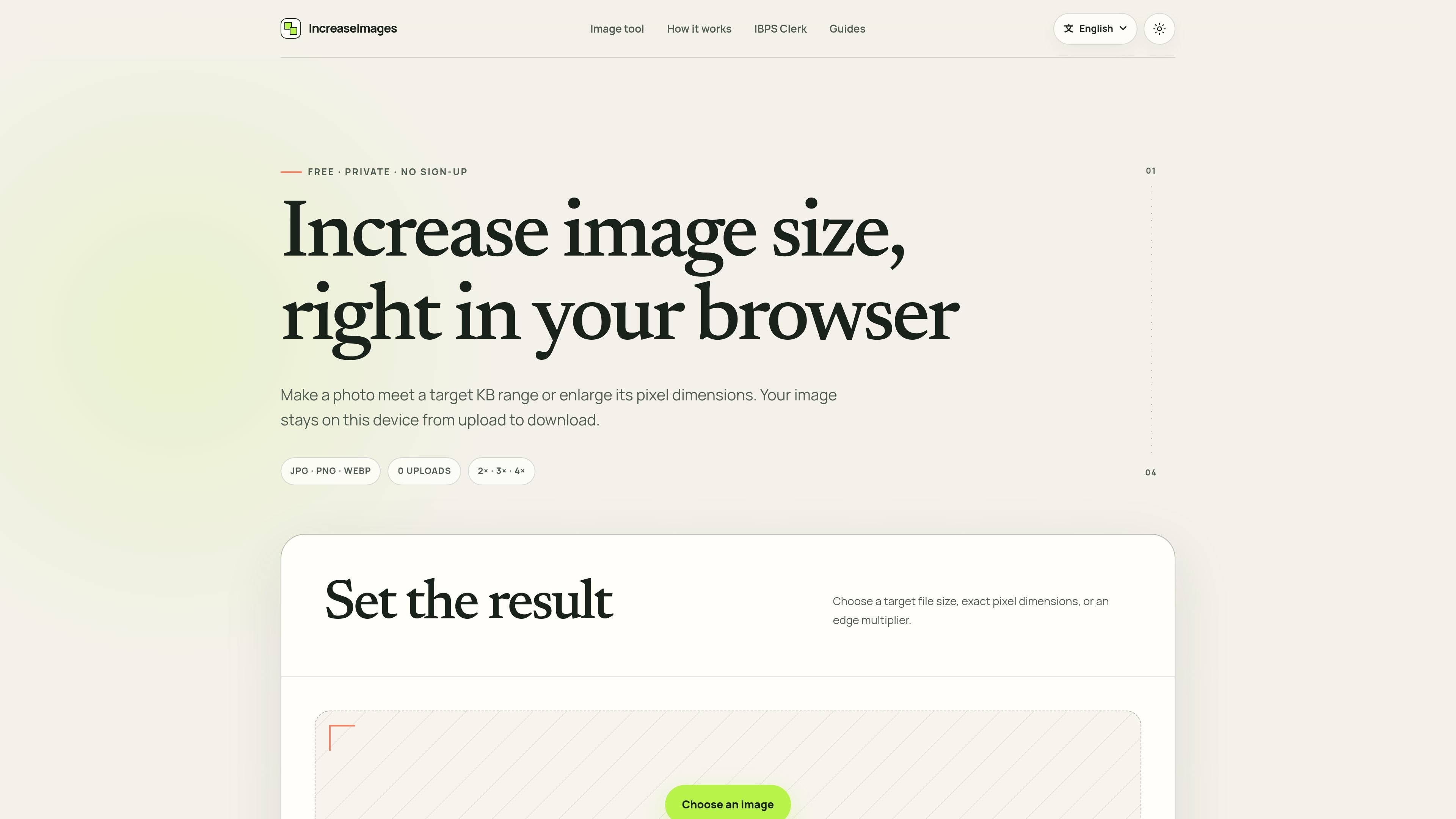
Increase Image Size Online Free is a browser-based image resizer for people who need a larger image in either pixels or KB without sending the file to a server. It supports JPG, PNG, and WebP, lets you choose a target file-size range or pixel dimensions, and shows a preview before download.
The tool is positioned for practical upload workflows such as forms and official document submissions. The site also includes preset guidance for common document ranges, including SSC signature, IBPS photo, UPSC photo or signature, and an IBPS Clerk 2026 resizer that matches specific pixel and KB requirements.
Resize by a target KB range, a custom KB range, pixel dimensions, or 2x/3x/4x scale, depending on the destination requirements.
Keep the original aspect ratio or switch to changing each edge independently when a different shape is required.
Export as JPG, PNG, or WebP, with the page noting that JPG is smaller and removes transparency, PNG preserves lossless transparency, and WebP is efficient.
Preview the original and result side by side, along with before-and-after measurements for dimensions, format, and file size.
Process files locally in the browser without uploading them to the service, and keep the working state on the current device.
Start from common portal examples such as SSC signature, IBPS photo, UPSC photo/signature, or the IBPS Clerk 2026 document presets.
Prepare an image for a form that checks a file-size band, such as a passport-style upload or another portal with KB limits.
Resize a photo or graphic to a specific width and height when the destination checks pixel dimensions rather than file size.
Create a document image for exam applications using preset guidance such as SSC, IBPS, or UPSC ranges.
Resize a document photo, signature, thumb impression, or declaration for IBPS Clerk 2026 using the page’s published targets.
Adjust the output format for transparency, file size, or efficiency when you need JPG, PNG, or WebP specifically.
Yes. The tool runs entirely in the browser and the site states that the processing path starts and ends on your device, so the image is not uploaded to the service for processing.
The page supports static JPG, PNG, and WebP files, with a maximum file size of 25 MiB for the initial image.
You can increase image size by target file size in KB, by pixel dimensions, or by 2x, 3x, and 4x scale. The interface also offers common target KB ranges and custom width and height fields.
The output can be JPG, PNG, or WebP. The page notes that JPG removes transparency and uses a white background, PNG preserves transparency, and WebP is described as efficient.
The site describes this as browser resizing, not an AI upscaler. It can resample an image and change its size, but it does not claim to reconstruct missing faces, text, or textures.

Pixelcut is an AI photo editor for creating and editing product images, social content, and video assets. It offers free and paid plans, plus mobile app and browser access for individual users and teams.

Petalica Paint is a web service for automatically coloring line art and tracing line drawings from photographed images. The home page says it can be used under the stated terms for commercial and noncommercial work, but it is scheduled to end on 2025-07-31 at 16:00 JST.

Wearvue AI generates personalized outfit previews from a photo, lets users refine the style for an occasion, and surfaces similar real products to shop. It is aimed at people who want to preview outfit ideas before buying and compare them with shoppable alternatives.

Upscale.media is an AI image upscaling and enhancement tool from Pixelbin that enlarges low-resolution or pixelated images and improves clarity in the browser. It offers free individual image use, paid credit plans, and team-oriented workflows such as bulk processing and API integration.

PhotoAid’s AI Image Enlarger is a free browser-based tool for upscaling images without a standard blur-heavy resize. It supports JPEG, WEBP, and PNG uploads and is described as working best for photos with faces.

Magic Eraser é uma ferramenta impulsionada por IA que permite aos usuários remover rapidamente objetos indesejados, pessoas, texto e imperfeições de fotos com facilidade.