
Animated cat overlay on web pages
Mochi injects a small animated cat into pages you browse, turning a normal tab into a browser companion without replacing the site you are viewing.

Mochi is a Chromium browser extension that adds a tiny animated cat to web pages. It lets you choose a cat style, position it on the page, and keep that setup across tabs.
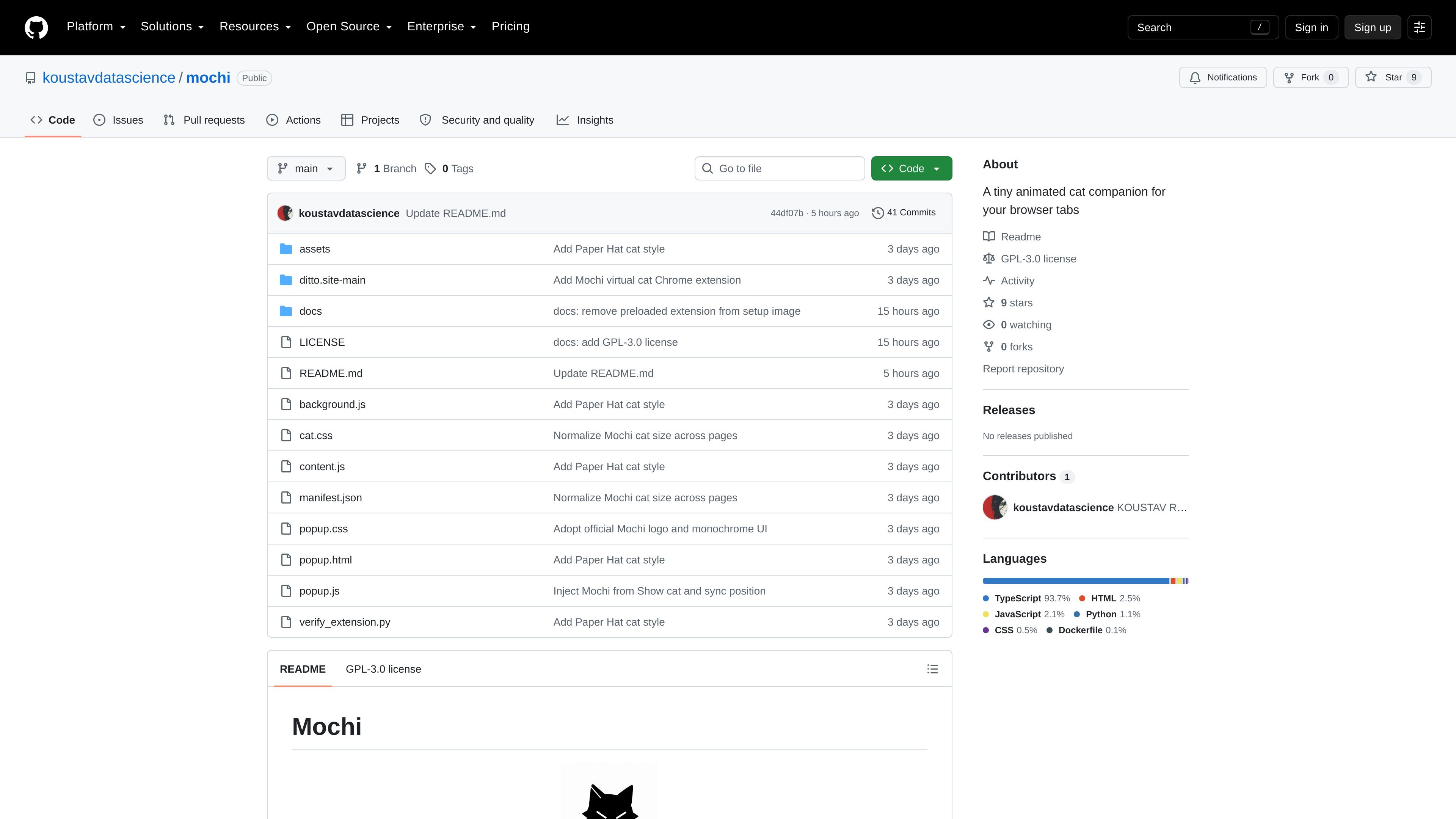
Mochi is a lightweight Chromium browser extension that places a tiny animated cat on the web pages you visit. It is presented as a small, local-first browser companion for people who want a more playful tab experience without changing the underlying site.
The project is distributed through a GitHub repository and installed by loading the unpacked extension folder into a supported Chromium-based browser. Once installed, you can choose a cat style, show the cat on a page, drag it to a corner, and keep that setup across tabs.
Mochi injects a small animated cat into pages you browse, turning a normal tab into a browser companion without replacing the site you are viewing.
The extension includes a choice of cat styles such as Bad Boy, Black Cat, Rolling Cat, Frog Cat, Pixel Cat, and others listed in the README.
You can drag the cat to another corner of the page, which lets you keep it out of the way of content you want to read or click.
Your selected cat style and on-page position are remembered across tabs, so you do not need to reset them each time you move to a new page.
The extension is built for Chromium-based browsers and is installed locally by loading the unpacked folder from the repository.
The manifest grants storage and scripting permissions and runs a content script on all URLs, which aligns with its behavior on normal websites.
Use Mochi while reading, browsing, or switching between tabs when you want a small animated companion on the page without changing the site itself.
Choose a specific cat style, place it in a corner, and keep it there while you work so it stays visible but out of the way of the content you need.
Install the extension from the repository ZIP when you do not want to clone code or use Git, then manage it like a normal unpacked browser extension.
Load Mochi on a normal website and keep the chosen cat and location consistent across tabs for a more continuous browsing experience.
If a page does not show the cat immediately, reload the webpage or reinstall the unpacked folder as the README recommends.
Mochi is a Chromium extension. The README provides installation steps for Chrome or Chromium, Microsoft Edge, Brave, Vivaldi, and Opera by loading the unpacked extension folder.
The repository instructions say to download the project as a ZIP, extract it, turn on Developer mode in the browser’s extensions page, and use Load unpacked to select the folder that contains manifest.json. Git cloning is optional for developers.
Yes. The README describes Mochi as a small, local-first browser companion, and the manifest shows it runs as an extension using local storage and injected scripts rather than a hosted app.
The selected cat and its position are remembered across tabs. The README also says the extension works on normal websites and may need a page reload if it does not appear right away.
The repository notes that if the problem continues or your browser is not compatible, you should contact the maintainer by email. That suggests compatibility is limited to supported Chromium-based browsers rather than every browser.

DANCING CATS App turns cat pictures into dancing kitty clips. The public homepage is sparse, so the core use case is clear while pricing, outputs, and feature depth remain undocumented.

roastme.gg is a pay-to-play AI roasting site where users submit their own X handle or website, choose how much to pay, and get a public roast ranked on a leaderboard by amount paid.

Loniva is a mobile puzzle app that offers a calm daily mix of games across memory, attention, language, speed, logic, and focus. It runs on iPhone, iPad, and Android, with a free 7-day trial and a free daily workout after the trial.

Postaway is a web-based postcard service for creating free vintage-style digital postcards and sharing them by link. It also has a separate postcard club waitlist for physical vintage mail shipped from Thailand.

MacYaps é um app de barra de menus para macOS que reproduz clipes de áudio engraçados quando eventos do sistema acontecem no seu Mac. Tem pacotes de voz, envios próprios e licença vitalícia única.

Snail Walk is a mobile walking-survival game that converts daily steps from Apple Health or Health Connect into progress along a shared path while a persistent snail pursues each player. It is designed for iOS and Android users who want social rankings and a consequence-driven alternative to passive step tracking.