
Passive capture and memory
Kortyx records activity from the apps you use, pages you read, meetings you join, and drafts you work on, then turns that into memory it can use later.

Kortyx is a personal AI assistant for macOS and Windows that learns from your work context, suggests tasks it can take over, and executes approved actions. It connects desktop chat, Telegram, and browser context to support capture, memory, and delegation workflows.
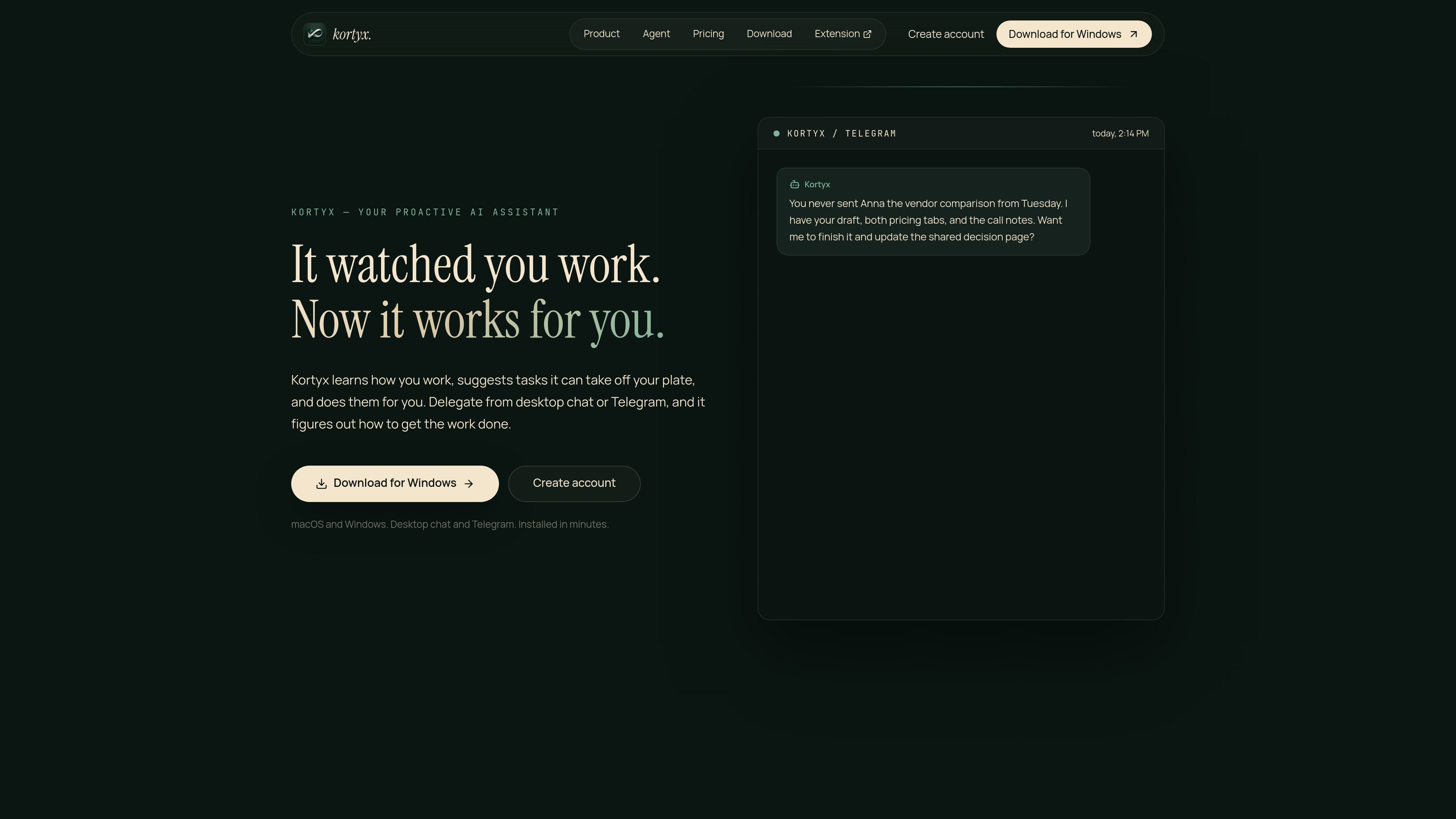
Kortyx is a personal AI assistant that learns from your work context and can take action on tasks it recognizes later. The site positions it as an assistant that captures memory, suggests things it can handle, and carries out approved work from that memory.
Its core workflow is built around desktop capture, proactive delegation, and execution. Kortyx can observe activity on macOS or Windows, use Chrome context when installed, and connect to Telegram so it can surface tasks and continue them away from your desk.
Kortyx records activity from the apps you use, pages you read, meetings you join, and drafts you work on, then turns that into memory it can use later.
When Kortyx notices unfinished work or a likely follow-up, it can send you a suggestion through desktop chat or Telegram instead of waiting for a prompt.
The product can use browser sessions, code in an isolated sandbox, and schedules to complete tasks, while keeping consequential actions behind approval.
Kortyx runs in desktop chat and Telegram, so you can start a task at your desk and approve or continue it away from the computer.
The pricing page says Kortyx is not priced by tokens; you connect your own AI provider in the app, and the product is built around memory and capability.
The site says Kortyx also speaks MCP, allowing other tools to read the same memory.
Use Kortyx to keep track of work you started but did not finish, then let it surface a task when it has enough context to help you complete it.
Use the app to compare pages, drafts, and meeting notes, then have it draft or complete a decision brief or recommendation for approval.
Use Telegram or desktop chat to receive proactive pings about time-sensitive follow-ups, then approve the action when you are away from your desk.
Use its browser and sandbox execution to handle repetitive web steps, file work, or scheduled tasks that can be completed from captured context.
Use the Chrome extension when you want Kortyx to work from the pages and selections you are already using in the browser.
Kortyx is installed as a desktop app for macOS or Windows. The site also recommends adding the Chrome extension for browser context and linking Telegram from the app if you want proactive pings away from your desk.
Kortyx is aimed at people who want an assistant that can remember work context, surface tasks it can take over, and carry out browser-based or scheduled work with approval. The site presents it as a personal assistant rather than a team-only workflow tool.
It can answer from memory, execute browser work, run code in an isolated sandbox, and schedule tasks. The site also says external actions and higher-risk work are approval-gated and traceable.
Yes. The pricing page says Pro unlocks full memory history and ongoing proactive delegation, while Free includes a limited version of capture, memory, delegation, and execution.
Yes. Kortyx can be paused at any time, and the site says passwords, payments, and private browsing are redacted on your device and never leave it.

Macuse is a macOS app that lets AI assistants control native Mac apps through MCP and use Computer Use for any app. It works with clients like Claude Desktop, Cursor, and Raycast, and keeps automation on-device.

Goldfish is an AI memory app for macOS that helps you reply, write, summarize, and continue using the context already on your Mac. It stores memory locally and writes in your tone.

Lasso is an ecommerce product data platform for enriching catalog records, processing supplier files, generating product content, and monitoring competitors. It combines a web app with a REST API, SDK, and MCP server for teams and developers.

ArtDeck is a visual reference board app for iPhone, iPad, and Mac that lets artists collect mixed reference material on one canvas and study it with ToolBox lenses. It works offline, supports optional iCloud sync, and is sold as a one-time purchase with no account required.

Biji é uma plataforma versátil projetada para aumentar a produtividade por meio de ferramentas e recursos inovadores.

Gemma AI is a phone call reminder app that calls you with scheduled reminders instead of push notifications. It helps people who want a more direct way to stay on schedule, with Google Calendar sync and conversational call interactions.