
In-browser queue and reordering
Add two or more images, drag them into order, and remove items before generating the final composition.

Merge Image is a browser-based tool for combining PNG, JPEG, or WebP files into horizontal, vertical, grid, or stitched compositions. It works locally in the browser, with no account required in the source copy and no stated upload of originals to a server.
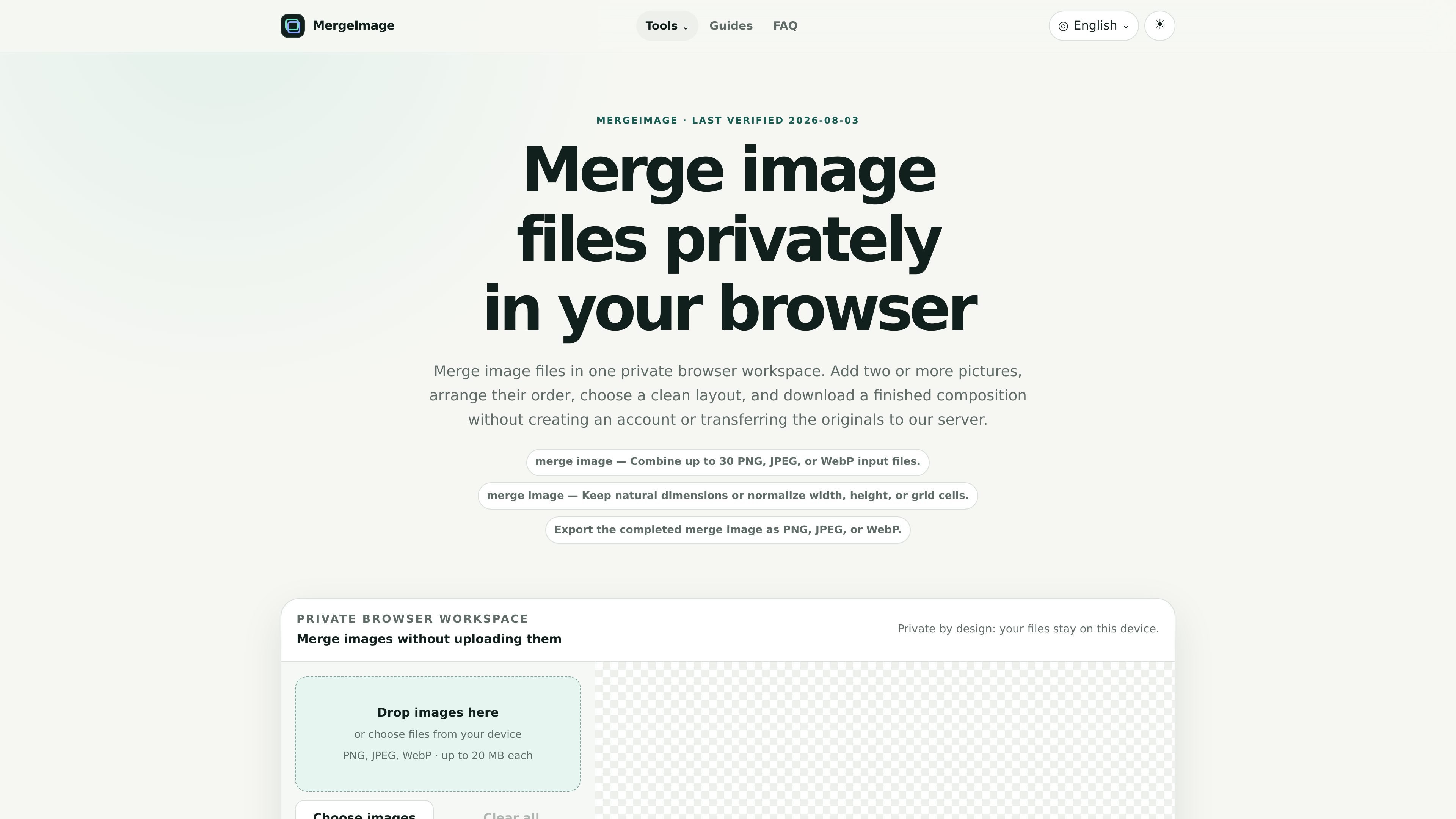
Merge Image is a browser-based image composition tool for combining multiple PNG, JPEG, or WebP files into one output. It supports horizontal, vertical, grid, and smart screenshot-stitching layouts, and it is designed to work privately on the device rather than sending originals to a server.
The workflow is built around practical editing tasks: you add images, reorder them, choose the layout and sizing mode, preview the canvas, and then download the finished file locally. The product also states clear limits, including support for up to 30 input files and automatic reduction when a result would exceed its canvas safety boundaries.
Add two or more images, drag them into order, and remove items before generating the final composition.
Choose horizontal, vertical, grid, or smart stitch layouts depending on whether you need a comparison, contact sheet, or stitched screenshot.
Adjust spacing, alignment, background, and image sizing so the merged result fits the intended presentation without another editor.
Keep original size, match width, match height, or fit images into equal grid cells depending on the layout.
Export the completed merge as PNG, JPEG, or WebP, with JPEG quality control shown in the interface.
Use smart stitch for consecutive screenshots; the tool trims only when the overlap match is confident and falls back conservatively when it is not.
Create side-by-side comparisons for before-and-after images, product views, or design alternatives using the horizontal layout.
Build contact sheets or grouped image panels where equal cells and a balanced layout make several assets easier to review.
Keep screenshots, scans, or step-by-step notes in chronological order with a vertical composition.
Stitch consecutive scrolling screenshots into a single capture when the images share repeated overlap from the same viewport.
Merge receipts, reference images, or separate files from a folder into one downloadable composition without leaving the browser.
Yes. The product is described as a private browser workspace, and the source says the originals stay on the device rather than being uploaded to the server.
The source supports PNG, JPEG, and WebP input files, and it can export the finished result as PNG, JPEG, or WebP.
You can combine up to 30 image files, with a per-file limit of 20 MB. The product also applies automatic reduction if the final result would exceed the stated canvas limits.
The available layouts are Horizontal, Vertical, Grid, and Smart stitch. The tool also includes reordering, spacing, alignment, background, and sizing controls.
The source describes browser-based processing with local canvas rendering, but it does not mention a desktop app, mobile app, API, cloud storage integration, or share-link workflow.

Pixelcut is an AI photo editor for creating and editing product images, social content, and video assets. It offers free and paid plans, plus mobile app and browser access for individual users and teams.

Petalica Paint is a web service for automatically coloring line art and tracing line drawings from photographed images. The home page says it can be used under the stated terms for commercial and noncommercial work, but it is scheduled to end on 2025-07-31 at 16:00 JST.

Wearvue AI generates personalized outfit previews from a photo, lets users refine the style for an occasion, and surfaces similar real products to shop. It is aimed at people who want to preview outfit ideas before buying and compare them with shoppable alternatives.

Upscale.media is an AI image upscaling and enhancement tool from Pixelbin that enlarges low-resolution or pixelated images and improves clarity in the browser. It offers free individual image use, paid credit plans, and team-oriented workflows such as bulk processing and API integration.

PhotoAid’s AI Image Enlarger is a free browser-based tool for upscaling images without a standard blur-heavy resize. It supports JPEG, WEBP, and PNG uploads and is described as working best for photos with faces.

Magic Eraser é uma ferramenta impulsionada por IA que permite aos usuários remover rapidamente objetos indesejados, pessoas, texto e imperfeições de fotos com facilidade.