
Fast game setup
Build an interactive slide by adding a question, answers, and a theme in the workspace. The homepage says the first slide can be prepared in minutes.

Monolite is a web-based platform for creating interactive presentations and audience games. It helps hosts turn audiences into participants through QR join, public links, live responses, and post-event reporting.
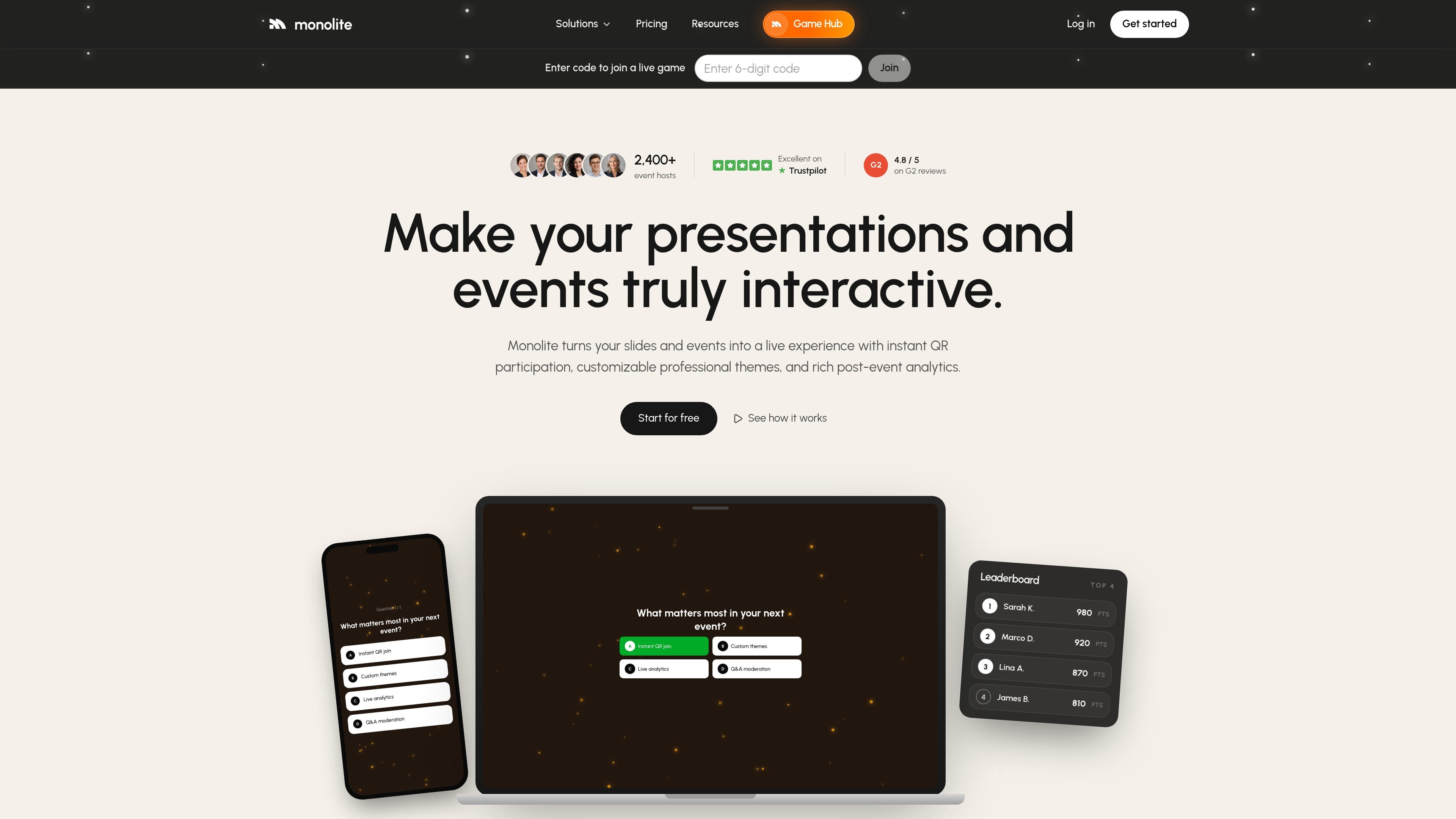
Monolite is a web-based platform for creating interactive presentations and audience games. It is built for hosts who want people to participate directly through their phones instead of only watching a slide deck.
The workflow centers on a QR join flow or a public participation link. A host can build a question-based activity, choose a theme, and run it live with audience responses, leaderboards, and post-event reporting. The product site also shows it being used for trivia, word clouds, and other live engagement formats.
Build an interactive slide by adding a question, answers, and a theme in the workspace. The homepage says the first slide can be prepared in minutes.
Let attendees join from a QR code on screen. Participants scan from any phone browser without an app or account.
Publish a public game for anyone to join through a shareable link. This supports sessions that are not tied to a live host.
Run live trivia, versus battles, and word clouds. The product page also shows timed multiple-choice rounds with a live leaderboard.
Apply custom themes with logo, colors, imagery, and typography. The site positions this as a way to make the event screen match the venue or brand.
Review post-event analytics and reports. The source describes participation rates, per-question engagement, correct-answer stats, and audience feedback.
Use Monolite to turn a presentation into a live activity where attendees answer questions from their phones and see the results appear on screen.
Run timed trivia or versus rounds for teams or audiences who need a fast, competitive format with a leaderboard.
Collect responses, votes, or feedback during a session and review the engagement report afterward for a record of participation.
Publish a shared link for people to play without a host present, which fits onboarding or other always-on participation flows.
Yes. The pricing page says there is a free plan that lets you run small sessions and try every game type, and no credit card is required to get started.
No. Attendees join from any phone browser by scanning a QR code or using a public link, so they do not need to install an app or create an account.
Yes. The product supports custom themes, including your logo, colors, imagery, and typography, so the event screen can match your brand.
The site says Monolite provides real-time analytics during the session and a downloadable engagement-by-question report afterward.
Paid plans can be changed or canceled from the billing page, and cancellations take effect at the end of the current billing period.

Loniva is a mobile puzzle app that offers a calm daily mix of games across memory, attention, language, speed, logic, and focus. It runs on iPhone, iPad, and Android, with a free 7-day trial and a free daily workout after the trial.

GameGrad turns PDF study material into quiz questions that appear inside arcade games, so users can practice active recall while they play. It offers a free tier with one PDF and a Pro plan with more uploads, more questions, and answer explanations.

DailyPlay.ai is a behavioral growth platform that uses AI site scanning and micro-games to help brands improve engagement and conversion. It supports web, mobile, and other digital touchpoints, with a one-line script setup and a free engagement scan.

Slidesgo is a presentation template platform for Google Slides, PowerPoint, and selected Canva workflows. It offers free and Premium templates, plus AI-assisted presentation creation and team-friendly access options.

ChatBA is a generative AI product for creating slide decks from prompts. The public site emphasizes instant presentation generation and includes help content for templates, sharing, and data sources.

roastme.gg is a pay-to-play AI roasting site where users submit their own X handle or website, choose how much to pay, and get a public roast ranked on a leaderboard by amount paid.