
QUIC-based remote transport
Uses the Sirius protocol with QUIC as the main transport layer to keep latency low and throughput high for remote sessions.

Noctiluca Server is an open-source remote desktop host for macOS. It works with Noctiluca Navigator to support remote control, screen projection, clipboard sync, file transfer, and multi-display sessions.
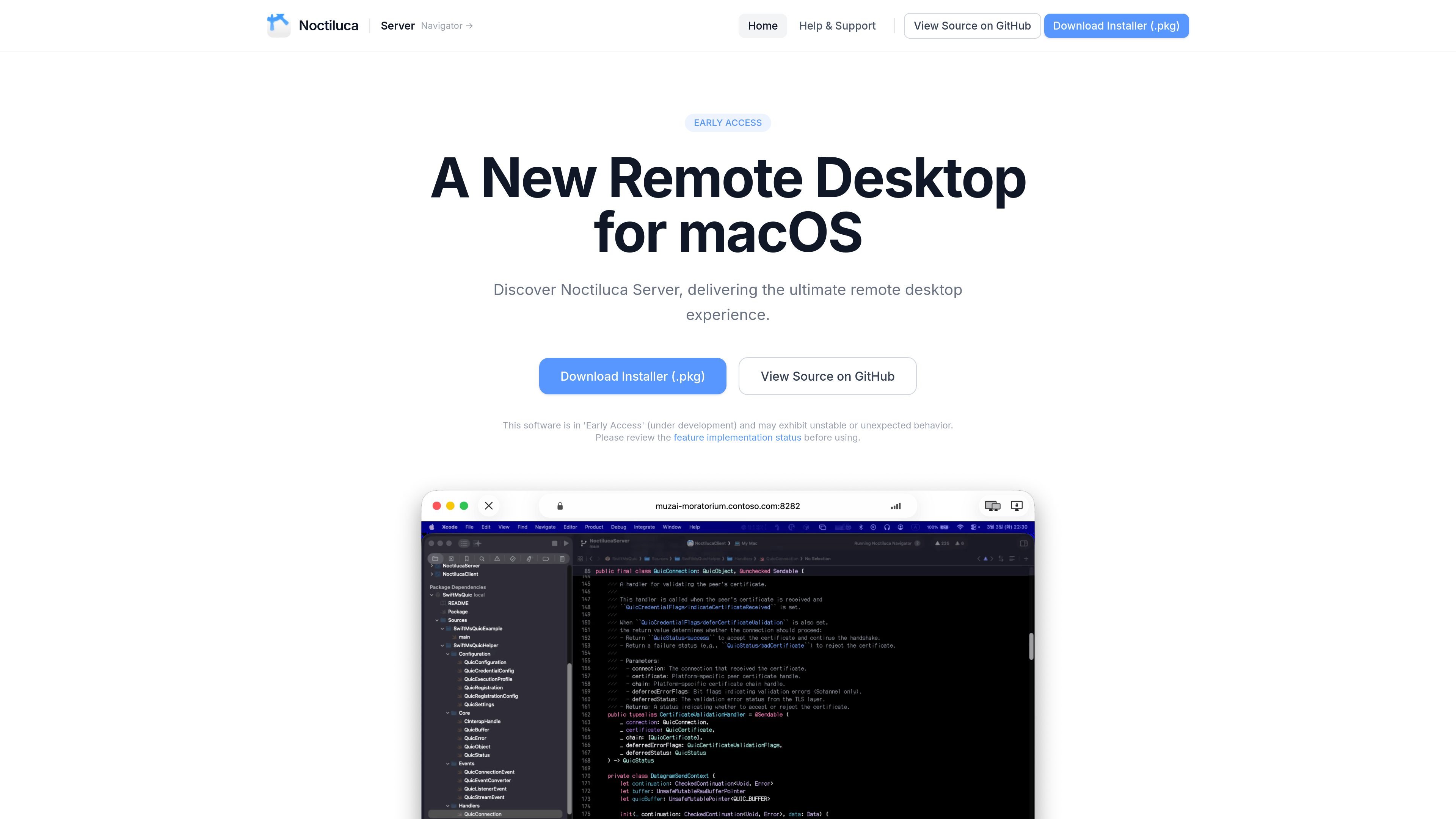
Noctiluca Server is the macOS host component of Noctiluca’s remote desktop system. It is described as a new remote desktop for macOS and is currently labeled Early Access, with a warning that it may behave unexpectedly while development continues.
The server uses the Sirius protocol and is designed to work with Noctiluca Navigator on supported client platforms. The product focuses on low-latency screen projection, hardware-accelerated encoding, multi-display control, clipboard and file-transfer workflows, and optional plugin-based extensibility.
Uses the Sirius protocol with QUIC as the main transport layer to keep latency low and throughput high for remote sessions.
Uses macOS hardware video acceleration to reduce CPU load while sending the screen and supports adaptive quality based on network conditions.
Supports multi-display hosts, including switching between displays and projecting multiple displays simultaneously.
Includes customizable codec settings such as YUV 4:4:4, lossless mode, and HiDPI support for users who need more control over image quality.
Ships with TLS 1.3, certificate pinning through Noctiluca Navigator’s known-hosts behavior, and plugin bundle signature verification.
Supports a plugin bundle system and exposes the Sirius protocol specification and related message definitions as public, open-source documentation.
Install the server on a Mac you want to access remotely, then connect from Navigator to view the screen and send keyboard and mouse input.
Use the multi-display features to switch between monitors or project several displays when a host Mac has more than one screen attached.
Tune codec settings such as lossless mode, YUV 4:4:4, or HiDPI support when image fidelity matters more than minimal bandwidth.
Rely on clipboard sync and file transfer through the clipboard channel when moving text, images, files, or other supported clipboard data between host and client.
Extend the server with plugin bundles or build against the open Sirius protocol if you are developing custom authentication, input, or transport-related workflows.
Noctiluca Server is the host-side remote desktop software for macOS. You download the installer package, install it on the Mac you want to control, and then connect to it with Noctiluca Navigator.
The software is marked as Early Access and the site warns that it may exhibit unstable or unexpected behavior. The implementation-status page should be checked before relying on a specific feature.
Yes. The docs say Noctiluca is a fully open-source project and that all features can be used for free without limitations.
Noctiluca Navigator is available on macOS and iOS/iPadOS, while Windows and Linux versions are still in development. The server side is presented as a macOS product.
The docs describe support for screen projection, audio recording/streaming, keyboard and mouse input, clipboard sync, file transfer via the clipboard, and plugin bundles, with some items still in progress or planned.

Edgemetry is a self-hosted web analytics tool for Cloudflare that tracks site traffic with a privacy-first design. It focuses on lightweight deployment, no cookies, and dashboard reporting without third-party browser requests.

Vois is a local AI voice generator studio for Mac and Windows that handles speech generation, editing, mastering, and export on your own machine. It includes voice cloning, platform export presets, and paid plans with unlimited generation.

Mochi is a Chromium browser extension that adds a tiny animated cat to web pages. It lets you choose a cat style, position it on the page, and keep that setup across tabs.

Cronloop is a platform for running AI agents on recurring schedules. It lets you define the job in plain Markdown, run agents with Codex or Claude Code, and monitor each run live from the app or via ChatGPT and Claude.

Paper Critters is a web product for decorating and printing paper toy characters. The available site text shows a focused create-and-print workflow, but does not provide verified pricing or detailed feature documentation.

OmniVibe is an AI agent marketplace, workspace, and studio for using, building, and publishing agents. It helps individuals and teams collaborate with agents, manage work in one place, and pay by credit usage.