
Automatic background removal
remove.bg automatically removes image backgrounds from an uploaded photo so the subject can be isolated without manual pixel editing.

remove.bg is an AI background removal tool that automatically cuts subjects out of images and can generate new backdrops. It supports web use, bulk editing, API access, and integrations for design, automation, and developer workflows.
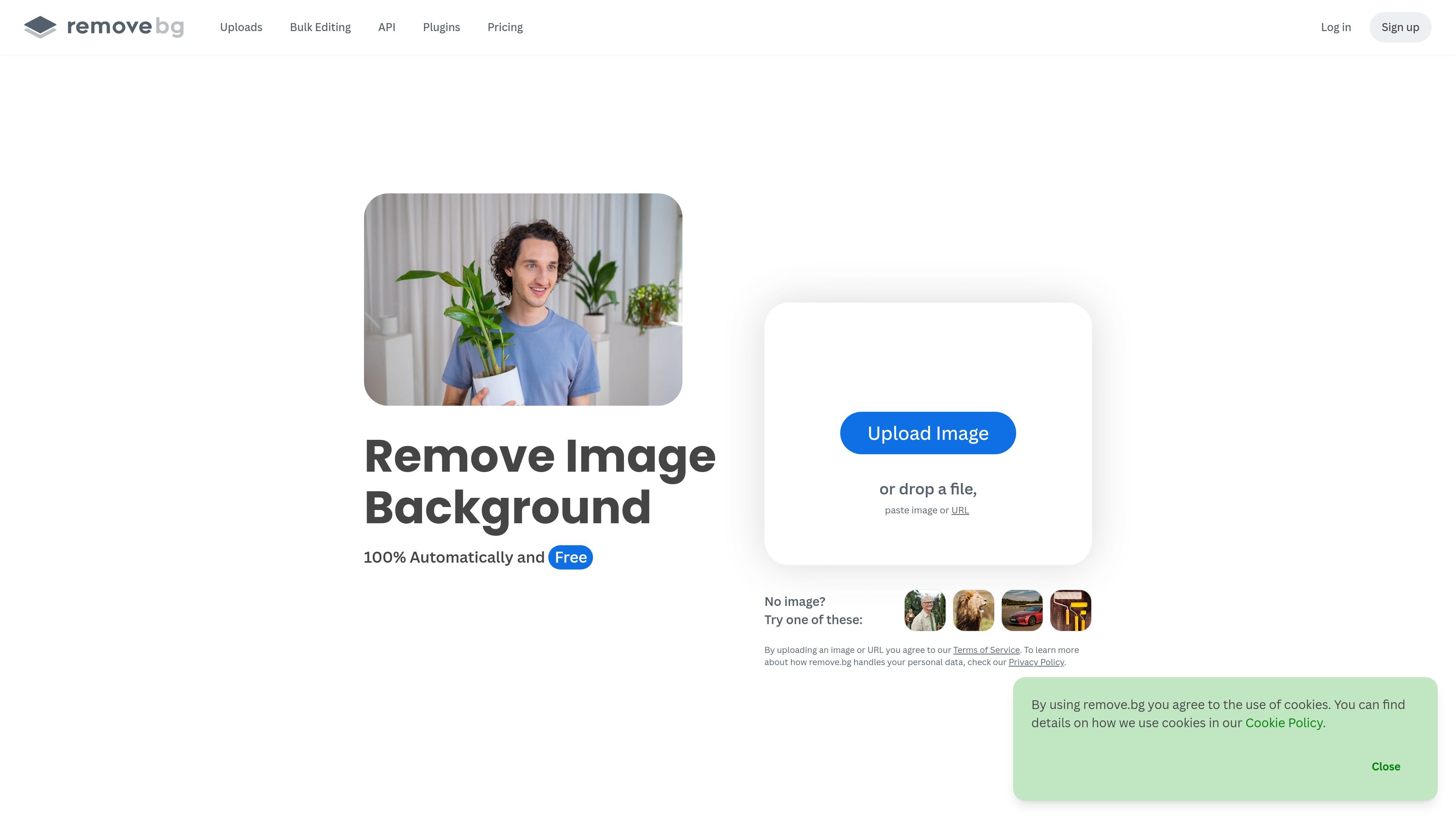
remove.bg is an AI background removal tool for images. It automatically removes the background from a photo so the subject can be isolated, and it also includes a background generator for creating new backdrops.
The product is designed for people who need fast image cutouts in web and production workflows, including individuals, photographers, marketers, developers, ecommerce teams, media users, car dealerships, and enterprise customers. The source also shows support for bulk editing, API use, plugins, desktop and command-line workflows, and automation through third-party tools.
remove.bg automatically removes image backgrounds from an uploaded photo so the subject can be isolated without manual pixel editing.
The homepage says the tool can also generate custom backdrops, letting users replace a removed background without writing a prompt.
The batch-editing page says users can process images in bulk, queue unlimited batches, and work at up to 500 images per minute.
The integrations page lists official and community plugins and tools such as Photoshop, Figma, Gimp, Sketch, a desktop app, and a command-line interface.
The API page describes a simple HTTP interface that accepts direct file uploads or image URLs and can return either image files or JSON-encoded data.
The batch-editing page and integrations page both point to automation options through Zapier, Make, webhooks, and connected cloud workflows.
Create transparent PNGs or clean white-background images for product listings, catalog work, and other ecommerce assets.
Remove or replace distracting backgrounds in headshots and portraits for professional profiles, team pages, or marketing materials.
Process large image sets in bulk when a team needs consistent cutouts across many files, either through the web workflow or connected tools.
Embed background removal into an application or internal process using the API when image handling needs to happen programmatically.
Connect the tool to design and automation apps such as Photoshop, Figma, Zapier, or Make to keep image editing inside an existing workflow.
remove.bg provides both a web-based background remover and API access, and the pricing page also shows a pay-as-you-go option plus subscription plans. The source does not specify every plan detail, so users should review the pricing page for the current fit.
The API page says the service accepts either direct file uploads or an image URL, and returns result images as a file or JSON-encoded data.
The integrations page lists official and community options for Photoshop, Figma, Gimp, Sketch, a desktop app, and a command-line interface, along with automation through Zapier and Make.
The batch-editing page says bulk workflows can process up to 500 images per minute, while the API page also describes output options such as image file or JSON-encoded data and a resolution up to 50 megapixels.
The pricing page includes an enterprise solution for 100,000 images per year and up, with flexible API, credits, rate limit, and premium support.

Pixelcut is an AI photo editor for creating and editing product images, social content, and video assets. It offers free and paid plans, plus mobile app and browser access for individual users and teams.

Airbrush is an AI-powered photo and portrait editor for web, desktop, and mobile. It helps creators, everyday users, and professionals retouch portraits, remove backgrounds, and enhance images with credit-based AI tools.

BgSub is a browser-based AI tool for removing or replacing image backgrounds. It supports automatic cutouts, background replacement, and color adjustment for people editing product images, photos, or web visuals.

Slazzer is an AI photo editor focused on automatic background removal, with access through the web app, API, desktop software, and plugins. It also includes related tools for upscaling, enhancement, relighting, shadows, sky replacement, and photo restoration.

Aaavatar is a macOS portrait editor for teams that need consistent staff photos. It removes backgrounds, applies backgrounds or brand colors, and exports finished portraits to common professional channels.

Petalica Paint is a web service for automatically coloring line art and tracing line drawings from photographed images. The home page says it can be used under the stated terms for commercial and noncommercial work, but it is scheduled to end on 2025-07-31 at 16:00 JST.