
Natural-language task execution
Use plain-English prompts to ask Sidekick to organize files, schedule meetings, draft replies, rename documents, or repair common Mac issues.

Sidekick is an AI agent for Mac that acts on apps, files, and system tasks from plain-English prompts. It is presented as a free beta for macOS 15 or later on Apple silicon and Intel Macs.
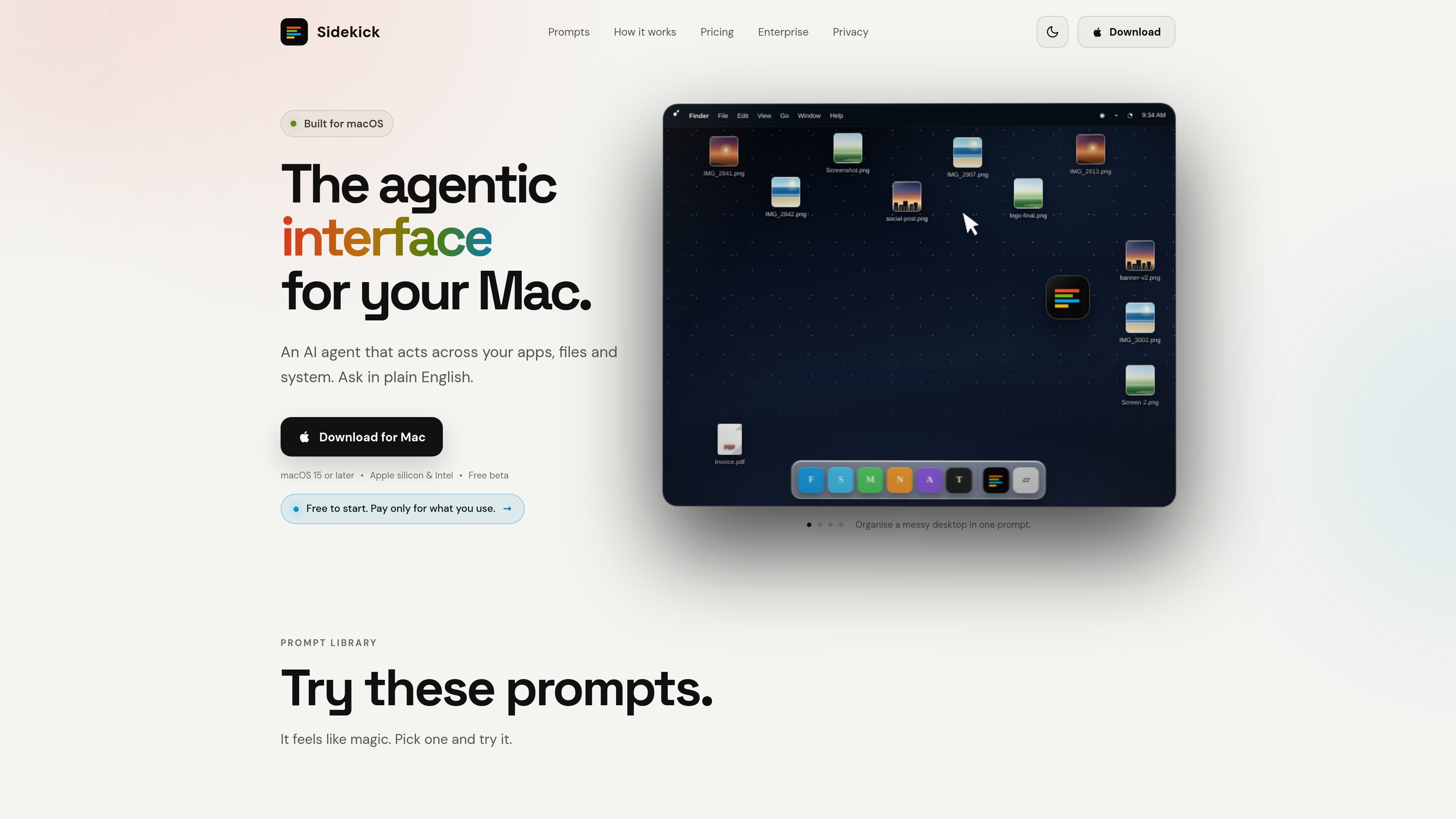
Sidekick is an AI agent for macOS that lets you ask for actions in plain English and then carries them out across apps, files, and system-level tasks. The homepage positions it as “the next big interface” for Mac and shows it working from a floating bubble or a keyboard shortcut.
The product is presented as free beta software for Mac with support for macOS 15 or later on both Apple silicon and Intel machines. The examples on the site focus on practical desktop work: organizing files, scheduling meetings, replying in an app, renaming assets, converting media, checking system information, and repairing common search problems.
Sidekick also emphasizes user control. The site says the agent acts only when you ask, sensitive actions are reviewed first, secure fields stay off limits, and completed actions can be undone. A separate enterprise section is listed as early access for fleet-wide governance and usage visibility.
Use plain-English prompts to ask Sidekick to organize files, schedule meetings, draft replies, rename documents, or repair common Mac issues.
The homepage shows Sidekick working across file management, media conversion, contract reading, system info, and Spotlight repair, indicating it is built for cross-app and system-level actions.
The product can move files into folders, rename items by content, merge PDFs, convert MOVs, and clean up duplicates and caches, all from a prompt.
Examples on the site include creating meetings, filling invites, and sending them, plus drafting a reply inside Messages.
The interface can read information from the current screen, such as contracts or system details, and surface a summary or flagged clauses.
The site says the agent provides permission controls, reviews sensitive actions first, and allows undo after an action completes.
Ask Sidekick to sort a cluttered Desktop, file documents by project or date, or move camera rolls and screenshots into the right folders without manually dragging each item.
Use a short prompt to create a Teams meeting, fill in the invite details, and send it, rather than working through the calendar grid yourself.
Draft a response inside an app you are already using, such as replying to a message in another language without leaving the conversation.
Find a file by describing it instead of remembering the exact filename, folder, or path, which is useful when you only know what the document is about.
Process media and documents in bulk, such as converting MOV files, merging PDFs, renaming photos, or cleaning up duplicate content and installers.
Sidekick is an AI agent for Mac that can act across apps, files, and system tasks when you ask it in plain English. The homepage shows examples such as organizing files, scheduling meetings, writing text into apps, renaming files, converting media, and checking system information.
The site says Sidekick is built for macOS 15 or later and supports both Apple silicon and Intel Macs.
The homepage presents Sidekick as a free beta. The pricing page says the app is free to start, with pay-only-when-used billing and no subscription or seat count, but it does not show detailed pricing levels on the page text provided.
The homepage says sensitive actions are reviewed first, secure fields stay off limits, and the agent acts only when you ask. It also says you can undo actions after they run.
The source shows examples involving Finder, Calendar-style meeting scheduling, Messages, System Settings information, and file handling, but it does not provide a full integrations list or confirm every app shown is a dedicated integration.

Macuse is a macOS app that lets AI assistants control native Mac apps through MCP and use Computer Use for any app. It works with clients like Claude Desktop, Cursor, and Raycast, and keeps automation on-device.

Goldfish is an AI memory app for macOS that helps you reply, write, summarize, and continue using the context already on your Mac. It stores memory locally and writes in your tone.

Lasso is an ecommerce product data platform for enriching catalog records, processing supplier files, generating product content, and monitoring competitors. It combines a web app with a REST API, SDK, and MCP server for teams and developers.

ArtDeck is a visual reference board app for iPhone, iPad, and Mac that lets artists collect mixed reference material on one canvas and study it with ToolBox lenses. It works offline, supports optional iCloud sync, and is sold as a one-time purchase with no account required.

Biji é uma plataforma versátil projetada para aumentar a produtividade por meio de ferramentas e recursos inovadores.

Gemma AI is a phone call reminder app that calls you with scheduled reminders instead of push notifications. It helps people who want a more direct way to stay on schedule, with Google Calendar sync and conversational call interactions.