
WhatsApp instances
Connect a WhatsApp account by scanning a QR code, then manage instances through the dashboard or API.

Wapi Sender is a WhatsApp automation platform for businesses and developers. It combines a visual Flow Builder and AI Agent nodes with messaging APIs, webhooks, SDKs, and Claude Code MCP tools for support, sales, notifications, and operational workflows.
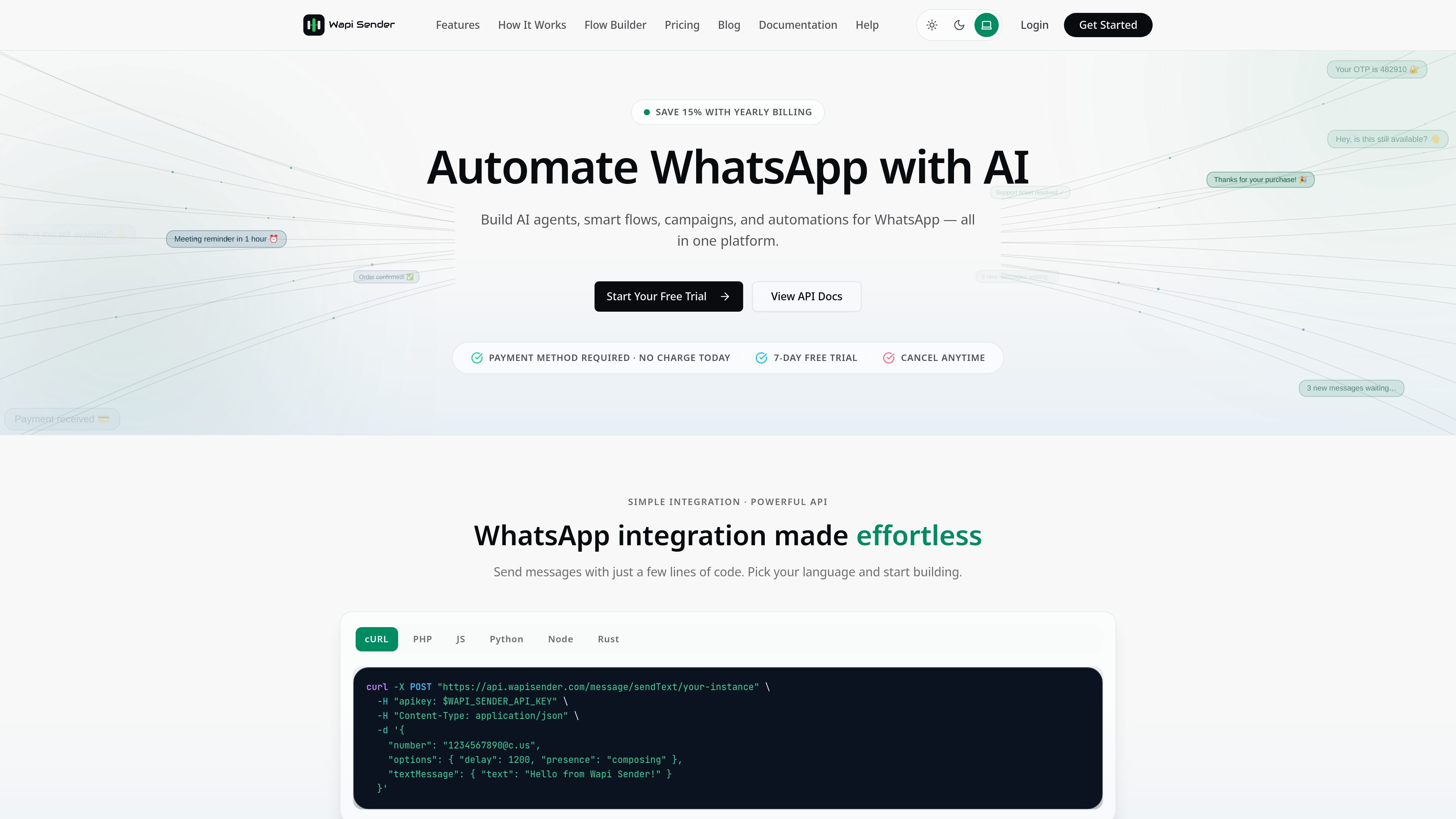
Wapi Sender is a WhatsApp automation platform for building messaging workflows, AI-assisted conversations, and application integrations. It combines connected WhatsApp instances with a visual Flow Builder, a REST API, webhooks, SDK resources, and an MCP server for Claude Code.
Teams can use the dashboard to create no-code or low-code chat flows, or use the API and event system to connect WhatsApp with business software. Supported workflows include automated replies, lead qualification, customer support, notifications, order updates, appointment booking, and CRM-related routing. The platform supports text and several media types, while AI nodes can be inserted where classification, reply generation, or data extraction is useful.
Connect a WhatsApp account by scanning a QR code, then manage instances through the dashboard or API.
Create visual conversation logic with keyword or message triggers, rich replies, conditions, delays, variables, webhooks, and end nodes.
Add an AI Agent node to generate replies, classify intent, route chats, or extract lead data inside a flow. The site lists support for configured OpenAI, Claude, Gemini, xAI, OpenRouter, or Ollama setups.
Send text, images, video, documents, voice, contacts, and locations to users, groups, and channels. The API also exposes interactive messaging and call-related endpoints.
Subscribe to events such as incoming messages, message status changes, delivery receipts, connection changes, contact updates, and group events.
Use official SDK resources for Node.js, Python, and Laravel, or connect Claude Code through the Wapi Sender MCP server for messaging, contacts, flows, webhooks, and AI credentials.
Use keyword or message triggers, FAQ replies, intent classification, and routing to automate first-line support and hand off conversations when needed.
Capture prospect responses, use an AI node to qualify intent or extract lead data, and send qualified conversations to sales routes or external systems.
Send order-status messages, delivery notifications, receipts, and post-purchase responses through API calls, webhooks, or reusable flows.
Build booking conversations that collect replies, apply conditions, call external endpoints, and confirm or route appointment requests.
Connect CRM or operational events to WhatsApp for alerts, reminders, renewals, account updates, and other time-sensitive notifications.
Wapi Sender connects a WhatsApp account by scanning a QR code to create an active instance. The site also provides API and SDK documentation for programmatic setup, plus a separate MCP setup for Claude Code.
Yes. The visual builder supports keyword, exact-match, and any-message triggers, rich replies, conditions, delays, webhooks, variables, and end nodes. Flows can be previewed and tested before activation.
Yes. An AI Agent node can be combined with conditions, webhooks, message nodes, and other flow steps. The site says it can generate replies, classify intent, route conversations, and extract lead data using a configured AI provider.
The documentation lists SDK resources for Node.js, Python, and Laravel. It also provides a REST API, webhooks, and an official MCP server for Claude Code.
The homepage states that the free trial lasts seven days, requires a payment method, and has no charge during the trial. It also says subscriptions can be canceled anytime. The pricing page URL supplied for research returned a not-found page, so additional plan and billing details should be verified before purchase.

CreateOS Sandbox is an isolated compute environment for running code and agent workloads inside Firecracker micro-VMs. It is designed for workflows that need machine-level isolation, private networking between sandboxes, and programmatic control through SDK, CLI, or MCP.

GitBot is a local browser-based workspace for creating reusable coding bots powered by Claude Code, Codex, or OpenCode. It helps developers run those agents across repository folders with persistent threads and configurable permissions.

Codex Plugins bundle reusable skills, app integrations, and MCP servers into workflows you can install in the Codex app or use from Codex CLI. They help extend Codex with connected-service tasks, reusable instructions, and shared team workflows.

Wallie is an open-source AI streamer that watches your screen, hears chat, and generates live commentary in a configurable persona. It runs locally on your machine with your own keys and is aimed at faceless content, autonomous streams, and real-time reactions.

Make Real is a Next.js app that turns hand-drawn wireframes into working HTML prototypes using the tldraw SDK and AI models. It helps users sketch on a canvas, generate code, and review the result in an embedded preview.

AakarDev AI helps teams manage AI provider access, project-level setups, logs, and analytics from one dashboard. It supports BYOK workflows and lists providers including OpenAI, Google Gemini, Anthropic, Groq, Mistral AI, and Perplexity AI.