
Time and calendar triggers
Apply a Scene at a specific time or in the minutes before a calendar event with a video link. A cancelable countdown appears first, so automation can be vetoed before windows move.

Workflo is a macOS menu-bar app that prepares your workspace before meetings and focus blocks, then restores window layouts when displays change. It is a one-time purchase with a 7-day free trial and no account or cloud requirement.
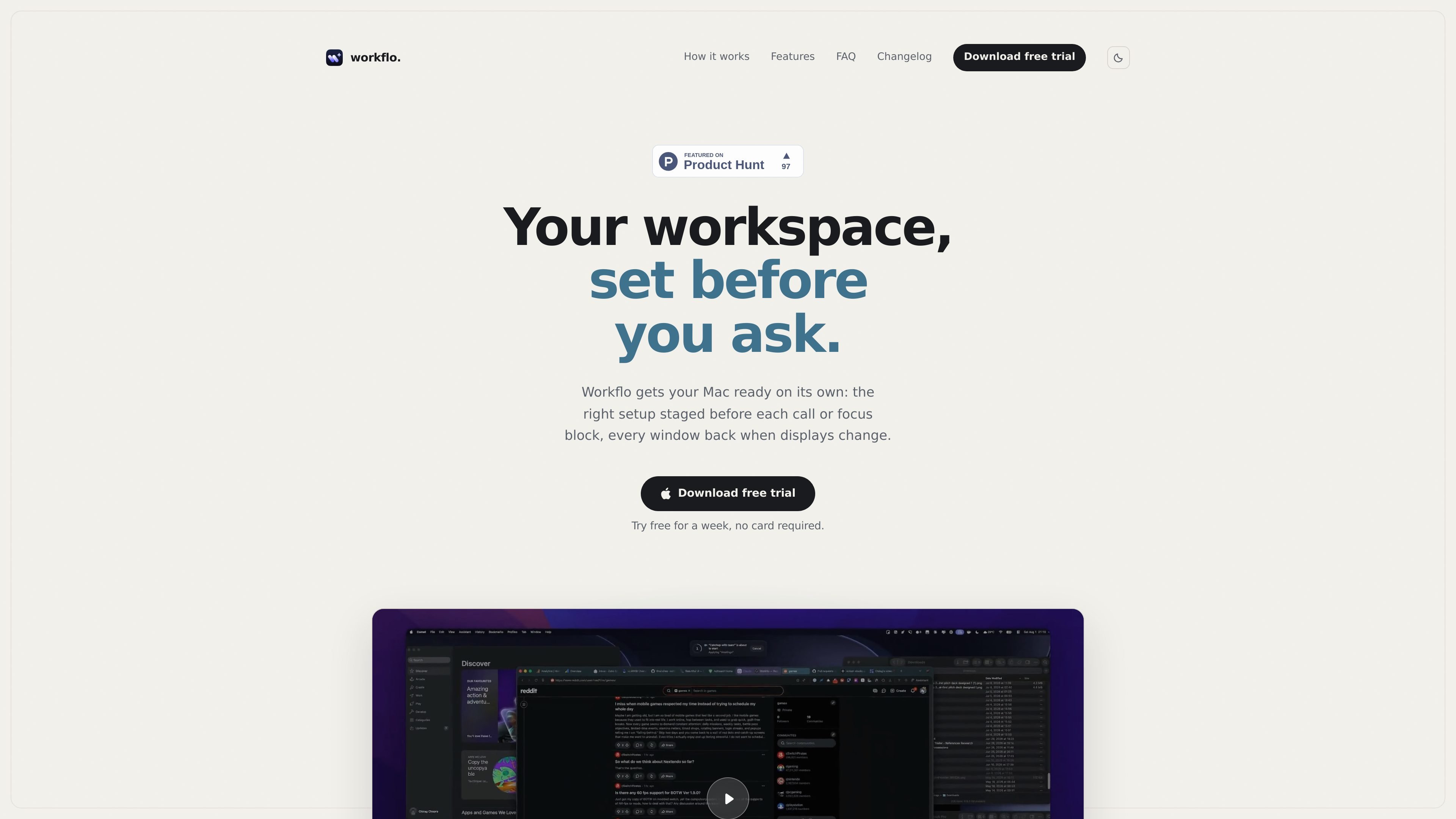
Workflo is a macOS menu-bar app for workspace automation. It stages your workspace before meetings, focus blocks, or display changes by opening the right apps, arranging windows, and restoring layouts without requiring manual cleanup.
The app works around Desks and Scenes. A Desk is the saved workspace context, while a Scene is a named layout or app arrangement that can be applied from a schedule, a calendar event with a video link, a hotkey, or a display change. Before automated changes run, Workflo shows a cancelable countdown so you can stop the switch if needed.
Workflo is designed to stay local. The source says it does not require an account or cloud sync, stores Desks, Scenes, and rules as plain JSON you can back up or delete, and asks for calendar access only when you add a calendar trigger.
Apply a Scene at a specific time or in the minutes before a calendar event with a video link. A cancelable countdown appears first, so automation can be vetoed before windows move.
Named Scenes can open missing apps, hide the rest, close unwanted apps, and restore a layout tied to a specific Desk such as writing, review, or monitoring.
The Scene Studio uses a drag-and-resize canvas and supports dual-monitor layouts, letting you design arrangements visually before applying them.
Stash hides every window with ⌥⇧S and brings the Desk back exactly as it was, which is useful for screen sharing or brief focus periods.
Newly launched apps open at their remembered position, and per-app rules let you ignore an app or always restore its size.
When displays change, Workflo snaps windows back to their exact positions in under a second and tracks which Desk is active when you dock or undock.
Prepare a call workspace before a meeting starts by opening the needed apps and arranging them automatically from a time or calendar trigger.
Create a writing, review, or monitoring layout that reopens the right apps and window positions when you switch into a different Desk.
Clear the desktop for a screen share, then restore every hidden window to its prior state with the Stash hotkey.
Keep multi-monitor arrangements stable when you dock, undock, or change displays, so windows return to their saved positions quickly.
Tweak how individual apps behave by excluding them from a scene or forcing their window size to be restored the same way each time.
Workflo is a macOS menu-bar app. The source pages say it requires macOS 14+ and only needs Accessibility permission unless you add a calendar trigger, which requests calendar access at that time.
The source indicates a one-time purchase with no subscription. The buy page shows a $19.99 license and states that it is a one-time charge.
Workflo stages a workspace before meetings or focus blocks using a time trigger, calendar triggers for events with video links, and display-change handling that restores window positions when monitors change.
Yes. The product copy says scenes can be applied with a hotkey, and Stash uses ⌥⇧S to hide every window and bring the desk back again.
The source emphasizes individual workspace automation: no account, no cloud, plain JSON storage for Desks, Scenes, and rules, and permissions requested only when needed. It does not present team or shared-workspace features.

Awish is an AI-powered no-code automation platform that turns natural-language requests into automated workflows across connected apps. It serves individuals and teams that want to automate repetitive tasks, chat-based assistants, and workflow updates without manual configuration.
MealTime é o seu companheiro pessoal de receitas, focado no modo offline, projetado para ajudar você a salvar, organizar, planejar refeições e gerar listas de compras inteligentes, mantendo seus dados privados.

Goldfish is an AI memory app for macOS that helps you reply, write, summarize, and continue using the context already on your Mac. It stores memory locally and writes in your tone.

ArtDeck is a visual reference board app for iPhone, iPad, and Mac that lets artists collect mixed reference material on one canvas and study it with ToolBox lenses. It works offline, supports optional iCloud sync, and is sold as a one-time purchase with no account required.

Biji é uma plataforma versátil projetada para aumentar a produtividade por meio de ferramentas e recursos inovadores.

Codex Plugins bundle reusable skills, app integrations, and MCP servers into workflows you can install in the Codex app or use from Codex CLI. They help extend Codex with connected-service tasks, reusable instructions, and shared team workflows.