
On-device speech recognition
Yap uses Apple's on-device Speech framework so dictation happens locally on your Mac instead of being sent to a remote service.

Yap is a macOS voice dictation app that turns speech into text anywhere you can type, using on-device speech recognition. It works locally on your Mac without an account, API key, or network connection.
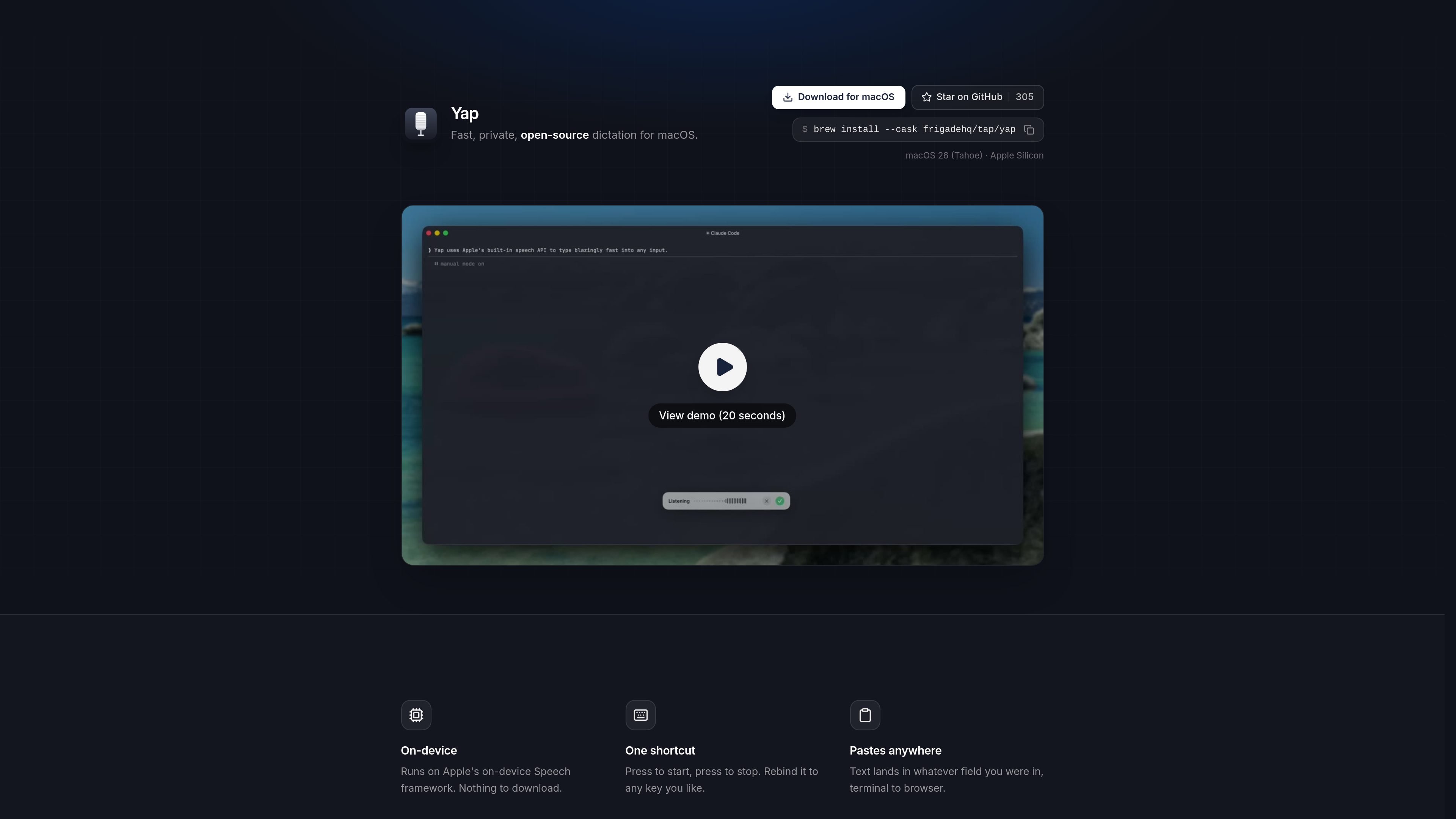
Yap is a voice dictation app for macOS that turns speech into text anywhere you can type. It is built to run entirely on your Mac, using Apple's on-device Speech framework rather than sending audio to a cloud service.
The product is positioned around speed and privacy. You trigger dictation with a shortcut, speak, and the transcribed text is pasted back into the field you were using. Yap also keeps a local, searchable transcript history, and it works without a network connection.
Yap uses Apple's on-device Speech framework so dictation happens locally on your Mac instead of being sent to a remote service.
Start and stop dictation with one keyboard shortcut, and change the shortcut to a different key if you prefer.
Text is pasted into the app or field you were already using, whether that's a browser, terminal, or another text box.
Yap does not require an account, API key, or telemetry, and the source says audio never leaves your Mac.
Every transcript is saved locally on your Mac and can be searched or reused later.
Because it uses no network code, Yap still works when you are offline.
Draft emails or quick replies by speaking instead of typing, then let Yap paste the transcript into the message field you were already using.
Use Yap to prompt coding agents or enter longer commands in a terminal without switching away from your current window.
Capture ideas when you want to move quickly and review them later from Yap's local transcript history.
Dictate while disconnected from the internet, such as on a plane or in another low-connectivity environment.
Use Yap when you want system-wide speech-to-text input without handing audio or account data to a cloud service.
Yap is designed for macOS and is meant to work anywhere you can type. The source describes it as a system-wide dictation tool that pastes text into the field you were already using, from browser forms to terminal windows.
The source says Yap uses Apple's on-device Speech framework, so it runs locally on your Mac without needing an account, API key, or network connection.
Yap is started and stopped with a single shortcut, and that shortcut can be rebound to another key.
Yap saves each transcript locally on your Mac and makes it searchable for later reuse.
The page says Yap is free and open source and was built by Frigade. A Homebrew cask is shown for installation, alongside a download for macOS and a GitHub link.

SpeakoFlow is a free, open-source desktop voice-to-text app for Windows, macOS, and Linux. It supports dictation into any app, voice-driven writing with Flow, cleanup, translation, and a screen-aware assistant.

QuickQuill is a macOS dictation and transcription app that runs locally on the device. It helps users record meetings, transcribe audio, generate summaries, and export notes without using a cloud service.

Zen Whisper is a local-first dictation and transcription app for Apple Silicon Macs running macOS 14 or later. It lets users dictate into most Mac text fields, transcribe media or supported public links, and work across 110 spoken language options.

Speech to Text Converter is a browser-based transcription tool for live dictation and uploaded audio or video files. It offers a free tier for short tasks and a Pro plan for unlimited transcription, AI summaries, translation, speaker identification, and advanced exports.

Sanota is an app that turns spoken memories, reflections, and interviews into clear written stories. It supports personal storytelling, family history, and shared memories, with guided prompts and subscription pricing.

Carbon Voice is an asynchronous voice messaging app for teams and individuals, with transcripts, AI catch-up, and cross-device access. It helps people and agents communicate without needing a live call.