
Invisible character cleaning
The in-browser scanner removes zero-width spaces, non-breaking spaces, BOM characters, and other non-printing Unicode code points without changing the visible meaning of the text.

AI Text Cleaner is a browser-based tool for removing invisible Unicode characters, zero-width spaces, and Markdown residue from drafts before publishing. It also offers Pro rewriting for wording-level cleanup when basic character stripping is not enough.
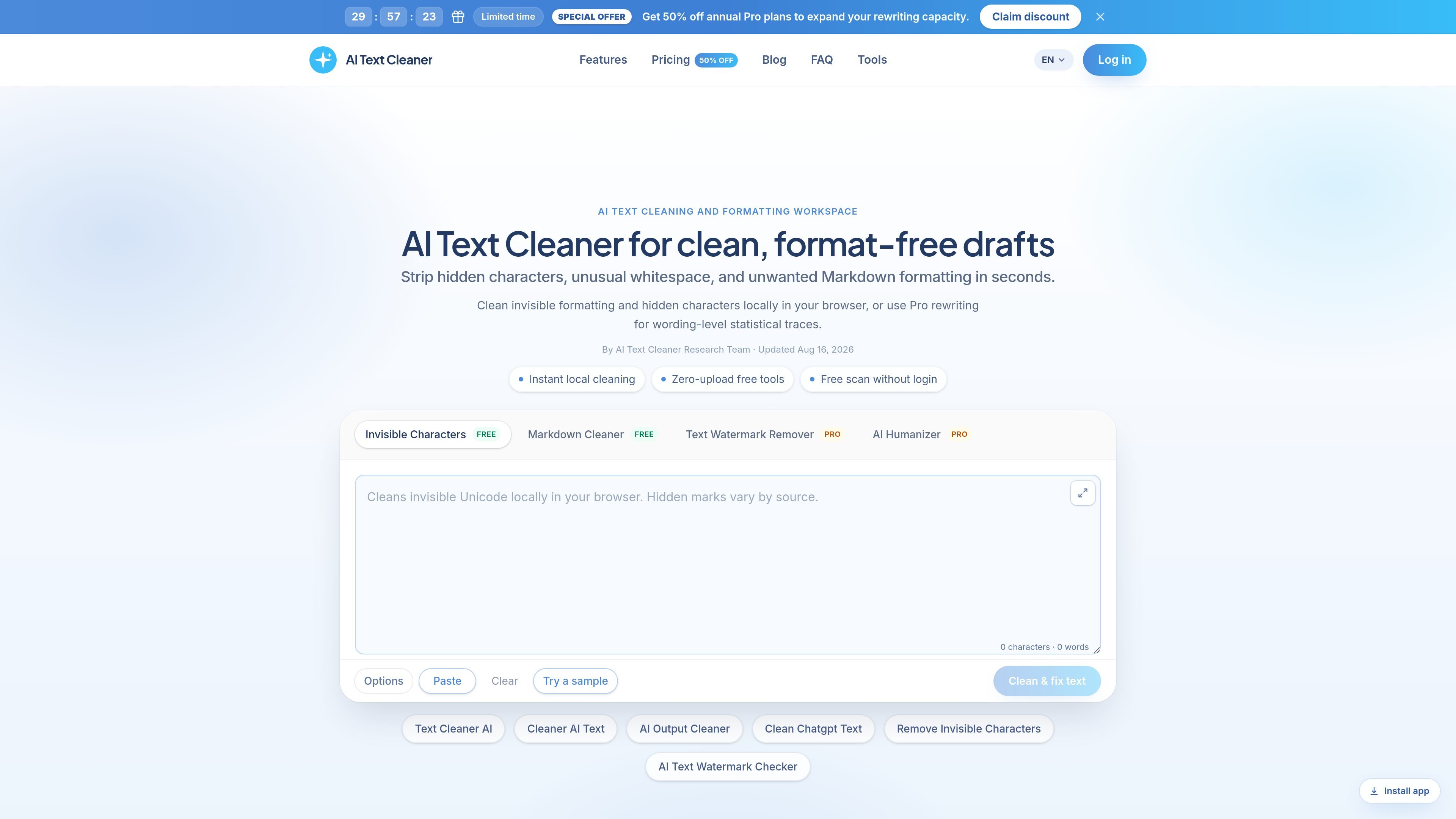
AI Text Cleaner is a browser-based text hygiene tool for removing invisible Unicode characters, zero-width spaces, and Markdown formatting residue from pasted drafts. Its free tools focus on cleaning text locally before publication, so the visible content can be moved into CMS editors, email tools, wikis, or other publishing workflows with less formatting noise.
The product also offers Pro rewriting for cases where the problem is not just hidden characters but the wording itself. The site describes this as sentence-level reconstruction for statistical sampling traces and formulaic phrasing, which makes the product useful both for straightforward cleanup and for deeper draft preparation.
The in-browser scanner removes zero-width spaces, non-breaking spaces, BOM characters, and other non-printing Unicode code points without changing the visible meaning of the text.
Markdown residue such as asterisks, heading markers, blockquotes, and list markers can be stripped into clean plain text for editing or publishing.
The site says the scanner checks 60+ hidden Unicode code points, including directional controls and zero-width joiners, so the audit goes beyond the most common copy-paste artifacts.
A Pro rewriting path is available for wording-level issues, described as handling statistical sampling traces and sentence reconstruction rather than hidden characters alone.
The product emphasizes local processing for free scans, which lets users inspect and clean text in the browser without uploading it first.
Clean AI-generated article drafts before they go into WordPress, Webflow, or another CMS so hidden characters and Markdown residue do not interfere with layout or formatting.
Strip chat formatting from copy sent by assistants like ChatGPT, Claude, or Gemini before a human editor reviews the text.
Normalize campaign copy for social posts, ad headlines, and email content so batch exports are less likely to break spacing or rendering in publishing tools.
Prepare exported prompts, technical notes, or documentation snippets for knowledge bases and internal wikis where spacing and encoding issues matter.
Use the Pro path when a draft needs more than cleanup and the wording itself has to be reconstructed into a more natural sentence flow.
It runs in the browser for the free cleanup tools. The home page says invisible character removal and Markdown stripping run entirely in your browser, and that drafts are never uploaded to the servers during free scans.
The site presents free tools for invisible character removal and Markdown cleaning, plus Pro rewriting for sentence-level cleanup. The free tools are described as zero-upload and free to scan without login.
The pricing page says the free tools include Invisible Character Removal and Markdown Cleaner. Pro plans add Text Watermark Remover and AI Humanizer, which are described as sentence-rewriting tools.
The workflow shown on the home page is paste text, inspect hidden artifacts, then clean or rewrite the draft. That matches the product’s focus on text hygiene before publishing.
The product is aimed at writers, editors, content teams, agencies, documentation, and engineering workflows. The pages also mention common input sources such as ChatGPT, Claude, Gemini, docs, CMS, and email.

ProWritingAid is a writing assistant for storytellers that offers grammar checking, style editing, paraphrasing, and story analysis inside popular writing apps. It includes a free plan, paid tiers, and tools for chapter critique, manuscript review, and collaborative editing.

Dictro is a private AI dictation app for Mac that turns speech into polished text in any editable app. It works on Apple Silicon Macs, processes locally by default, and can also run in an optional cloud Fast Mode.
Rubriq 是一款面向科研写作的 AI 学术论文润色与翻译工具,支持个人订阅、机构方案和论文查重相关服务。它帮助研究人员在上传稿件后快速生成带修订痕迹的可审阅文档。

MagickPen is an AI writing tool that generates drafts, templates, and polished text from a topic prompt. It supports configurable roles, languages, tones, and formats, with access across Web, Chrome, Windows, and Mac.

SpeedAI科研小助手是一款面向科研写作的AI工具,提供论文降重、降AIGC率、学术润色和AIGC检测。它支持按需付费和免费试用,适合需要处理论文与学术文本的用户。

Post Formatter is a Chrome extension for formatting and previewing social posts in LinkedIn and other supported editors. It offers free core text styles, optional Pro features, drafts, Smart Paste, and AI proofreading.