
MQM error annotation
Upload translation output and annotate errors with MQM categories and severities such as Accuracy, Fluency, Terminology, Style, Locale convention, and Other.

MQM Annotation Tool is a web-based translation quality evaluation tool from Alconost. It lets teams upload translation output, annotate MQM errors, and export structured results for analysis and reporting.
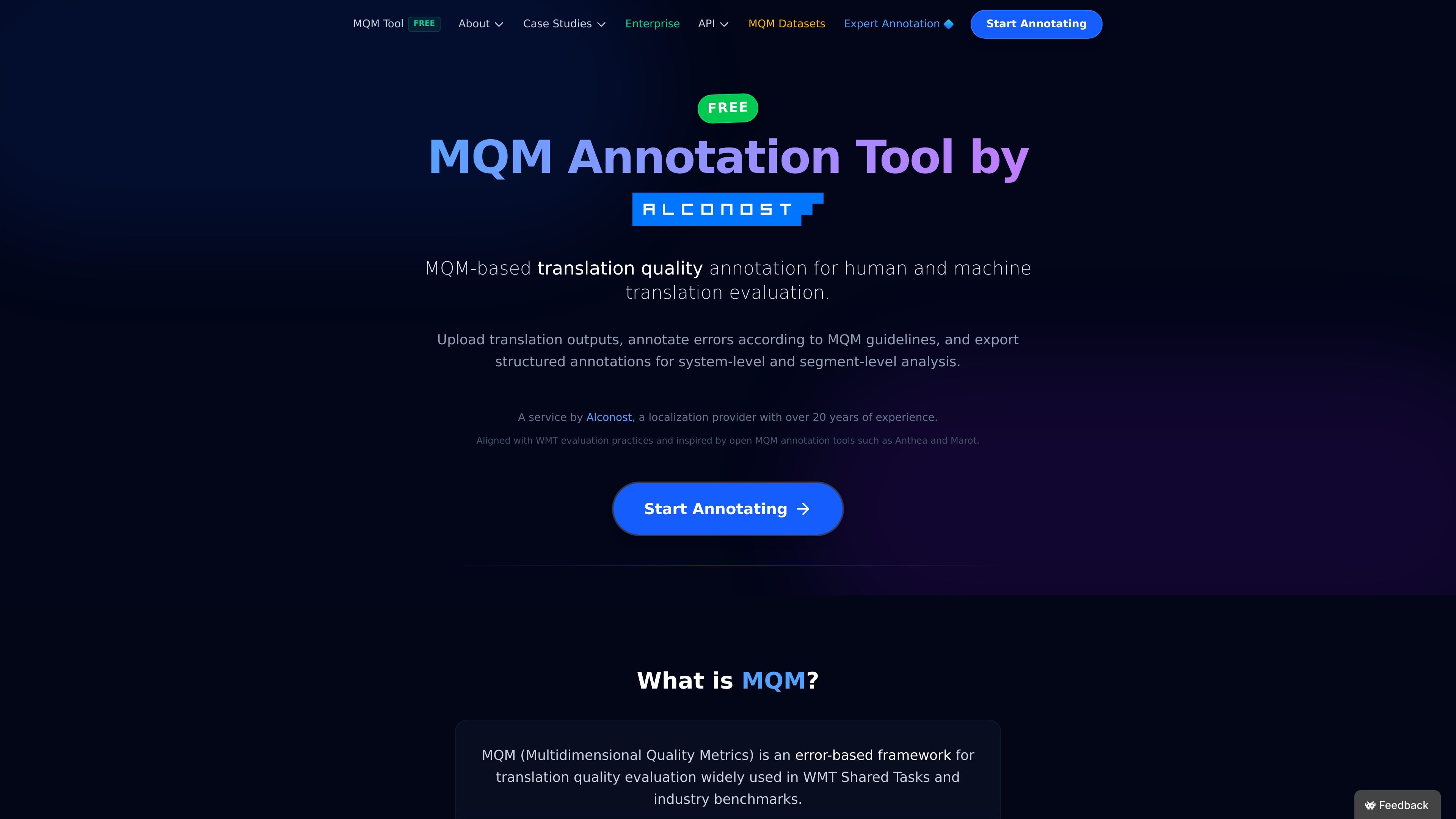
MQM Annotation Tool is a web-based translation quality evaluation tool from Alconost. It is built around the MQM (Multidimensional Quality Metrics) framework, which records translation quality as explicit error categories and severities instead of a single holistic score.
Users can upload translation output, annotate issues in line with MQM guidelines, and export structured results for segment-level or system-level analysis. The product supports tabular and JSONL data formats, includes reporting for quality scores and error distributions, and exposes an API for automated import and export workflows.
Upload translation output and annotate errors with MQM categories and severities such as Accuracy, Fluency, Terminology, Style, Locale convention, and Other.
Use TSV/CSV layouts for one-error-per-row workflows or JSONL for nested annotations and richer metadata.
Mark segments explicitly as no-error so completed items are counted as checked and correct rather than skipped.
Provide context fields for glossary terms, reference links, style guidance, or other annotator guidance that should be visible in the interface.
Export annotated data and reports in JSONL, TSV, CSV, and PDF, including project scoring, error distributions, and session timing estimates.
Automate project creation and retrieval through a REST API documented with an OpenAPI spec, including import, export, and taxonomy endpoints.
Evaluate human or machine translation using MQM categories and severities to produce structured annotations instead of a single subjective score.
Compare outputs from different MT or LLM systems and export the results for system-level ranking or regression tracking.
Run blind reviews with professional linguists when you need an objective quality verdict on vendor or AI-generated translation.
Create MQM gold-standard datasets for model evaluation, benchmarking, or fine-tuning workflows that need human-verified labels.
Script batch project creation and result retrieval for larger localization workflows, including progress checks and wave-based analysis.
The tool supports MQM-based translation quality evaluation by letting you upload translation output, annotate errors according to MQM guidelines, and export structured results for analysis. The page also describes a human-in-the-loop service where professional linguists can perform blind MQM annotation.
The source page and API guide describe TSV, CSV, JSONL, and JSON imports, with exports available in JSONL, TSV, and CSV. The homepage also notes tabular layouts for TSV/CSV and nested annotations in JSONL.
Yes. The product page describes it as free, secure, and offline-capable, and the API guide says the Base URL changes for self-hosted or other deployment environments.
The API guide says projects can be created programmatically, annotated data can be exported, and project progress can be monitored through the export endpoint. Authentication is required for creating projects, while read operations are public for anyone with a valid project UUID.
The source does not list pricing plans. The pricing URL currently returns a page-not-found response, so the public evidence only supports that pricing details are not shown on the site page captured here.

Microsoft Translator is a Bing translation web app for translating short text between English and more than 100 languages. It also supports image capture translation and basic output actions like listen and copy.

Google Translate is a free translation service from Google for text, speech, images, documents, and web pages. It helps people translate and understand content across more than 100 languages in the browser or app.

LangPanda is a browser extension for learning languages from streaming video and other supported sites. It combines instant subtitle lookup, flashcard creation, vocabulary tracking, and spaced-repetition review for 36 languages.

Asụsụ Ọma is a free guided Igbo learning app for beginners, with short lessons, native-speaker audio, memory practice, games, and speaking rehearsal. It is designed for adult and young-adult learners, diaspora learners, children, and families studying Igbo at home or abroad.

Talkpal is an AI-powered language learning web and mobile app for practicing speaking, listening, writing, and pronunciation. It offers guided courses, roleplays, and call-style conversation practice across 130+ languages.

MagicSlides is an AI presentation generator that turns text, topics, documents, URLs, and videos into slide decks. It creates presentations in Google Slides by default and supports PowerPoint export, with multilingual output and AI-assisted editing.