
Prompt, clone, and import workflows
Use the AI Playground to create or modify designs from prompts, existing screenshots, website clones, or imported Figma designs.

Anima is an AI chat interface and design-to-code tool for turning prompts, Figma designs, and website clones into websites and apps. It includes a Figma plugin, an AI Playground, and pricing tiers for individuals, teams, and enterprise customers.
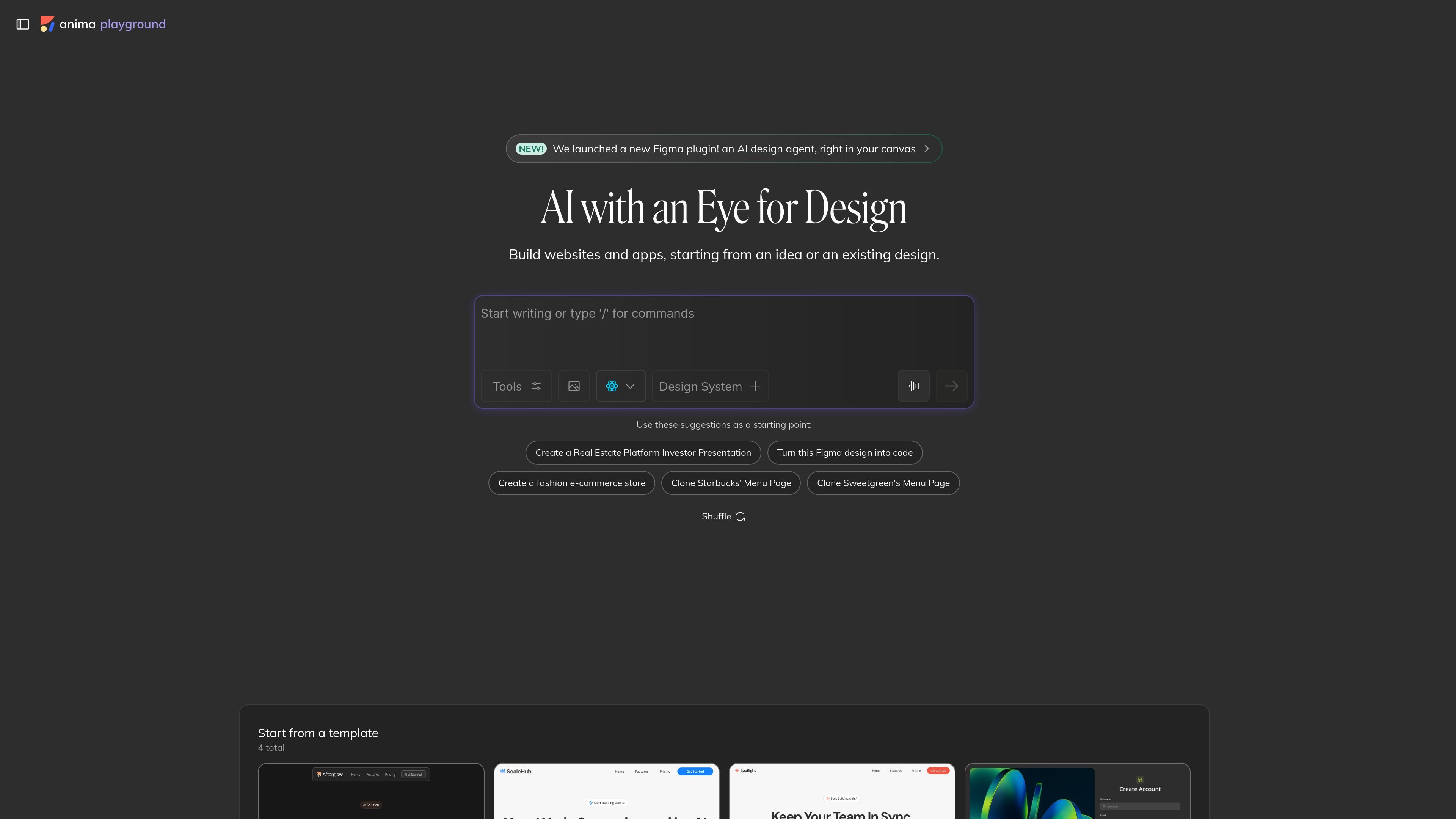
Anima is an AI chat interface and design-to-code product for turning ideas or existing designs into websites and apps. The homepage positions it as an AI design agent for Figma, while the pricing page frames it as a platform for code generation, chat, and design import workflows.
The product supports prompts, design imports, website clones, and Figma plugin exports. Its plans are organized around chat messages and code generations, with options for personal use, team workflows, and enterprise sales contact.
Use the AI Playground to create or modify designs from prompts, existing screenshots, website clones, or imported Figma designs.
Export generated code from the Figma plugin and the Playground, with the pricing page describing support for Figma ⇄ code workflows.
Work inside Figma with the newly launched plugin, which the homepage describes as an AI design agent in the canvas.
Generate code from multiple entry points, including Figma designs, website clones, prompts, and the Anima MCP server.
Use plans that include monthly chat messages and monthly code generations, with higher tiers adding custom domains, priority support, roles and permissions, and SSO.
Move from a concept or prompt to an early website or app draft without starting from an empty canvas.
Bring a Figma design into Anima and generate code for handoff or further development.
Clone an existing website and use the result as a basis for iteration or rebuilding in a new project.
Use the Figma plugin to work directly in the design tool while generating or exporting code from the same workspace.
Standardize chat and code usage across teams with plan limits, custom domains, roles and permissions, and enterprise options.
Anima offers an AI chat interface, a Figma plugin, and an AI Playground. The source also mentions an Anima MCP server and an API/SDK for automating code generation from designs, website clones, or prompts.
The pricing page says the Free plan is intended for personal exploration, testing, and small prototypes. Paid plans are positioned for early-stage projects, fast-moving teams, and production teams.
The pricing page lists support for Figma-to-code workflows, website clones, prompt-based generation, and code export from the Figma plugin.
Yes. The pricing page says plans can be changed or canceled anytime from settings, and access continues until the end of the current billing cycle.
Enterprise is available by contacting sales. The page says Enterprise includes SSO, MFA, enterprise-grade SLAs, and compliance-oriented security.

Claude Overlay is a Windows desktop overlay for Claude Code that reads your screen so you can ask questions, inspect content, and request edits without leaving the current app. It runs on your existing Claude subscription through the Claude CLI, so no separate API key is required.

Goldfish is an AI memory app for macOS that helps you reply, write, summarize, and continue using the context already on your Mac. It stores memory locally and writes in your tone.

ArtDeck is a visual reference board app for iPhone, iPad, and Mac that lets artists collect mixed reference material on one canvas and study it with ToolBox lenses. It works offline, supports optional iCloud sync, and is sold as a one-time purchase with no account required.

Biji - это универсальная платформа, разработанная для повышения продуктивности с помощью инновационных инструментов и функций.

Malyatko is a baby tracker for logging feeding, sleep, growth, teething, and milestones in one app. It works on iPhone, Apple Watch, and widgets, with no sign-up, offline use, and family sharing through iCloud.

Ably Chat is a chat API platform for building custom realtime chat applications. It supports room-based messaging, typing indicators, presence, reactions, and message updates, with usage-based pricing options for different deployment stages.