
QR-code and manual token setup
Add an account by scanning the QR code provided during a service's two-factor-authentication setup, or enter the service details and secret key manually.

AuthMonster is a mobile authenticator app for generating six-digit two-factor-authentication codes on iOS and Android. It supports QR-code or manual token setup, offline code generation, token organization, and encrypted local or cloud backups for individuals, families, and small teams.
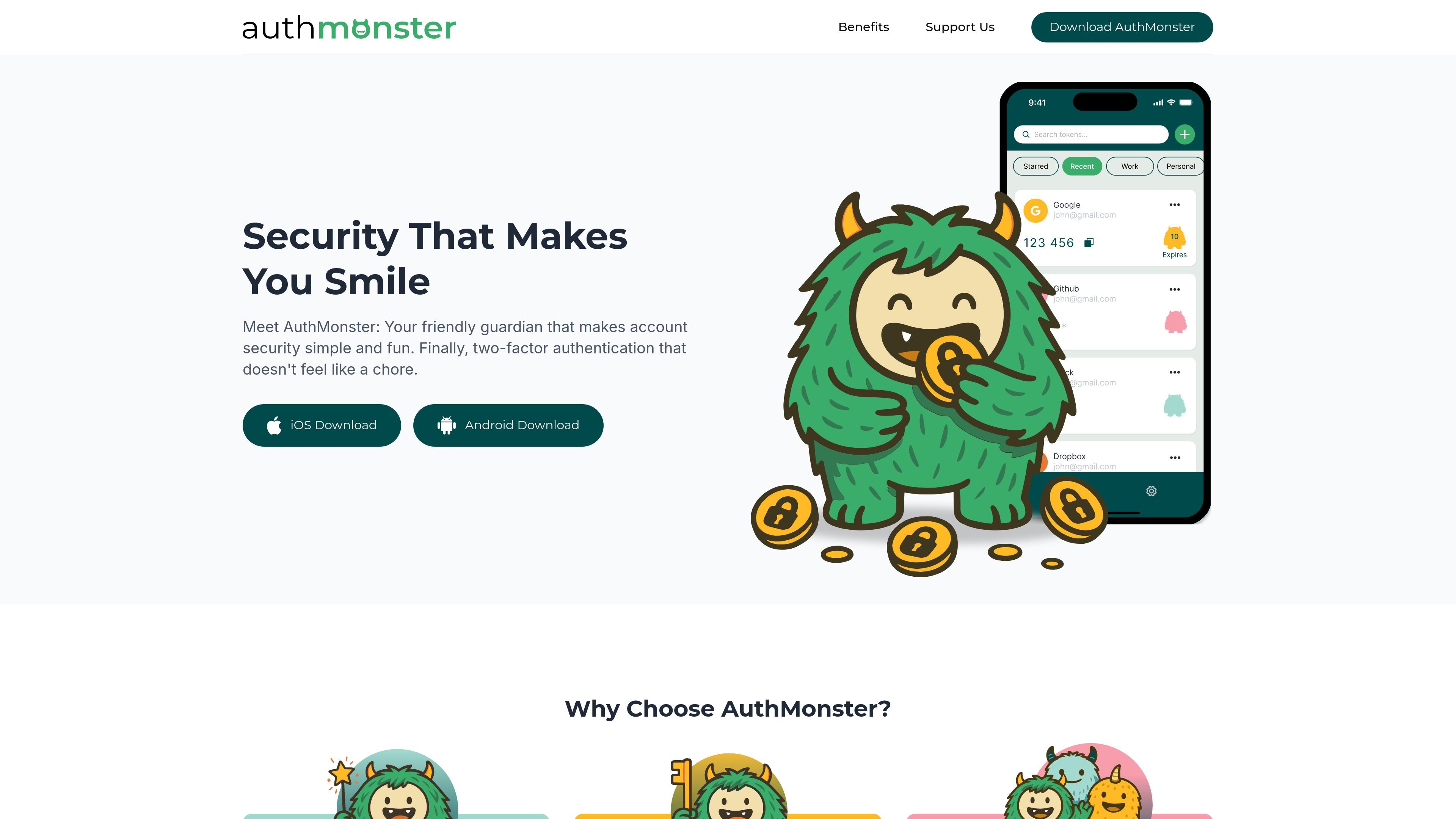
AuthMonster is a mobile authenticator app for managing two-factor-authentication tokens. It generates short-lived six-digit codes for protected online accounts, providing a second sign-in factor in addition to a password.
Accounts can be added by scanning a setup QR code or by entering the service details and secret key manually. After setup, codes are generated directly on the device and change every 30 seconds, so they can be used when the phone has no internet connection.
The app also includes token categories, pinning, and encrypted local or cloud backups. AuthMonster is positioned for individual users as well as families and small teams, with downloads available for iOS and Android.
Add an account by scanning the QR code provided during a service's two-factor-authentication setup, or enter the service details and secret key manually.
Each token produces a six-digit one-time code that refreshes every 30 seconds and is intended for a single use during sign-in.
Once a token is added, codes are generated on the device and remain available without an internet or cellular connection.
Save encrypted token backups locally on the device or to the cloud, with an optional password for additional protection.
Assign tokens to categories including Work, Personal, Money, Social, Email, Health, and Crypto, and pin important entries for faster access.
The app validates scanned or entered information before creating a token and alerts users when an input is invalid or belongs to a different recognized flow.
Use AuthMonster as the second factor for email, financial, social, work, or other online accounts that support authenticator-app codes. Scan the service's setup QR code and enter the generated code after the account password.
Keep tokens for different household members or account groups organized with categories and pinned entries. Encrypted backups can help preserve access when a phone is replaced or restored.
Store work-related tokens separately from personal entries and retrieve codes quickly through categories and pinning. AuthMonster's positioning includes small teams, though the source does not describe shared administration features.
Continue signing in while traveling or working in locations with unreliable connectivity. Previously added tokens generate codes locally without Wi-Fi or cellular service.
Use manual setup when a service does not provide a usable QR-code scan, entering its secret key and account details to create the same type of six-digit token.
From the My Tokens screen, tap the plus button and either scan the QR code shown during a service's 2FA setup or enter the service name, account name, secret key, and category manually. Both methods create a token that generates six-digit codes.
Yes. After a token is added, AuthMonster generates six-digit codes directly on the device, without cellular service or Wi-Fi. Internet access is needed for setting up new accounts and for features involving syncing or backups.
AuthMonster supports encrypted local backups and encrypted cloud backups. Backups can optionally be protected with a password, giving users a way to restore token access when changing phones or devices.
Tokens can be placed in categories such as Work, Personal, Money, Social, Email, Health, and Crypto. Important tokens can also be pinned so they appear at the top of the list.
AuthMonster is presented for individual users, families, and small teams. The available source does not provide detailed team administration, sharing, or role-management information.

MacSpoof — смена MAC-адреса в macOS: меняйте или рандомизируйте Wi‑Fi MAC, чтобы переподключаться и меньше светить идентификатор в публичных сетях.

DemoTV is an audience-ranked station for discovering and comparing independent product demos. Founders can submit videos, embed approved demos on their websites, collect viewer inquiries and optionally commission demo production or labelled promotion without buying ranking.

Ship It: Idle Dev Tycoon is an iPhone incremental simulation game about building apps, managing a software studio, and selling it for lasting progression benefits. It supports offline play, automated builds, adviser collection, and optional in-app purchases.

NomNak — бесплатное приложение для iPhone, где находят рестораны по рекомендациям друзей, сохраняют места, ведут food passport и ищут по городам.

CAPTA is a mobile GPS waypoint app for quickly saving, organizing, and revisiting locations. It supports offline use, camera-based coordinate capture, optional cross-device synchronization, and GPX export for fishermen, explorers, and field professionals.

Ctrl+Shift+3 is a calm, text-first community platform with a chronological feed, profiles, RSS, and private groups called Clicks. It is built for reading, posting, and joining smaller communities without algorithmic ranking or vanity counts.