
HTTP uptime checks
Watch URLs with configurable accepted status codes, response-body matches, and response-time limits so checks reflect the conditions that matter to a service.

Bundi is an uptime and server monitoring service that checks URLs and server vitals, then alerts people when services fail or infrastructure becomes unhealthy. It is designed for small teams, self-hosted systems, and people monitoring client services.
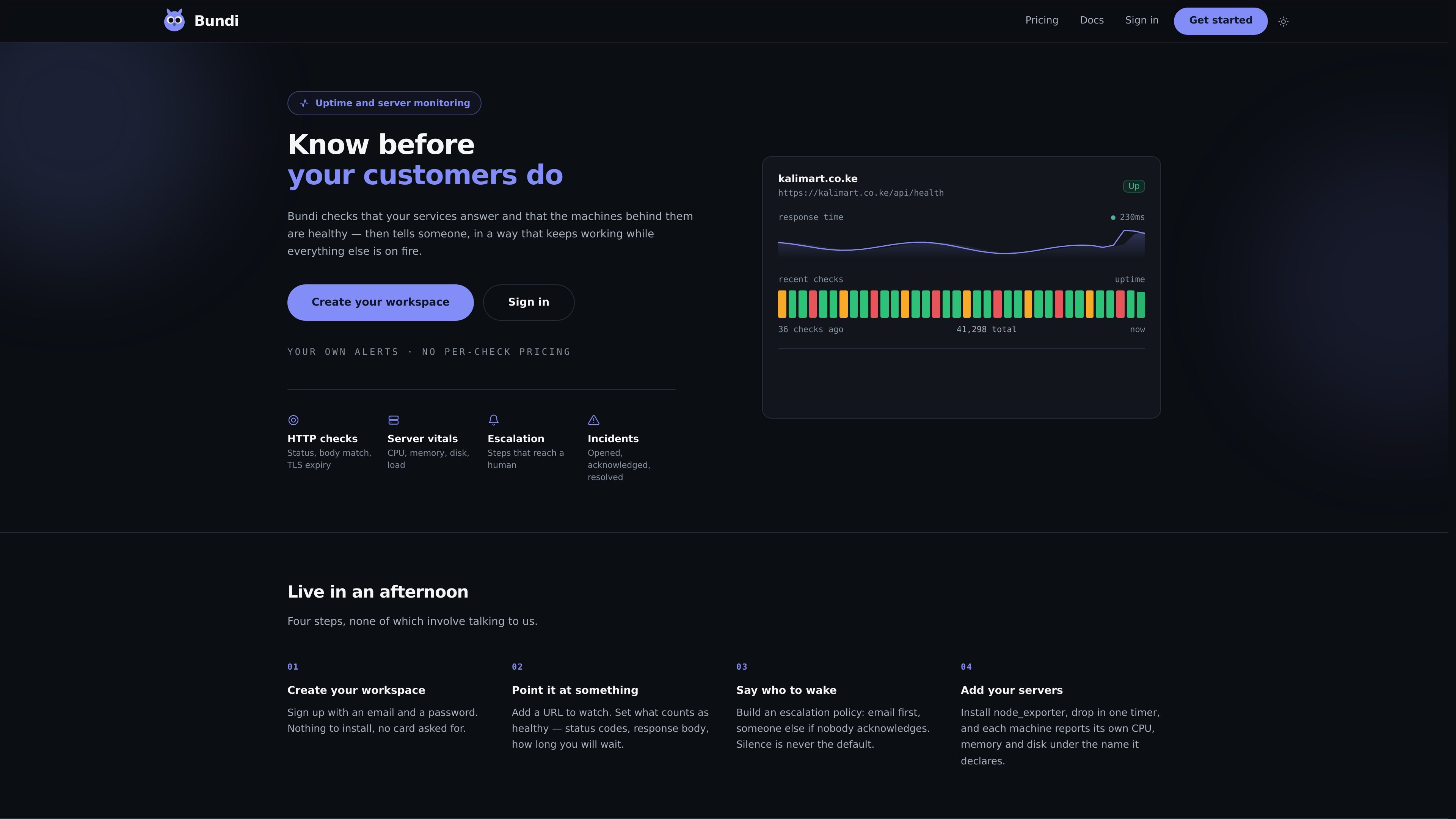
Bundi is an uptime and server monitoring service for teams and individuals who need to know when a web service stops responding or a server's resources become unhealthy. It checks URLs against defined health conditions and can collect CPU, memory, disk, and load information from servers reporting through node_exporter.
The service combines monitoring with incident handling: consecutive failures can open a single incident, and an escalation policy can email an initial recipient and then another person if nobody acknowledges the alert. URL checks require no installation, while server monitoring uses a node_exporter setup and timer on each monitored machine.
Watch URLs with configurable accepted status codes, response-body matches, and response-time limits so checks reflect the conditions that matter to a service.
Require a set number of consecutive failures before opening an incident, reducing pages caused by isolated slow responses or brief blips.
Send one notification for an ongoing outage and fold repeat failures into the already-open incident instead of generating repeated pages.
Build an email escalation sequence that contacts another person when the initial recipient does not acknowledge the incident.
Run escalation waits on Temporal so delays can persist through deployments; if a notification provider is unavailable, the page is delayed rather than discarded.
Monitor CPU, memory, disk, and load through node_exporter reporting and a timer on each server. Bundi does not run its own agent on monitored hosts.
Add a health URL, define acceptable responses and timing, and route an incident to the person responsible when the service becomes unavailable.
Pair service checks with CPU, memory, disk, and load reporting to identify infrastructure conditions that may precede an outage.
Monitor client-facing services and provide each client with a status page on the host's own domain, reducing the need to answer availability questions manually.
Start with a single URL monitor and add server reporting or escalation workflows as the monitoring scope grows.
Bundi monitors URLs using HTTP checks. You can define healthy status codes, response-body matches, and response-time limits. A check must fail a configured number of times in succession before an incident opens.
Install node_exporter on each server, configure a timer, and have the machine report its CPU, memory, and disk metrics under its declared name. Bundi also reports load as a server vital.
You create an escalation policy that emails one person first and contacts another if the first person does not acknowledge the incident. Alerts are not metered on any plan.
No installation is required for URL monitoring. Create a workspace, add a URL, define its health conditions, and configure who should be notified. Server monitoring requires node_exporter and a timer on the monitored machine.
Bundi has a Free plan and paid Team, Business, and Custom options. The Free plan includes three monitors, one scheduled job, and one person; paid plans add higher limits and, depending on the plan, server vitals, API access, and additional seats.

ClawTick is an AI agent automation platform for scheduling jobs from the CLI, dashboard, or REST API. It is aimed at developers and teams running LangChain, CrewAI, webhook, or custom agent workflows that need monitoring, alerts, and logs.

OpenFlags is an open-source, self-hosted feature flag platform for modern JavaScript teams. It supports local evaluation, targeted rollouts, and controlled launches while keeping flag data in your own infrastructure.

EAS Observe is a production performance monitoring tool for Expo and React Native apps. It shows startup metrics, session timelines, release markers, and errors inside the Expo dashboard.

Rectify is an all-in-one SaaS operations platform that combines session replay, monitoring, support, code scanning, roadmaps, and changelogs. It is aimed at founders and product teams, especially non-technical SaaS teams working with AI-assisted development.

PromptScout tracks how ChatGPT, Gemini, Google AI Overviews, and Perplexity mention your brand or competitors, then pairs those results with source analysis and website audits. It helps teams decide what to fix in content, positioning, or site readiness next.

Sleek Analytics is a privacy-friendly web analytics tool with real-time visitor tracking, Core Web Vitals, and revenue attribution. It helps site owners understand traffic and conversions without cookie banners or a heavy setup.