
Create from existing material
Use existing ideas, files, or research to generate a clear first draft instead of starting with an empty presentation.

Cheso is an AI-powered tool that turns ideas, files, and research into structured presentations and other professional visual outputs. It helps users research, edit interactive slide content, and then present, share, or export the result.
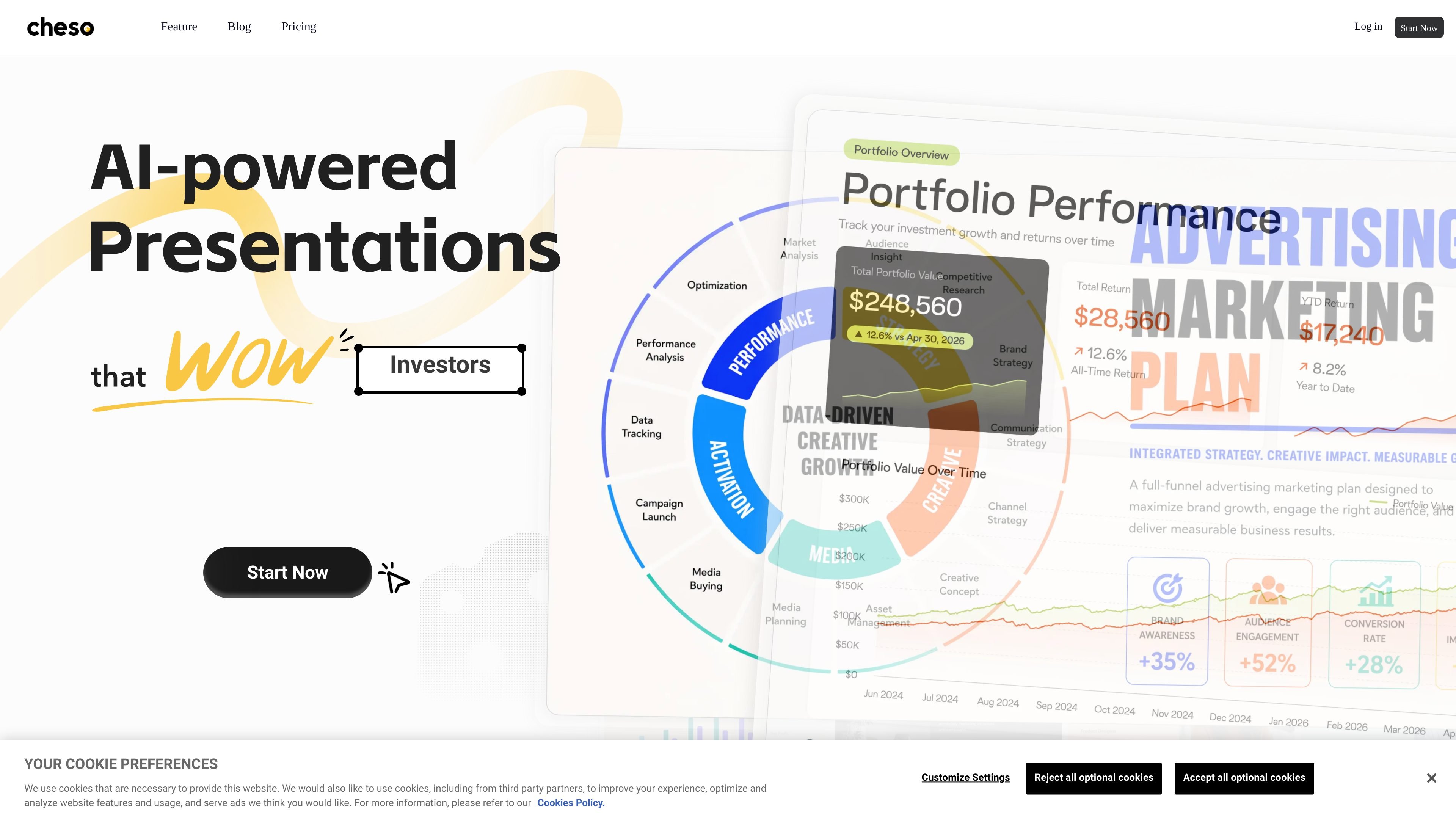
Cheso is an AI-powered presentation tool for turning ideas, files, and research into polished presentation drafts. Its workflow covers research organization, story structure, visual editing, and final delivery rather than only generating slide text.
Users can refine slides and related media in an interactive visual canvas, then present, share, or export the finished deck. The site also lists professional reports, posters, and web pages among its supported outputs, making Cheso relevant when presentation work extends beyond a standard slide deck.
Use existing ideas, files, or research to generate a clear first draft instead of starting with an empty presentation.
Turn research into concise, slide-ready insights and an organized story.
Work on slides through an interactive visual canvas with browsable and clickable presentation elements, including HTML5 content.
Continue refining slides, images, videos, and other presentation components in the editor.
Finalize the deck and make it available as a presentation, shareable file, or export.
Turn scattered notes, source files, or research into a structured first draft for a meeting or presentation.
Build presentations with browsable, clickable, or HTML5 elements when a static sequence of slides is not enough.
Iterate on slide layouts and supporting images or video in one visual editing workflow before delivery.
Prepare professional reports, posters, or web pages when the finished communication format is broader than a slide deck.
Cheso accepts ideas, files, and research as starting material, then helps turn that input into a presentation draft.
You can refine slides and other presentation elements on an interactive visual canvas, then present, share, or export the finished work.
The site describes outputs including presentations, reports, posters, and web pages. It also references interactive HTML5, images, videos, and audio in the editing workflow.
The site lists plans with 21,900 credits for a one-month purchase, 21,900 credits per month on the monthly plan, and 262,800 credits per year on the annual plan. Plan terms and renewal behavior differ by option.

Slidesgo is a presentation template platform for Google Slides, PowerPoint, and selected Canva workflows. It offers free and Premium templates, plus AI-assisted presentation creation and team-friendly access options.

ChatBA is a generative AI product for creating slide decks from prompts. The public site emphasizes instant presentation generation and includes help content for templates, sharing, and data sources.

Napkin AI превращает текст в редактируемые визуалы для презентаций, документов и публикаций. Генерация из текста, совместная работа, экспорт в PPT, PNG, SVG или PDF.

Beautiful.ai is an AI presentation platform for individuals, teams, and enterprises. It helps users create branded slide decks with Smart Slides, collaborative editing, and export options while reducing manual formatting work.

MagicSlides is an AI presentation generator that turns text, topics, documents, URLs, and videos into slide decks. It creates presentations in Google Slides by default and supports PowerPoint export, with multilingual output and AI-assisted editing.

Clipia.ai is an AI image and video generation platform with presentations, an agent workflow, and developer integrations. It helps creators, teams, and developers produce media and decks from prompts, briefs, or source files using a shared credit system.